

Oogie
Crafting the Perfect Aesthetic Flat Lay Product Photo
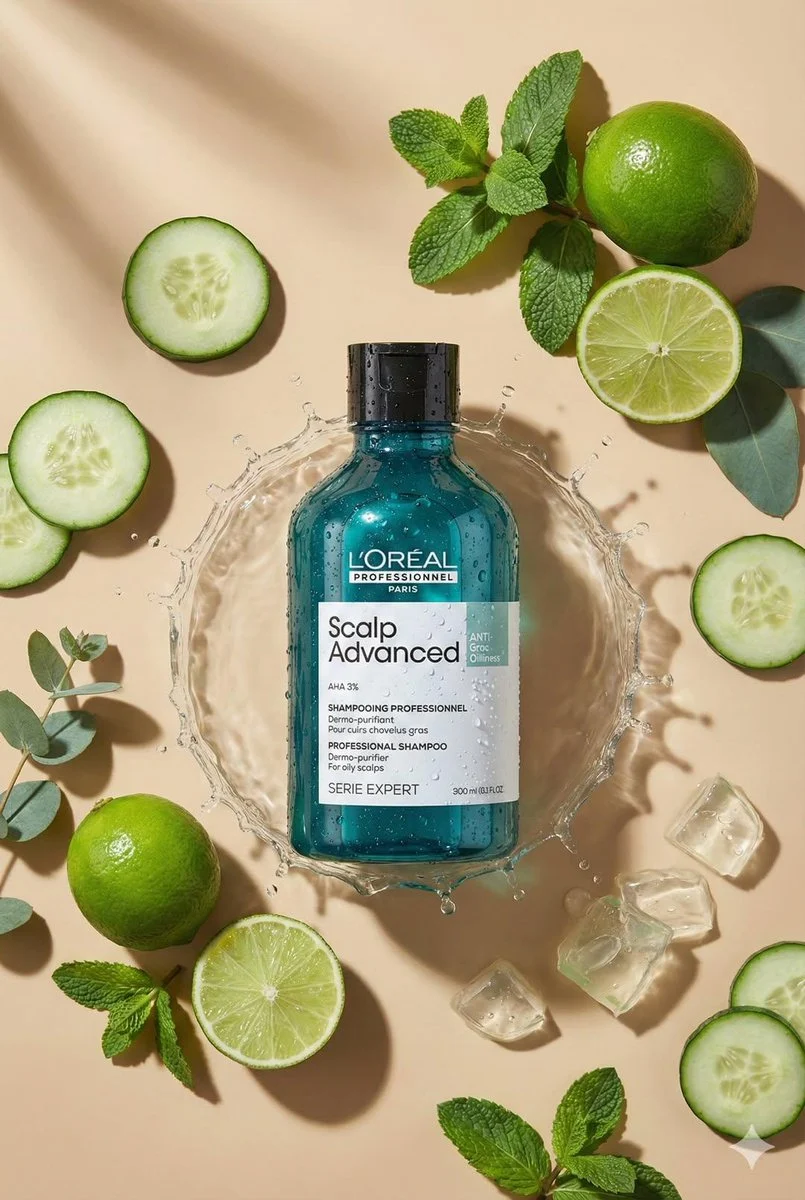
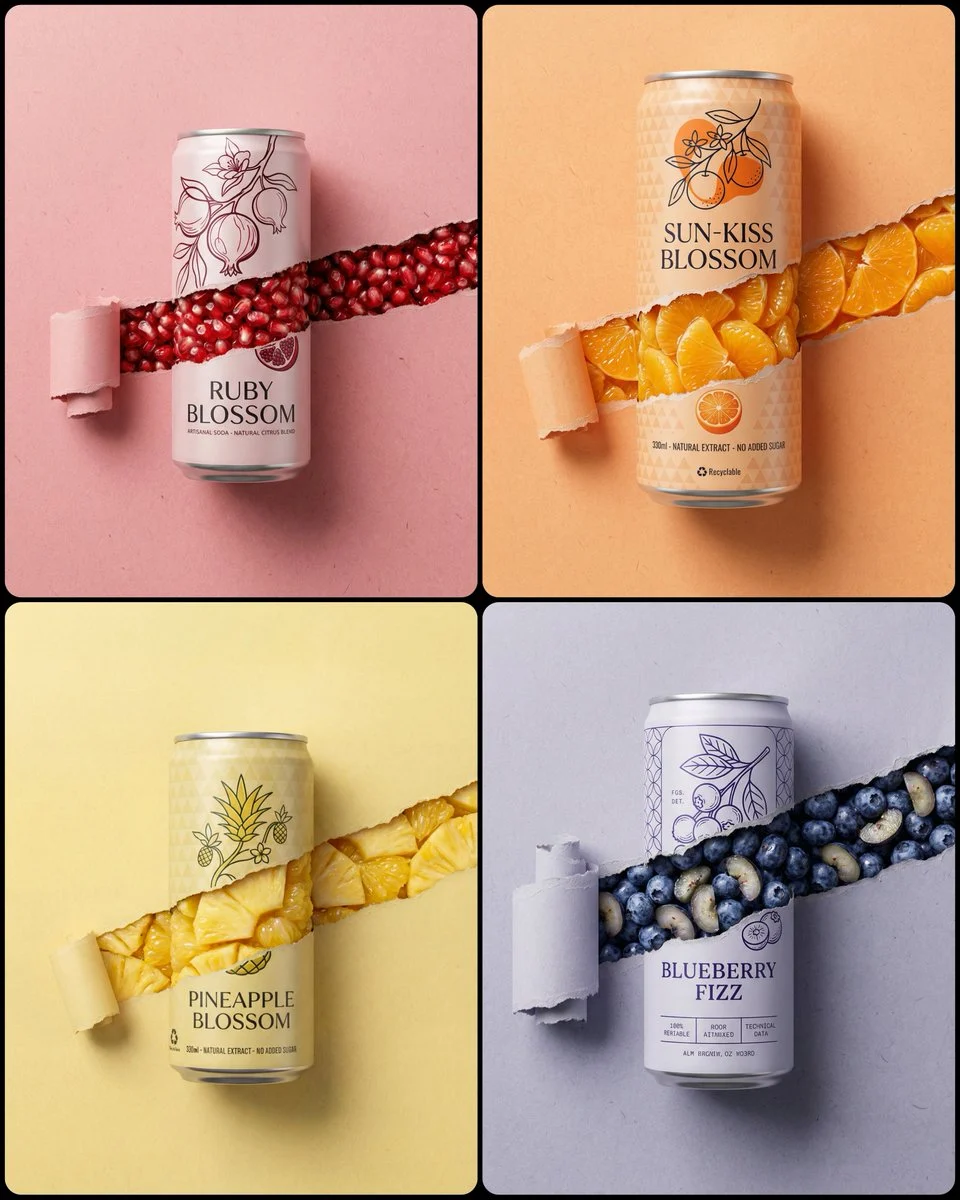
Create top-down flat lay product photo. Use the uploaded product as the main object, centered. Analyze the product type from the photo and automatically choose matching props/ingredients for an aesthe...
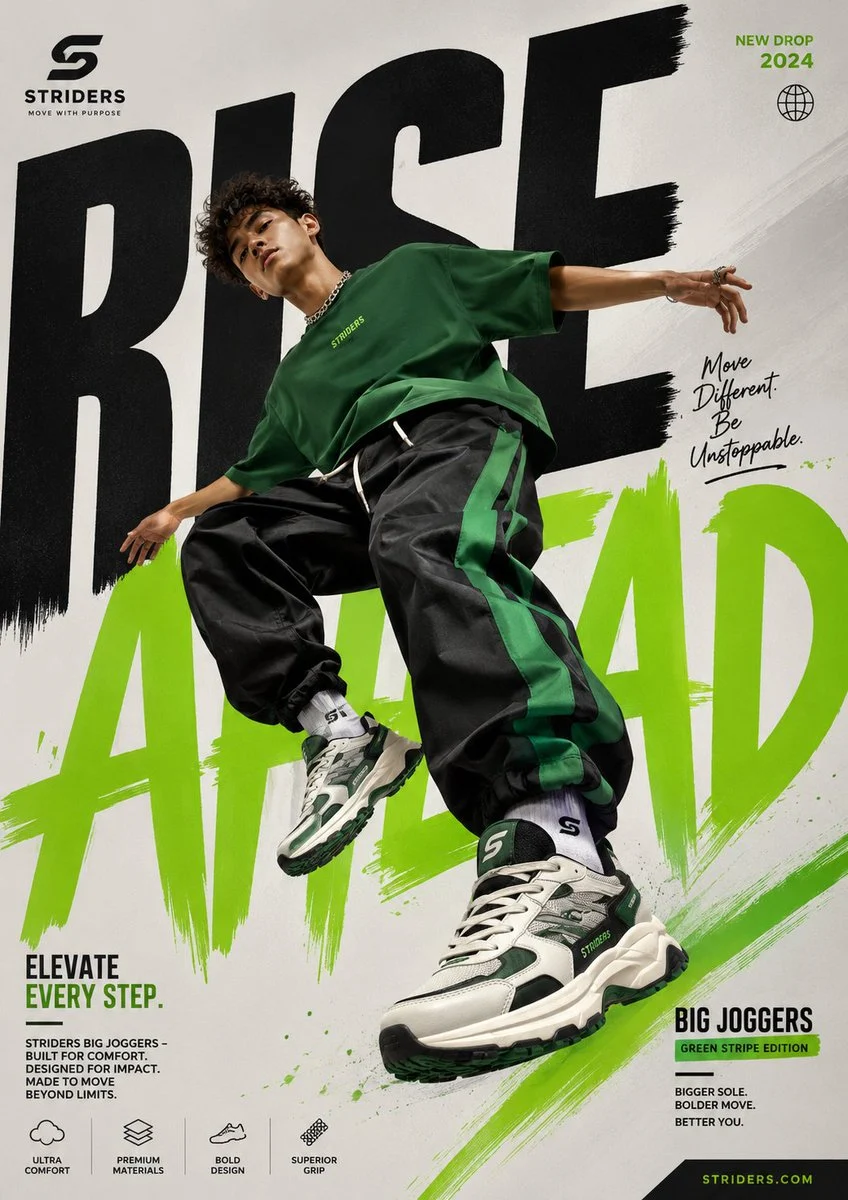



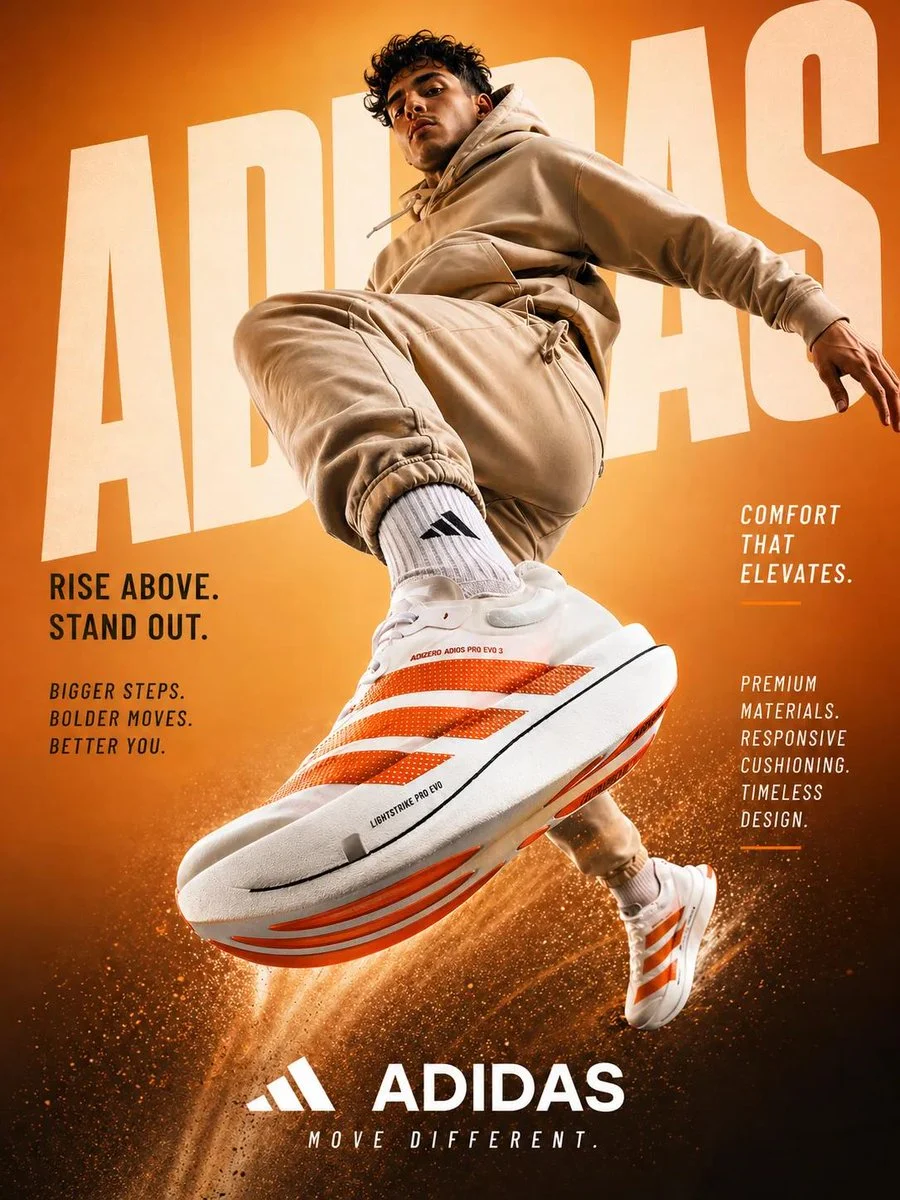

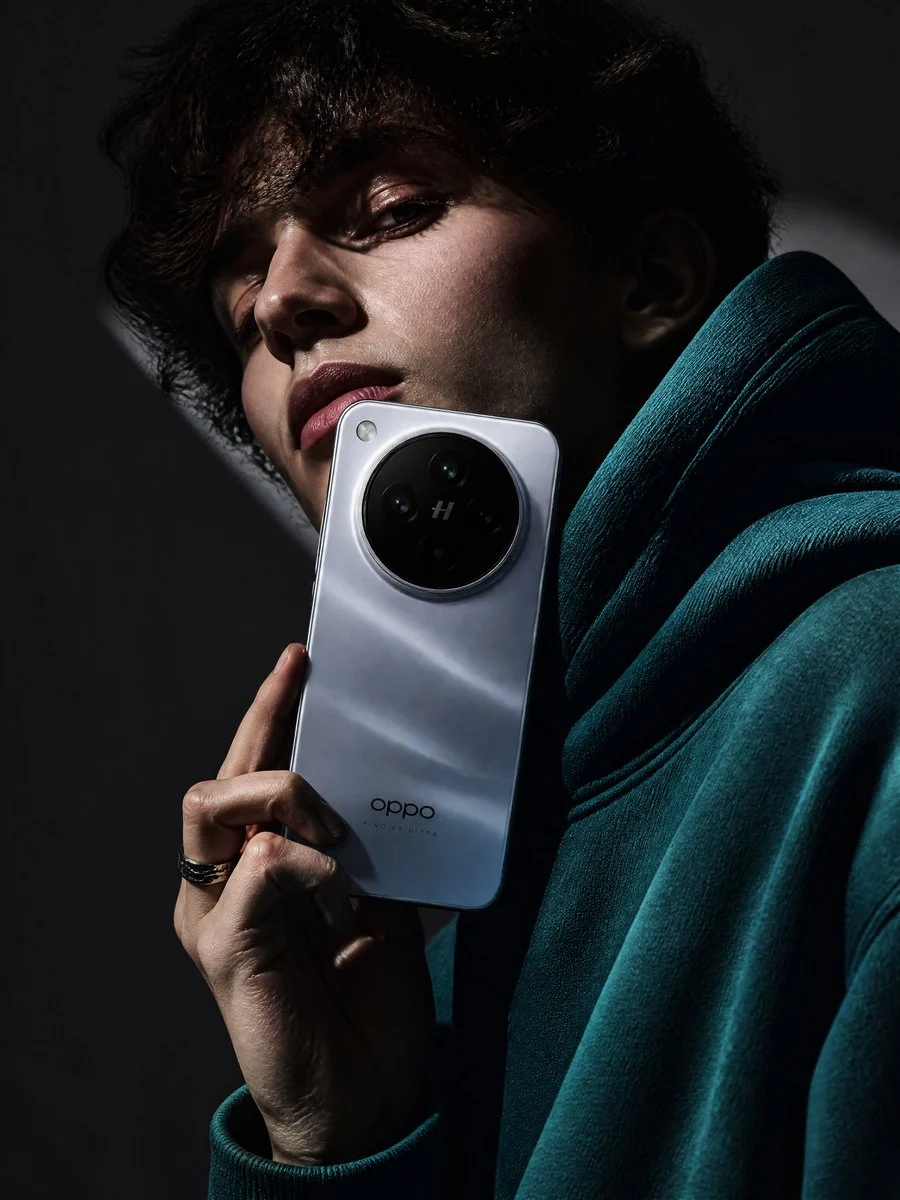





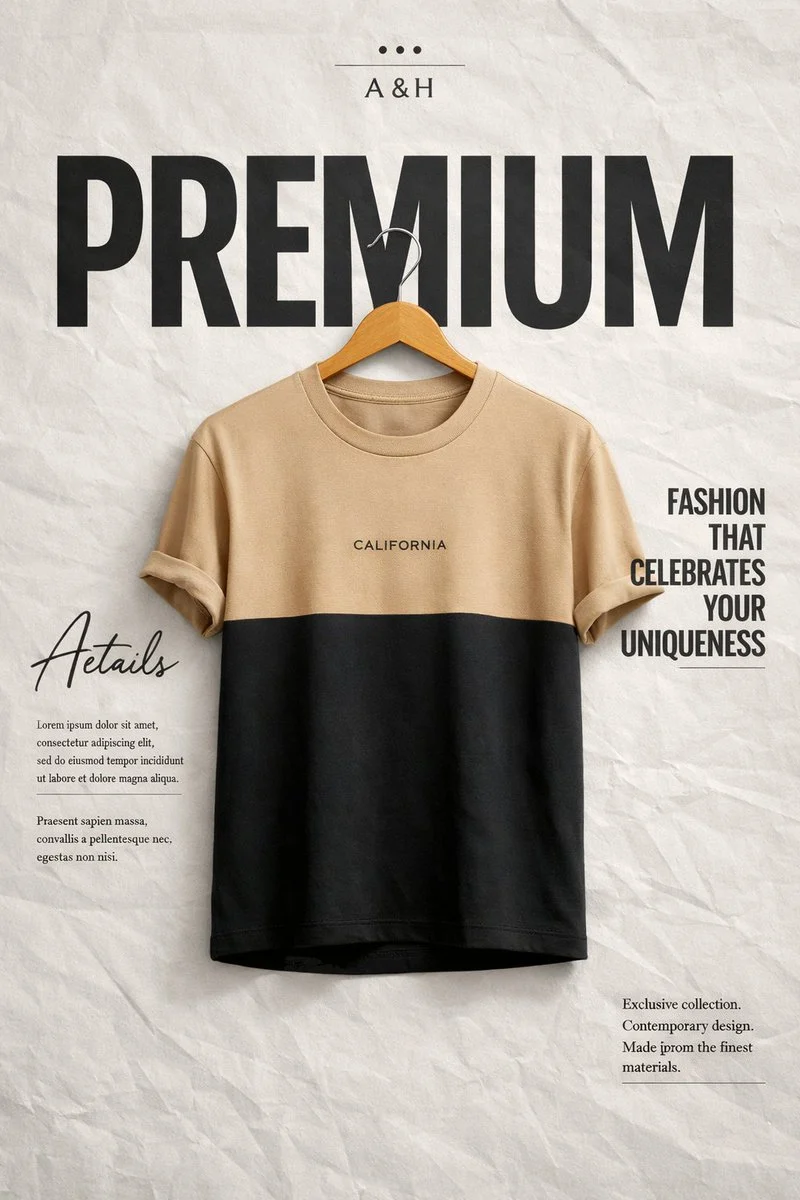
.%20Preserve%20exact%20geometry%2C%20size%2C%20colors%2C%20label%20design%2C%20and%20all%20text%20on%20the%20product%20(no%20changes).%20Warm%20beige%20seamless%20background%2C%20soft%20directional%20sunlight%2C%20crisp%20realistic%20shadow.%20Ultra-realistic%20macro%20product%20photography%2C%20100mm%20lens%20look%2C%20f%2F8%2C%20sharp%20focus%2C%20clean%20composition%2C%20no%20extra%20text%2C%208k%2C%20format%202%3A3.&image=https%3A%2F%2Fcdn.enhanceimage.org%2FEnhanceImage%2Fimgs%2Fprompts%2Ftweets%2F2015992913000595614%2F0.jpg)
Crafting the Perfect Aesthetic Flat Lay Product Photo
In the competitive world of e-commerce and social media, striking visuals are paramount. This prompt is expertly designed to help you generate a captivating aesthetic flat lay product photo, ensuring your products stand out with a premium, curated look. It's an essential tool for brands and marketers seeking high-quality imagery without the complexities of traditional photography setups.
What makes this prompt truly special is its ability to intelligently analyze your uploaded product and automatically select on-brand, minimalist props. The result is a perfectly composed aesthetic flat lay product photo that feels natural, sophisticated, and entirely unique to your item. Achieve consistent, beautiful product shots that resonate with your audience and drive engagement.
Whether you're launching a new product line or refreshing your online store, mastering the aesthetic flat lay product photo is key. This prompt, powered by the advanced Nanobanana Pro model, simplifies the process, delivering ultra-realistic, crisp images that maintain your product's exact details—from geometry and size to label design and text.
When to Use This Prompt
E-commerce Product Listings
Create clean, appealing aesthetic flat lay product photos for online stores like Shopify, Etsy, or Amazon, showcasing products in a premium light.
Social Media Marketing
Generate scroll-stopping content for Instagram, Pinterest, and Facebook that highlights your products with an elegant aesthetic flat lay style.
How to Use This Prompt
Upload Your Product Image
Start by uploading a clear image of the product you want to feature. The AI will use this as the central object for your aesthetic flat lay product photo.
Generate Your Image
Click 'Generate' and let the Nanobanana Pro model do the work. It will automatically compose an aesthetic flat lay product photo with matching props and lighting.
Review and Refine
Examine the generated aesthetic flat lay product photo. If needed, use the customization tips to adjust elements like background, props, or lighting.
Customization Tips
Vary Background Colors
Experiment with different seamless background colors beyond warm beige, such as soft grey, light blue, or even a subtle texture, to match your brand's palette for your aesthetic flat lay product photo.
Suggest Specific Props
If you have a particular vision, add phrases like 'with coffee beans' or 'surrounded by fresh herbs' to guide the AI's prop selection for your aesthetic flat lay product photo.
Adjust Lighting Mood
Instead of 'soft directional sunlight,' try 'diffused studio lighting,' 'moody shadow play,' or 'bright, even illumination' to alter the ambiance of your aesthetic flat lay product photo.
Change Lens Look
Modify '100mm lens look' to '50mm lens look' for a wider perspective or 'macro close-up' for extreme detail in your aesthetic flat lay product photo.