
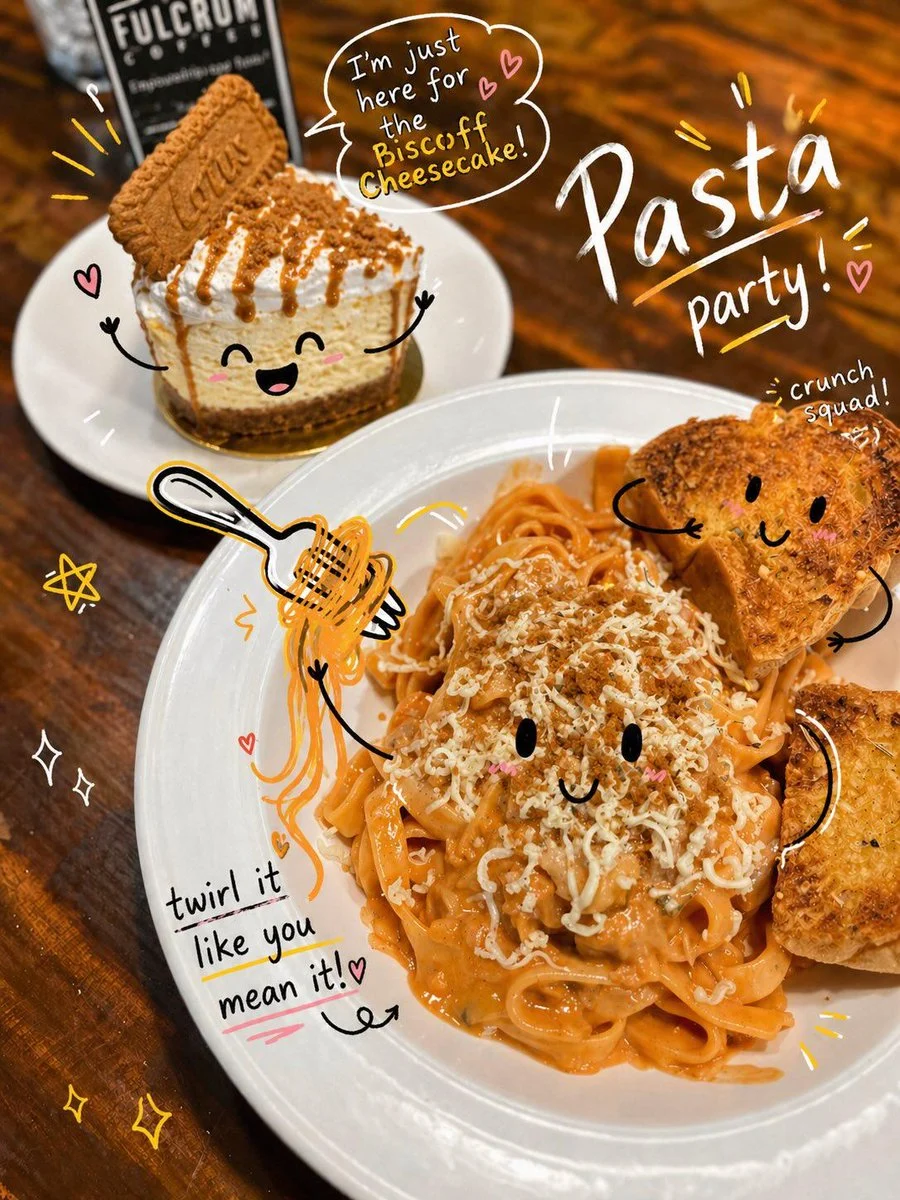

Oogie
Unleash Creativity with Interactive Doodle Photo Overlays
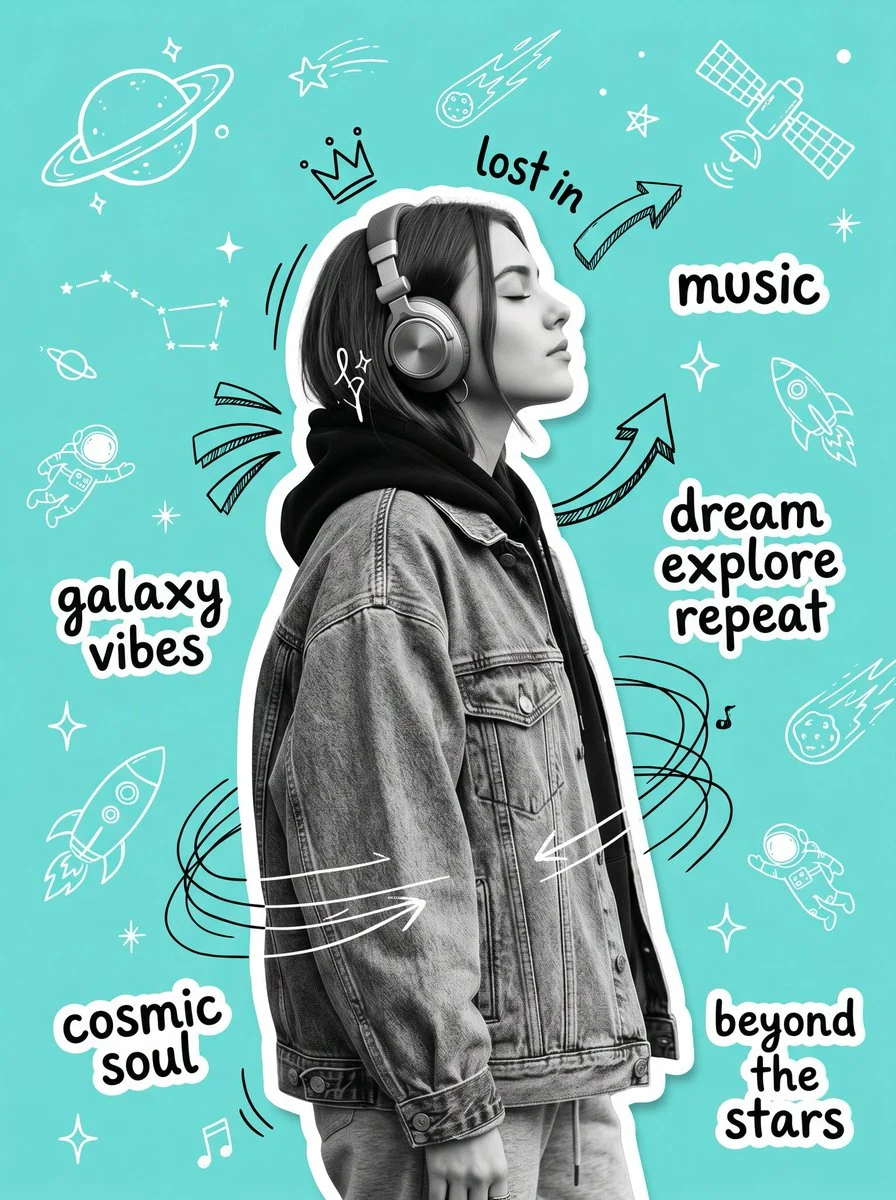
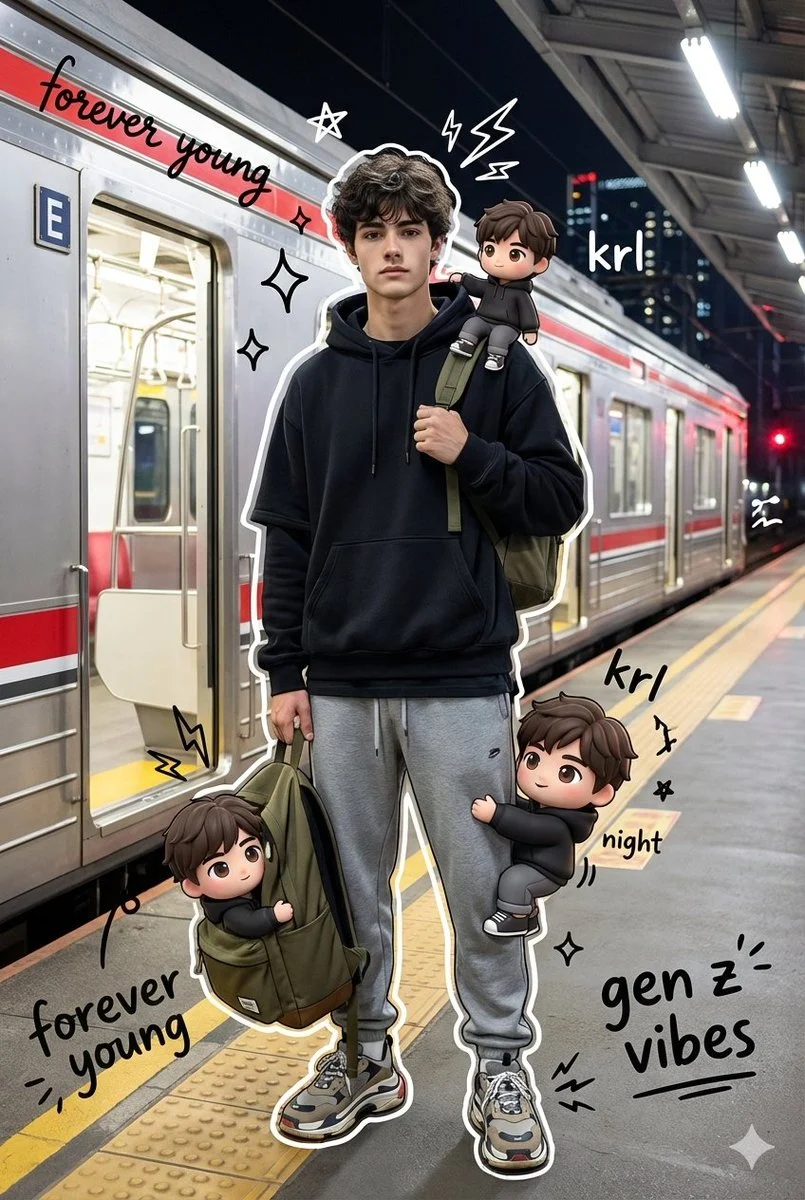
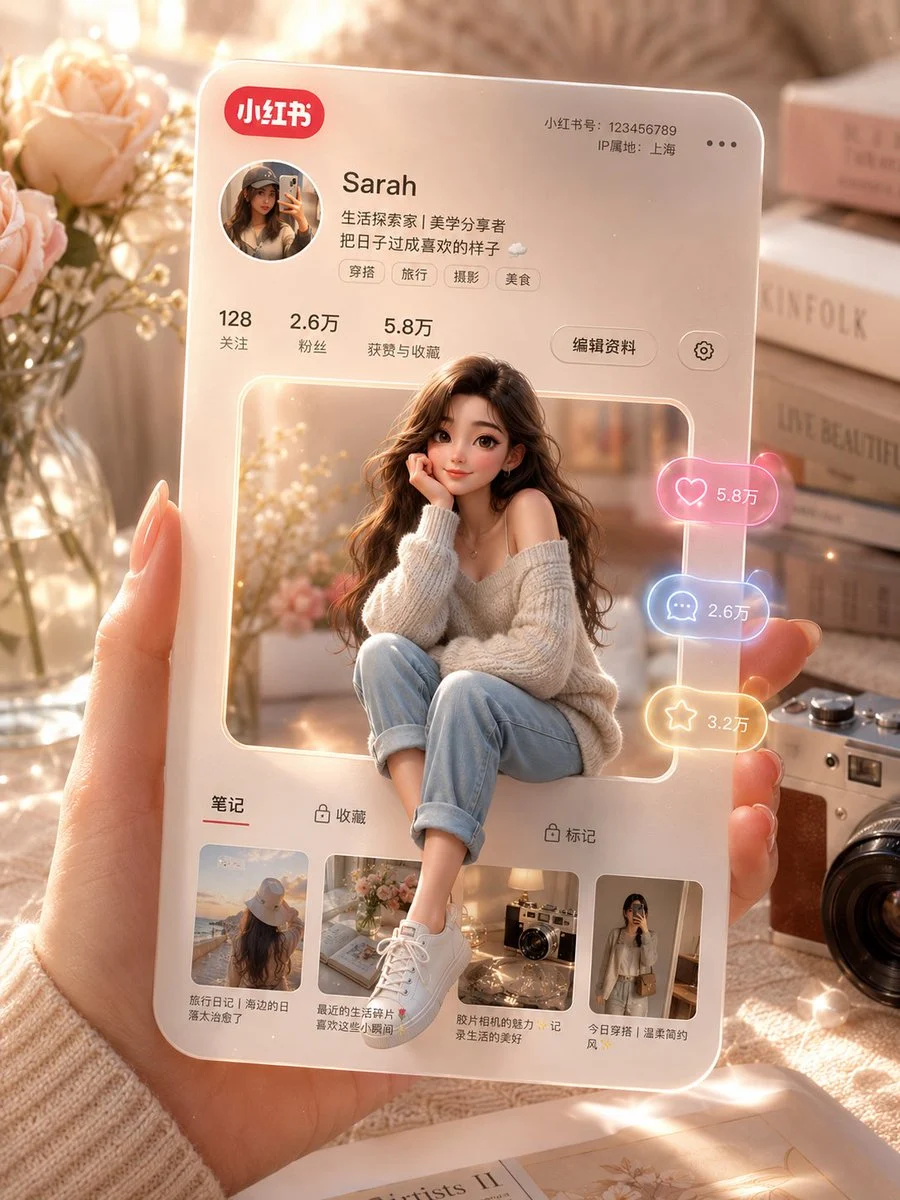
Analyze the uploaded image and preserve the original subject, composition, and lighting. Do not alter the identity or structure of the main subject. Add playful, hand-drawn doodles that interact direc...
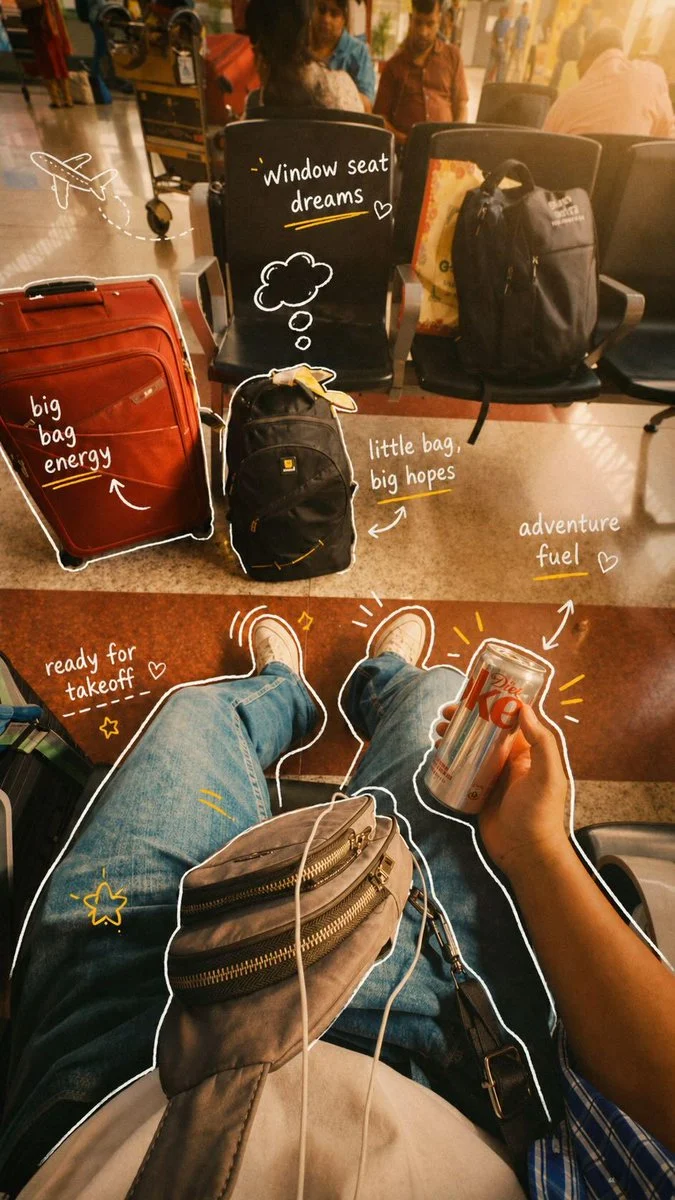


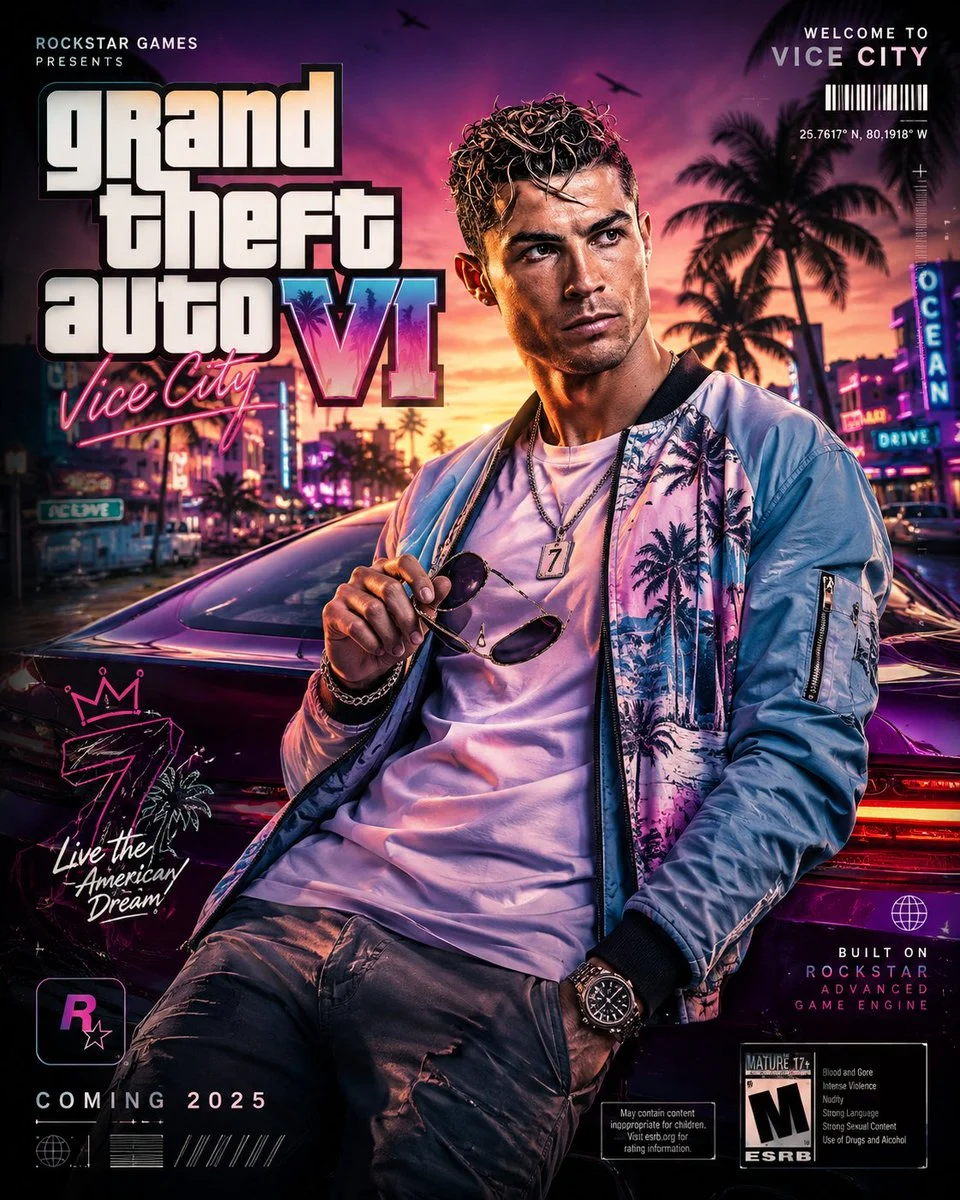

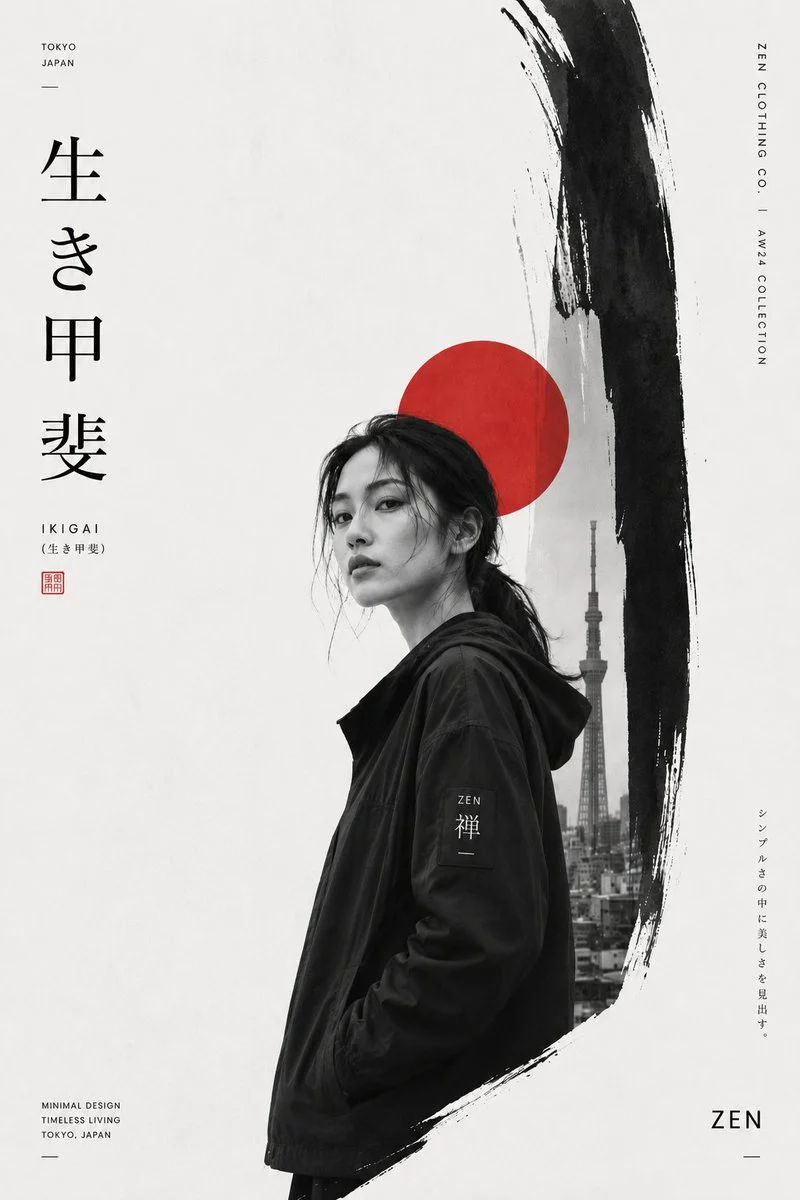







Unleash Creativity with Interactive Doodle Photo Overlays
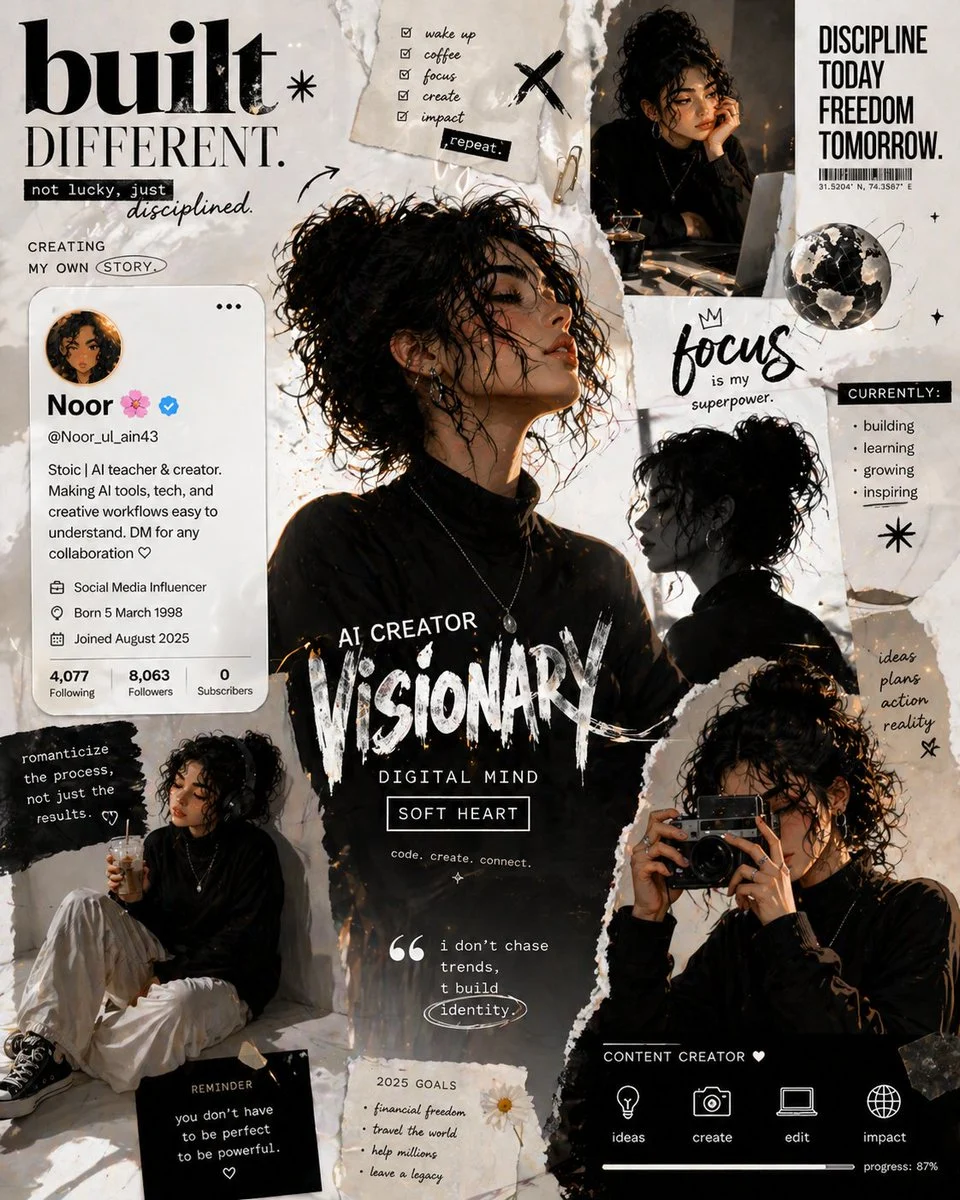
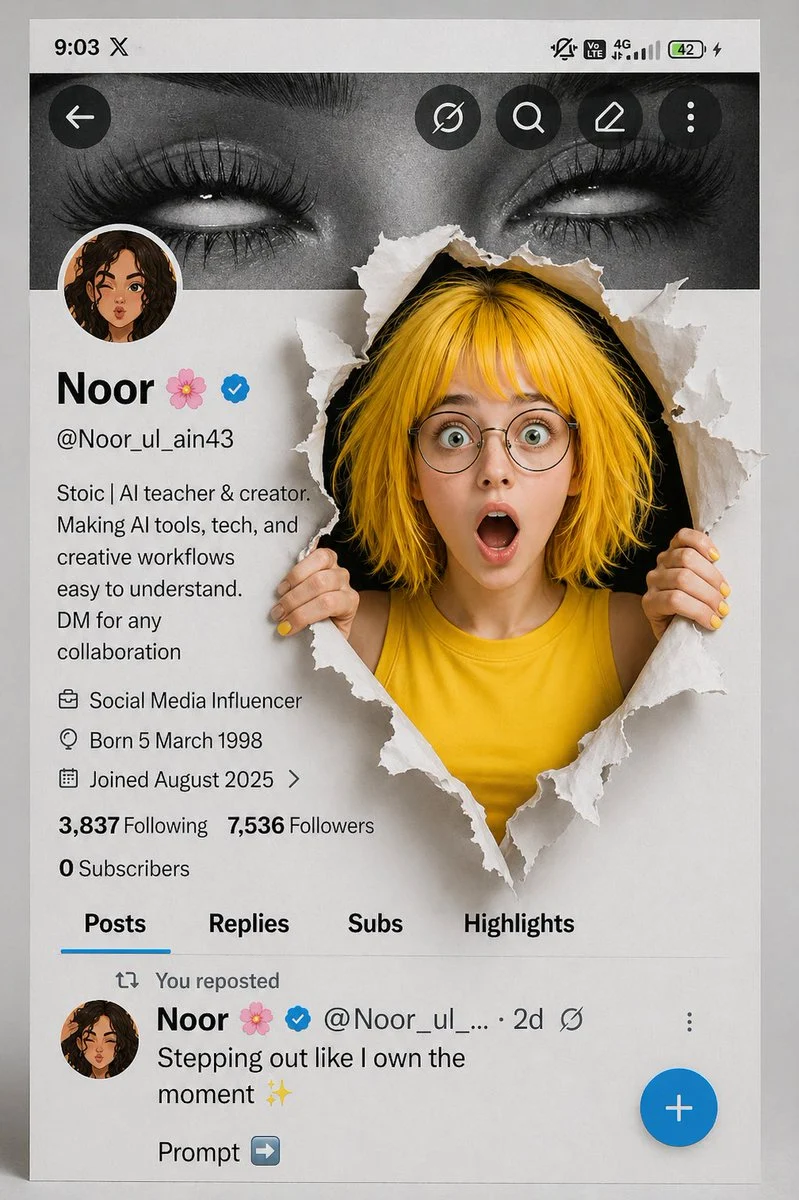
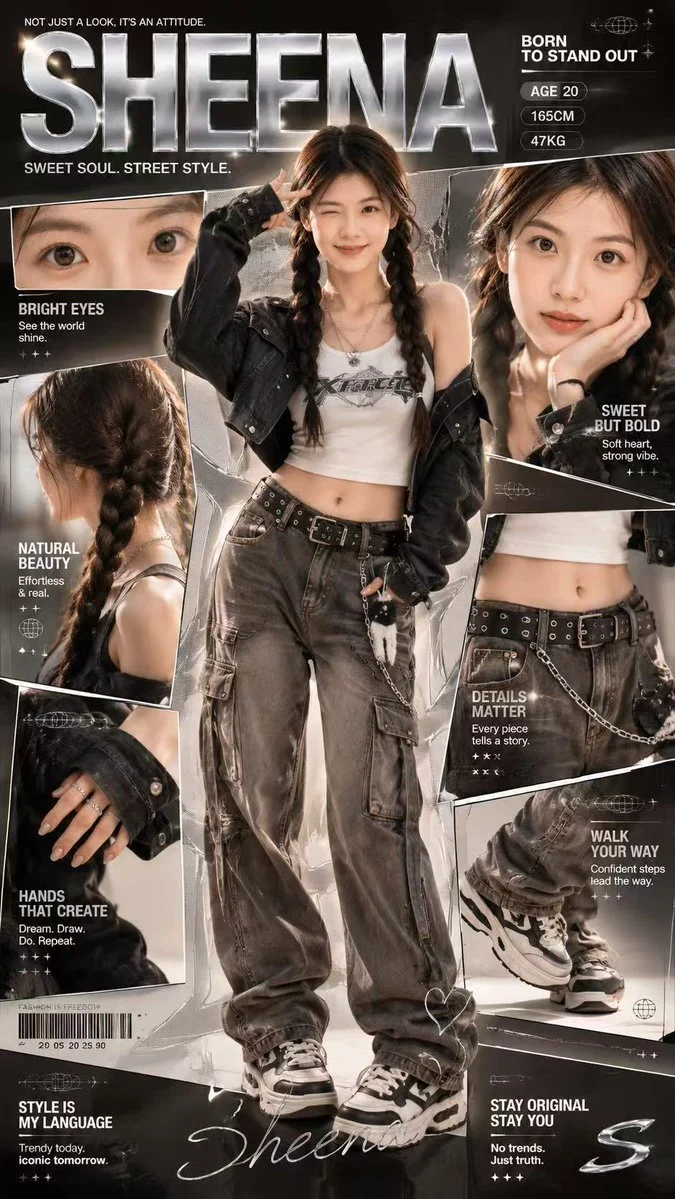
Welcome to EnhanceImage, where creativity meets AI! This unique prompt, generated by GPT Image (ChatGPT), falls under our 'Posters & Visuals' category and is designed to bring a dynamic, hand-drawn aesthetic to your existing images. Imagine your favorite photos coming to life with whimsical sketches that interact directly with the subject – that's the magic of an interactive doodle photo overlay.
This powerful prompt allows you to preserve the integrity of your original image while infusing it with a spontaneous, artistic flair. It's perfect for anyone looking to add personality, humor, or a touch of artistic expression to their visuals without needing any drawing skills. Get ready to explore the exciting possibilities of an interactive doodle photo overlay, making your images truly stand out.
When to Use This Prompt
Social Media Engagement
Boost likes and shares by adding eye-catching, shareable interactive doodle photo overlay elements to your photos for platforms like Instagram, TikTok, and Facebook.
Personalized Greetings & Invitations
Create unique birthday cards, event invitations, or announcements with a custom, hand-drawn feel using an interactive doodle photo overlay.
Creative Storytelling
Use doodles to emphasize emotions, actions, or narratives within your photos, adding an extra layer of visual storytelling.
Digital Art & Posters
Transform ordinary photos into vibrant digital posters or unique art pieces suitable for printing or online display, featuring a striking interactive doodle photo overlay.
How to Use This Prompt
Upload Your Image
Start by selecting the image you wish to enhance within the GPT Image (ChatGPT) interface.
Apply the Prompt
Input the provided prompt to instruct the AI to generate an interactive doodle photo overlay.
Review and Refine
Examine the generated image. If needed, make minor adjustments to the prompt to fine-tune the doodle style or interaction.
Download Your Masterpiece
Once satisfied, download your newly enhanced image with its unique interactive doodle photo overlay.
Customization Tips
Vary Doodle Style
Experiment with adjectives like 'bold lines,' 'thin strokes,' 'watercolor feel,' or 'graffiti style' to alter the interactive doodle photo overlay aesthetic.
Control Text Mood
Specify the tone of the handwritten text, e.g., 'humorous text,' 'inspirational phrases,' or 'playful captions,' to match your image's theme.
Focus Interaction
Add details about *how* the doodles should interact, e.g., 'doodles highlighting the subject's smile' or 'motion lines emphasizing movement,' for a more specific interactive doodle photo overlay.
Adjust Color Palette
Request specific doodle colors like 'monochromatic doodles,' 'pastel colors,' or 'bright, contrasting hues' to complement your photo.