 Enhance Image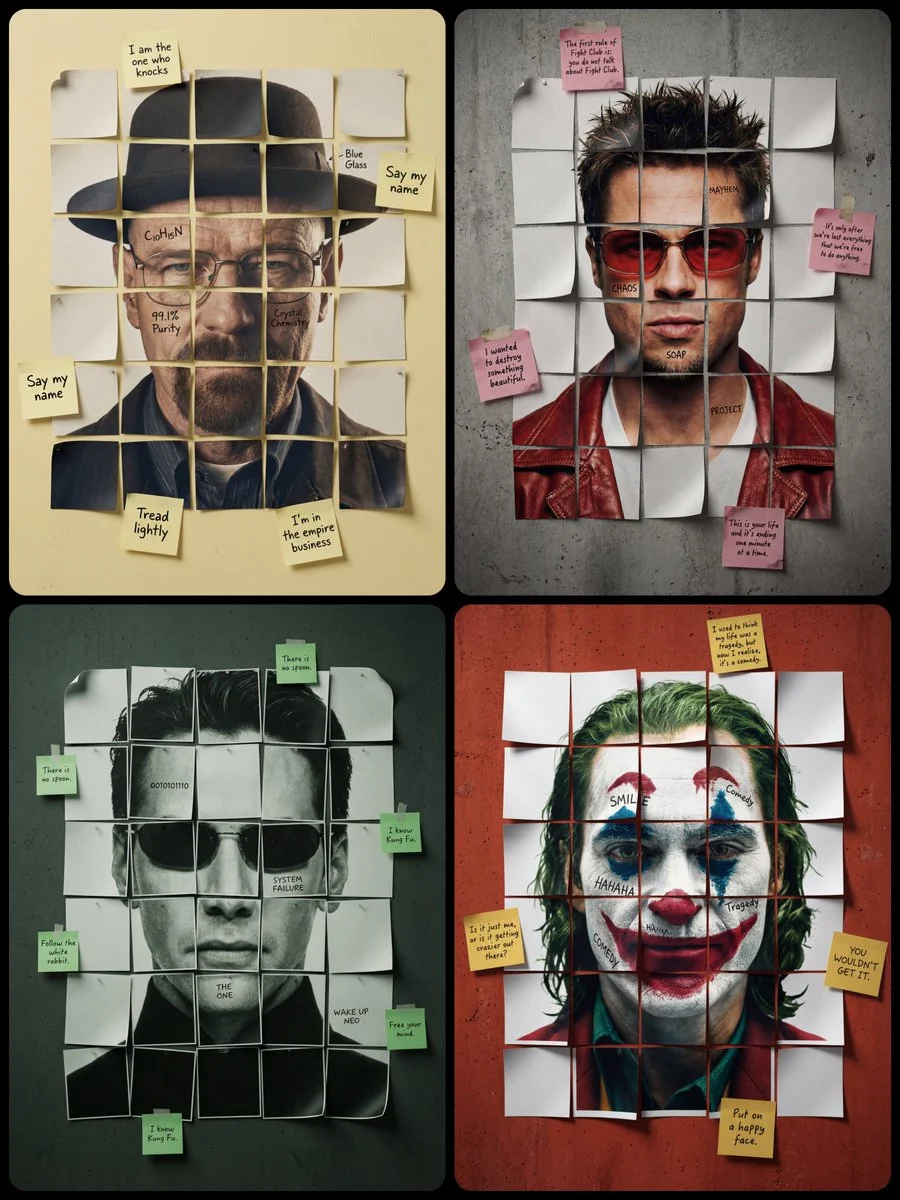

ΛRMIN | AI
Generate Your Own Paper Mosaic Character Portrait Poster
A minimalist cinematic colored poster featuring a [Character Name]’s portrait from shoulders to the top of the head. The face is reconstructed using a small number of large, square-cut paper fragments...




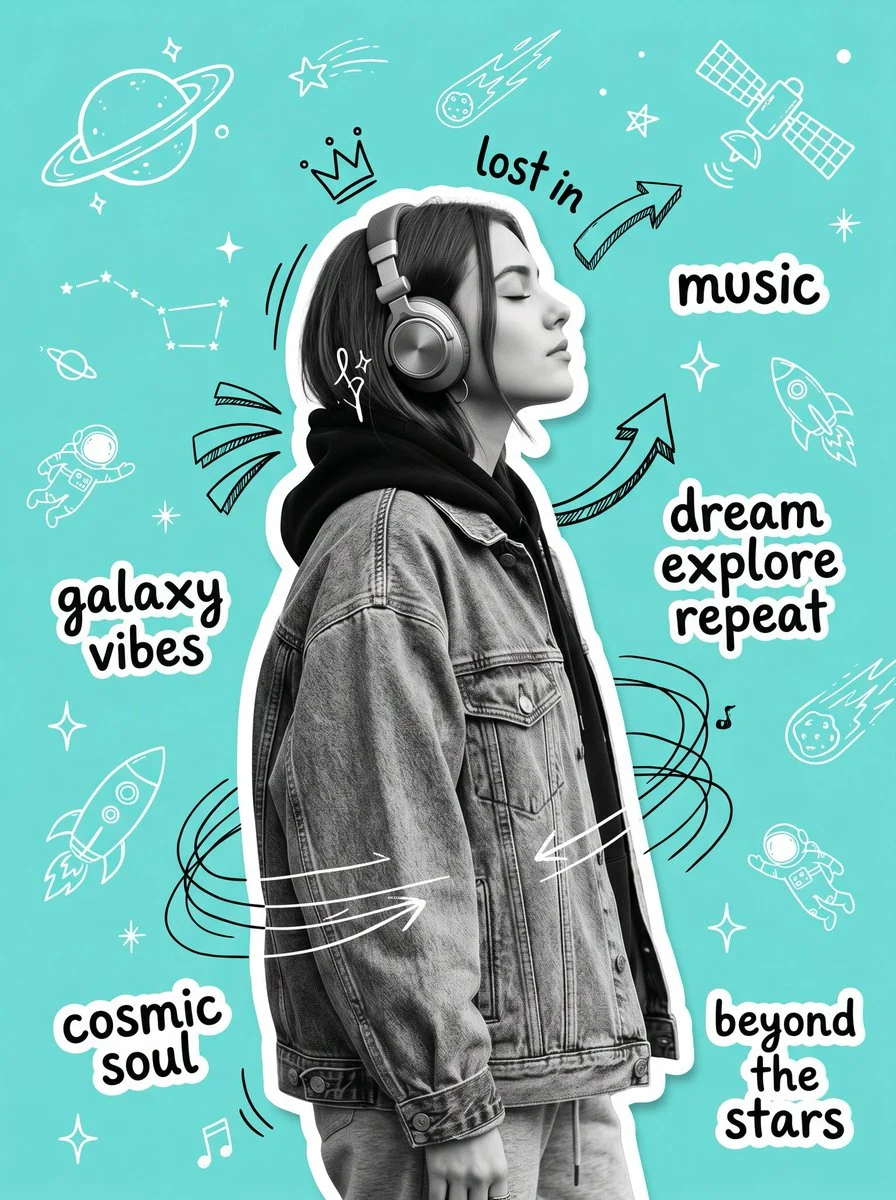

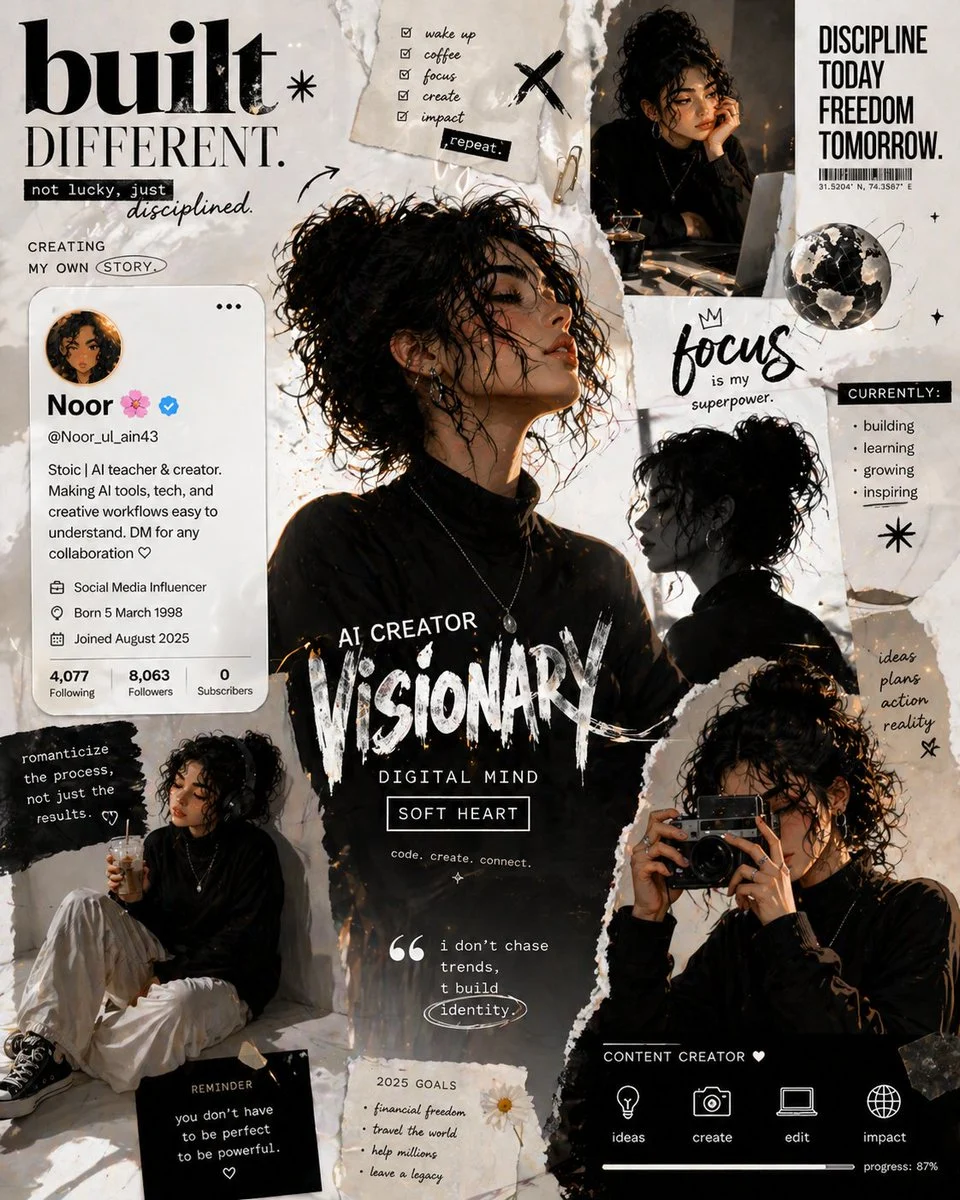

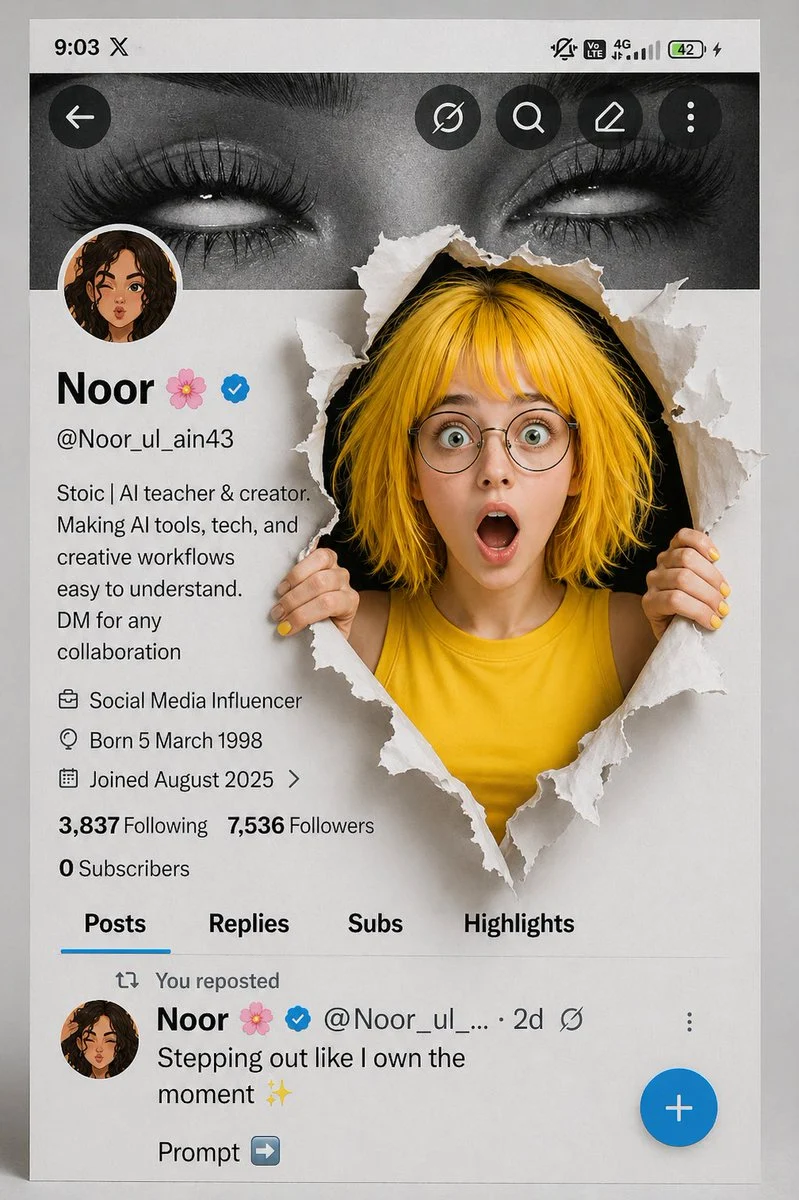
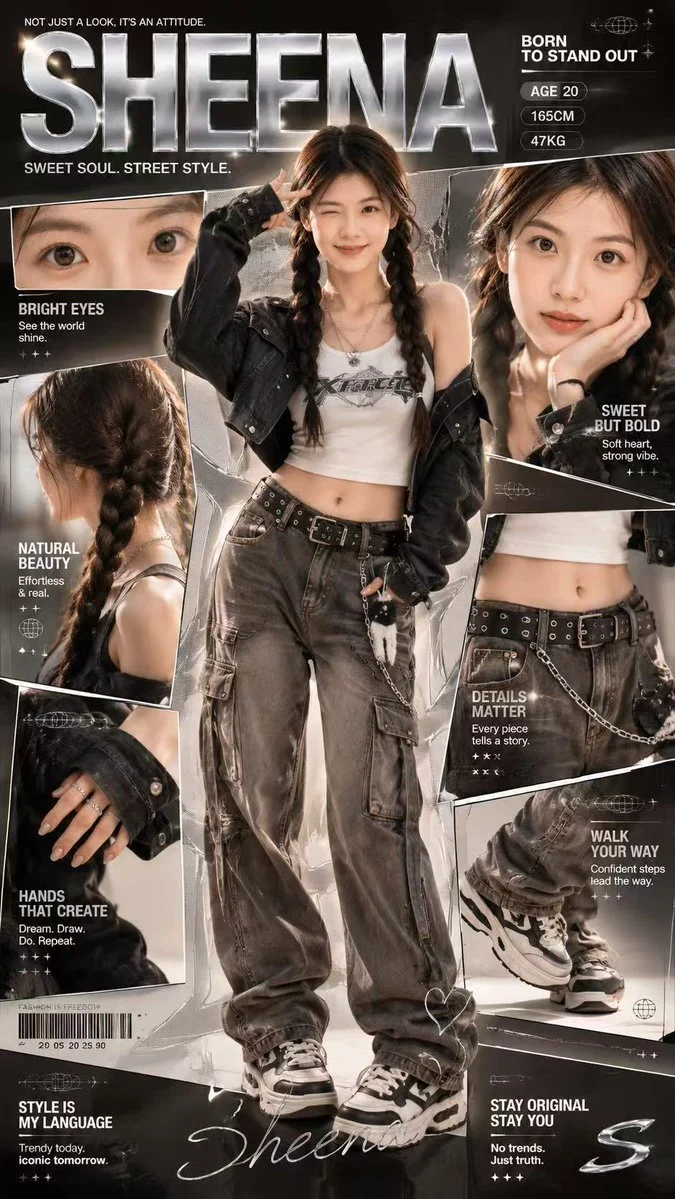



%2C%20several%20[Sticky%20Note%20Color]%20sticky%20notes%20are%20attached%20to%20the%20[Color]%20wall%2C%20containing%20handwritten%20[External%20Text%20Content%2C%20e.g.%2C%20iconic%20quotes].%20The%20overall%20layout%20is%20slightly%20irregular%20with%20visible%20gaps%20between%20the%20pieces%20showing%20[Color]%20concrete%20wall%20background.%20Realistic%20paper%20texture%20throughout%2C%20high-end%20studio%20lighting%20emphasizing%20the%20lifted%20edges%2C%20sharp%20focus%20on%20ink%20and%20paper%20grain.&image=https%3A%2F%2Fcdn.enhanceimage.org%2FEnhanceImage%2Fimgs%2Fprompts%2Ftweets%2F2019338808009920744%2F0.jpg)
Generate Your Own Paper Mosaic Character Portrait Poster
Unleash your creativity and design truly unique artwork with our advanced AI prompt, tailored to create captivating paper mosaic character portrait posters. This prompt leverages the power of the Nanobanana Pro model to transform your vision into a stunning visual masterpiece, combining the charm of handmade crafts with digital precision. Imagine a character's face, meticulously reconstructed from individual paper squares, each piece casting tiny, realistic shadows that give the portrait a tactile, three-dimensional depth.
This style is perfect for those looking to create a distinctive aesthetic, blending minimalist design with intricate detail. Whether you're a graphic designer, an artist, or just someone looking for a unique piece of art, mastering the paper mosaic character portrait poster technique opens up a world of possibilities. Explore the subtle textures, the interplay of light and shadow, and the unique storytelling potential embedded in each fragmented piece of the portrait.
When to Use This Prompt
Personalized Wall Art
Create bespoke paper mosaic character portrait posters featuring loved ones, fictional characters, or even pets for a truly unique decorative piece.
Event & Concert Posters
Design eye-catching posters for events, bands, or theatrical productions, using this distinct paper mosaic character portrait poster style to stand out.
Book & Album Covers
Develop compelling and artistic covers that capture attention and convey the essence of a story or music album with a unique visual flair.
Social Media & Marketing Visuals
Generate unique graphics for campaigns, profiles, or promotional materials that leave a lasting impression on your audience.
How to Use This Prompt
Define Your Character
Start by specifying the 'Character Name' in the prompt. Be as descriptive as possible to guide the AI.
Customize Text Elements
Replace '[text1, text2, text3, text4]' and '[External Text Content]' with desired words, quotes, or phrases to personalize your paper mosaic character portrait poster.
Choose Colors & Textures
Experiment with '[Sticky Note Color]' and '[Color]' for the wall background to match your aesthetic. Consider how different colors interact.
Adjust Fragment Details
Modify the grid size (e.g., 'around 4x5 or 5x6 pieces') to control the level of fragmentation in your paper mosaic character portrait poster.
Customization Tips
Vary Paper Texture
While 'realistic paper texture' is default, try adding 'glossy', 'matte', or 'recycled paper' to the prompt for different tactile feels.
Experiment with Lighting
Change 'high-end studio lighting' to 'dramatic backlighting', 'soft natural light', or 'neon glow' to alter the mood and shadow play.
Add Background Details
Instead of '[Color] concrete wall', try 'distressed wooden panel', 'faded wallpaper', or 'abstract watercolor wash' for varied backdrops.
Incorporate Specific Emotions
Describe the character's emotion (e.g., 'pensive expression', 'joyful smile') to guide the AI in rendering the facial fragments more expressively.