Enhance ImageEnhance Image
AI Image Upscaler

AI Image Upscaler to Increase Resolution Online

Upscale image online free with our AI image upscaler. Increase image resolution, reduce pixelation, sharpen low-resolution photos, and create cleaner high-resolution results for product images, screenshots, social media, print, and digital content.

Upload Your ImageBatch Mode (Max 10)

Upload Your Image

Drop image here or click to upload

Sharpen fine textures and small details.

Improve overall realism for AI-generated images.

Cost2 credits

Enhance Image

AI Image Upscaler to Increase Resolution Online

Upscale image files, increase resolution, and reduce pixelation in seconds. Best for low-resolution photos, small images, screenshots, product pictures, and digital visuals that need a cleaner HD result.

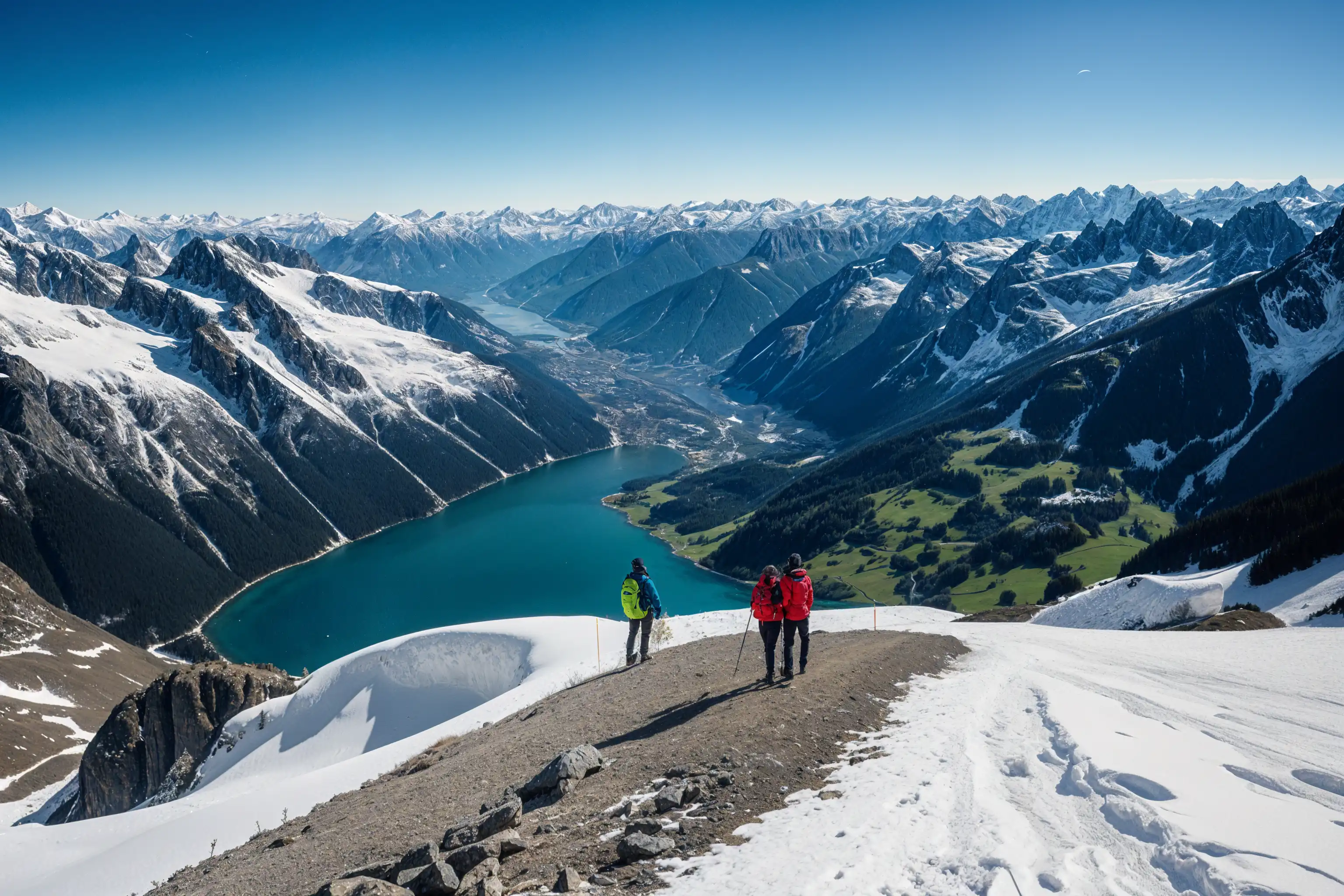
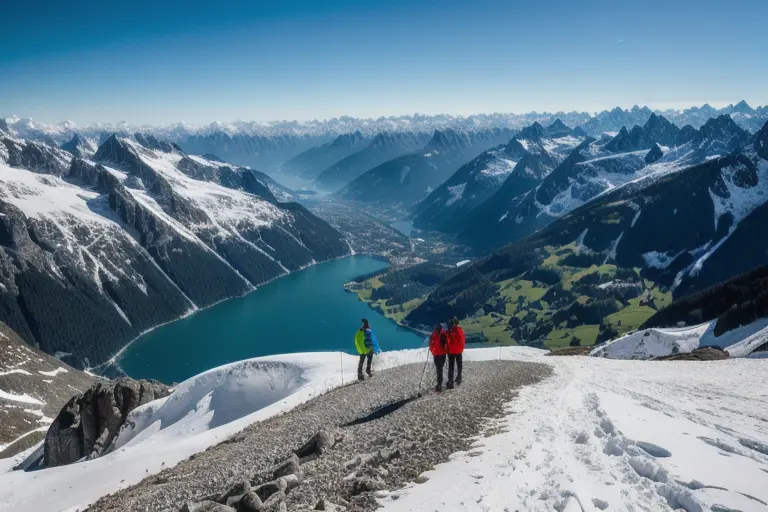
After
Before
Original ImageEnhanced

What Is an AI Image Upscaler?

An AI image upscaler increases image resolution while preserving cleaner details than ordinary resizing tools. It is best for images that are too small, low-resolution, or visibly pixelated and need a larger, sharper final output.

  • Increase Resolution with AI
    Upscale image files and turn small or low-resolution images into cleaner, sharper outputs for real-world use.
  • Reduce Pixelation and Rough Edges
    Improve soft, pixelated, or compressed-looking images with stronger edge definition and better visual clarity.
  • Create Larger Usable Outputs
    Prepare images for ecommerce, design, marketing, social sharing, and print workflows that need more size and cleaner detail.

Why Use Our AI Image Upscaler?

This workflow is built for users who need bigger, cleaner image output — not just a small visual touch-up.

Cleaner High-Resolution Results

Increase image resolution and create sharper files with fewer visible artifacts than ordinary resize tools.

Fast Online Upscaling

Upload, process, preview, and download in minutes with no complicated desktop workflow or manual editing.

Built for Low-Resolution Image Problems

Ideal for small product images, screenshots, AI-generated pictures, old web graphics, and other files that need a larger cleaner output.

How to Upscale Image Online in 4 Steps

Use our AI image upscaler in four simple steps:

1

Upload Your Image

Upload the image you want to upscale. Supports JPG, PNG, WEBP, and other common formats.

2

Choose the Output Goal

Use this page when your image is too small, low-resolution, or needs a cleaner larger result.

3

Let AI Upscale the Image

Our AI reconstructs detail, improves edges, reduces visible pixelation, and increases usable resolution automatically.

4

Preview and Download

Preview the improved result first, then download a larger cleaner image for ecommerce, print, social media, or digital use.

What This AI Image Upscaler Improves

Focused tools for low-resolution, pixelated, or undersized images.

Higher Resolution Output

Increase image size and prepare files for cleaner display on larger screens, marketplaces, and print surfaces.

Pixelation Cleanup

Reduce blockiness and rough low-resolution artifacts for a smoother, more usable image.

Detail Preservation

Keep subject edges and small details as natural as possible while increasing usable resolution.

Balanced Contrast and Color

Maintain strong visual clarity and cleaner contrast while preparing images for larger output.

Better Results After Unblur

If the source image is noticeably blurry, use our unblur tool first for a cleaner source before upscaling.

Up to 4x Upscaling

Increase usable image resolution up to 4x depending on the source image and selected workflow.

15M+
Images Upscaled
Successfully
75K+
Active Users
Worldwide
4x
Resolution Increase
Up to

AI Image Upscaler Success Stories

See how users turn low-resolution images into cleaner, sharper outputs.

"This upscaler helps me create cleaner large-format results from smaller source files, especially for quick client revisions and digital previews."

J
Jennifer Park
Professional Photographer

"We use it to increase image resolution for product listings and campaigns. Cleaner product visuals make a real difference."

M
Michael Zhang
E-commerce Director

"It is a fast way to create sharper, larger images for presentations, mockups, and visual assets that would otherwise feel too soft or too small."

S
Sarah Williams
Graphic Designer

"We use it when customers need bigger cleaner files for print-oriented jobs and display materials."

R
Robert Kim
Print Shop Owner

AI Image Upscaler Questions Answered

Learn when to use the image upscaler and what kind of results to expect.

Start Upscaling Images with AI Today

Try the AI image upscaler free, then upgrade when you need higher-resolution downloads, more credits, or repeated professional use.