 Enhance Image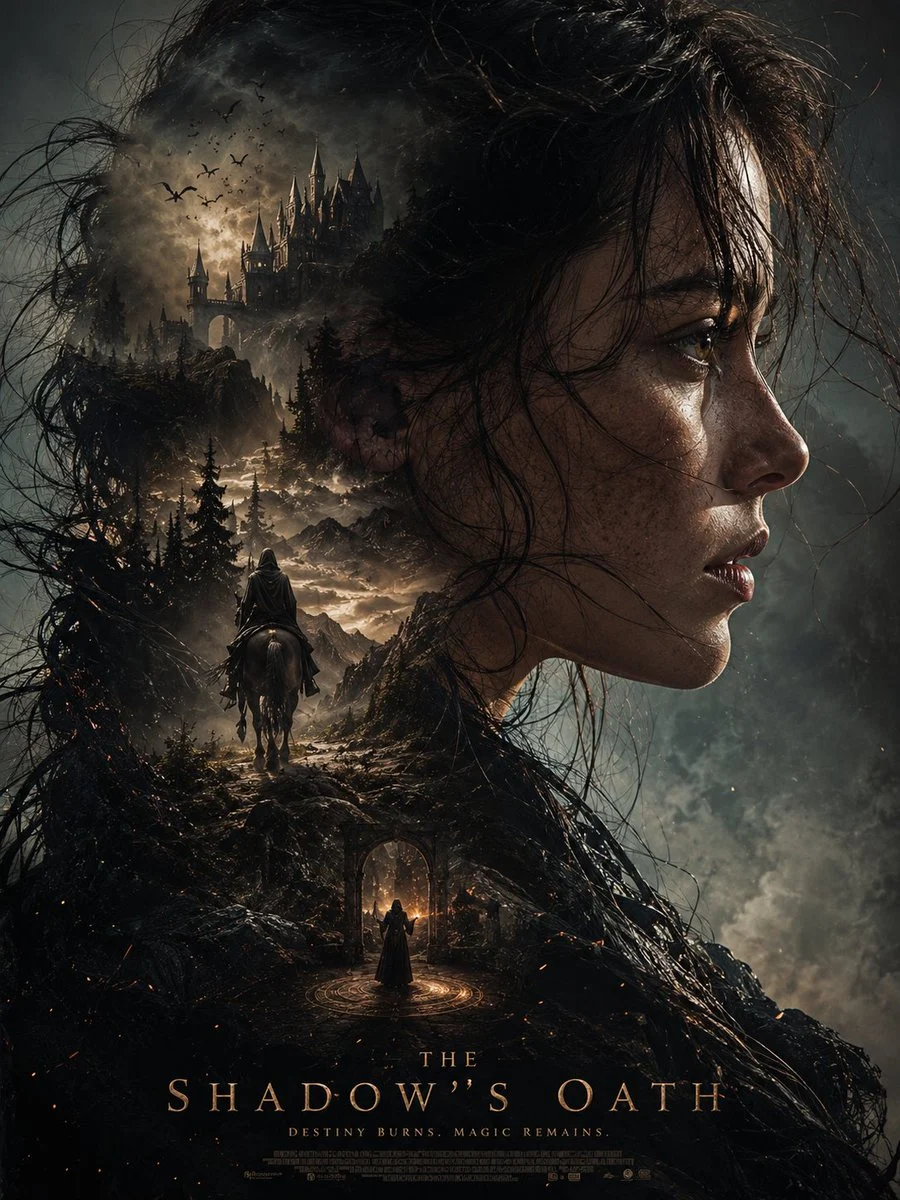

Zyrella
Mastering the Dark Fantasy Silhouette Portrait Poster
This ultra-cinematic dark fantasy poster is automatically generated using (face and hairstyle from the uploaded reference photo) as its outline, hyper-realistic portrait composition, a zoomed-in side ...
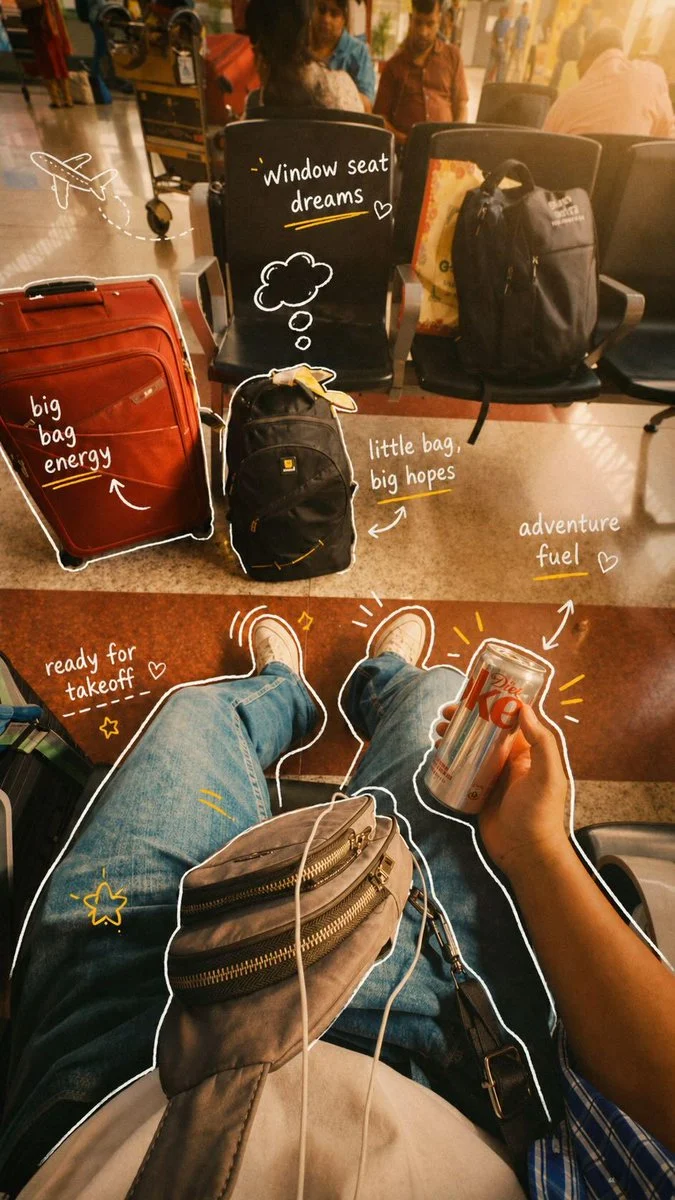


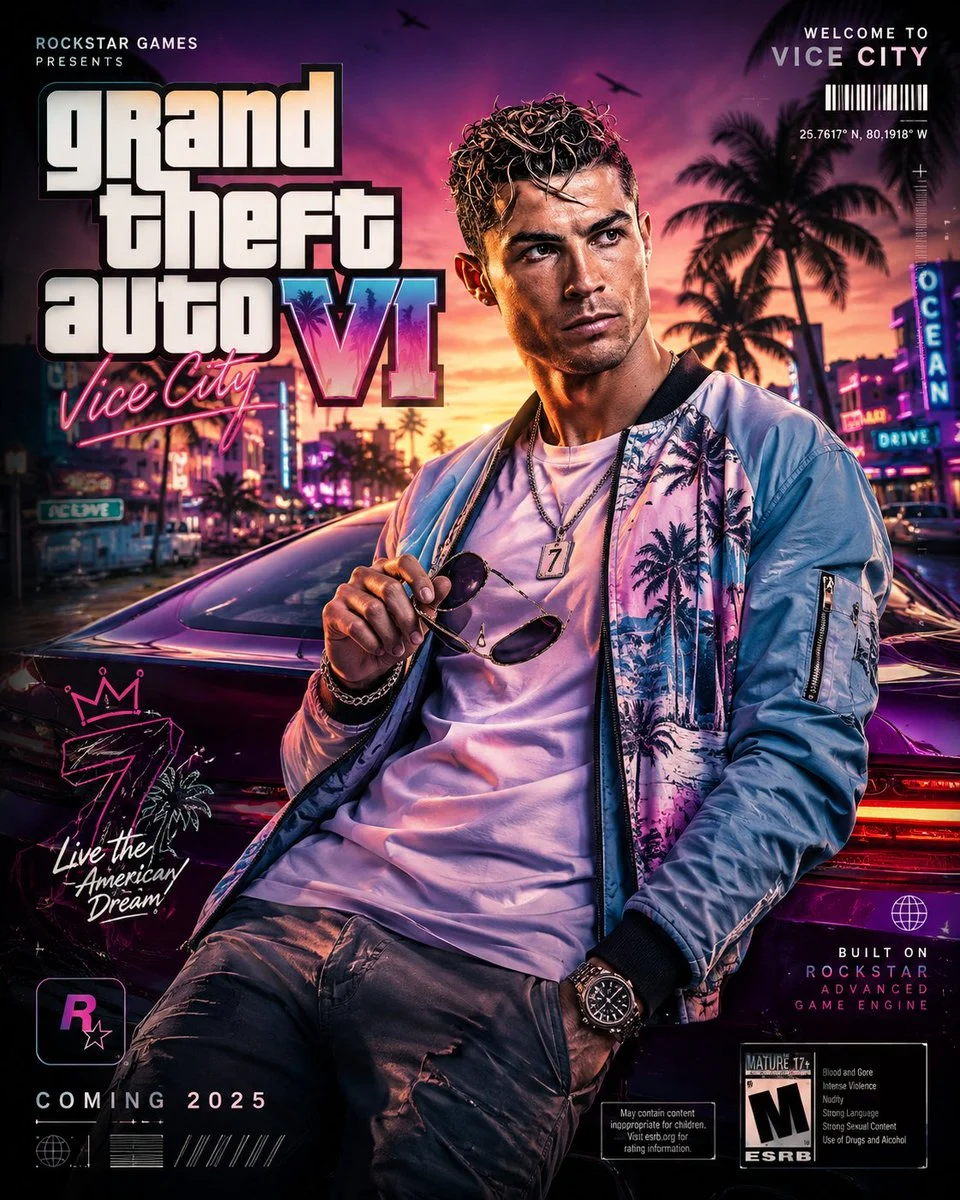

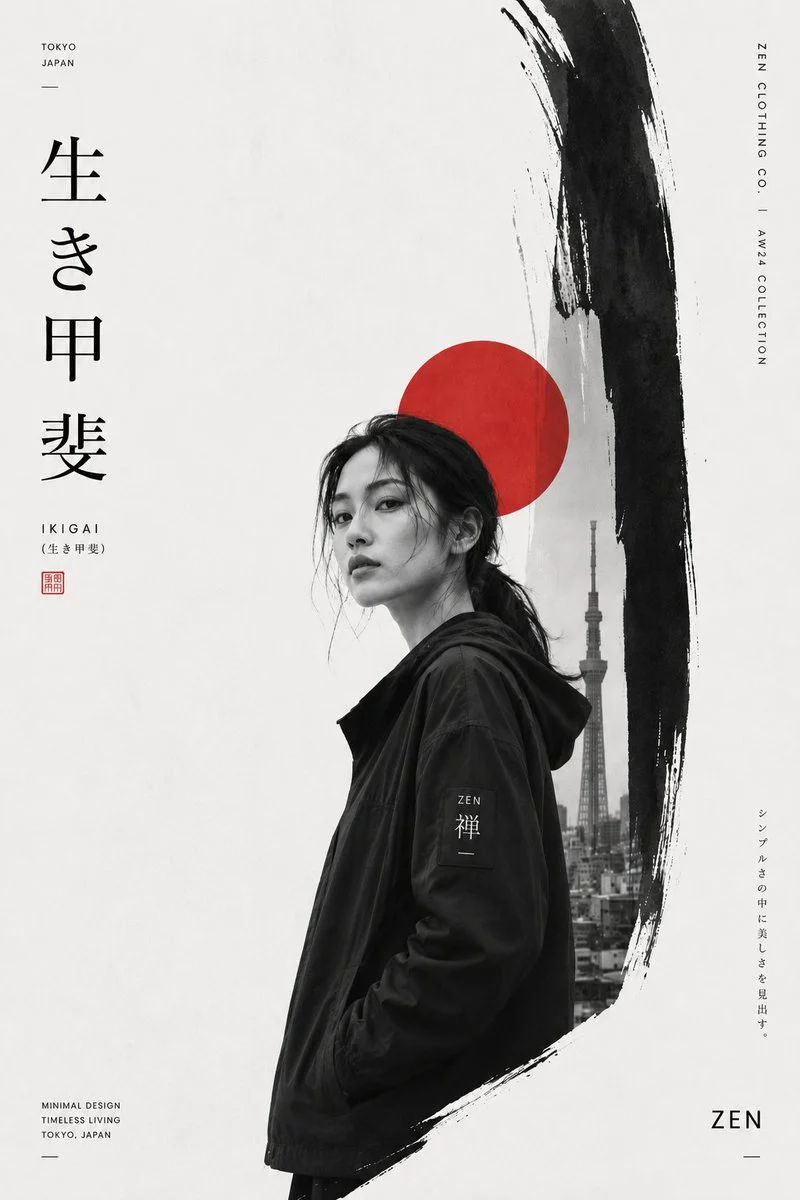






%20as%20its%20outline%2C%20hyper-realistic%20portrait%20composition%2C%20a%20zoomed-in%20side%20profile%20of%20the%20subject%2C%20detailed%20skin%20textures%2C%20slightly%20messy%2C%20wet%20hair%20blowing%20in%20the%20wind%2C%20an%20intense%20and%20mysterious%20emotional%20expression%2C%20and%20an%20epic%20and%20dramatic%20atmosphere.Double%20exposure%20composition%20featuring%20multiple%20scenes%20in%20realistic%20silhouette%3ARealistic%20style%2C%20dramatic%20depth%2C%20volumetric%20lighting%2C%20(e.g.%2C%20luxurious%2C%20girly%2C%20live-action%2C%20aesthetic%2C%20etc.)%20atmosphere%2C%20ultra-detailed%20textures%2C%20movie%20poster%20aesthetics%2C%20epic%20storytelling%20composition%2C%20high-contrast%20shadows%2C%20flexible%20cinematic%20coloring%2C%20ultra-realistic%2C%20masterpiece%2C%20sharp%20focus%2C%20HDR%2C%208K%20detail%2C%20Unreal%20Engine%20quality%2C%20highly%20detailed%20faces%2C%20photorealistic%2C%20fantasy%20adventure%20atmosphere.Vertical%20composition%2C%20compact%20layout%2C%20premium%20movie%20poster%20design%209%3A16%20aspect%20ratio%2C%20ultra%20HD&image=https%3A%2F%2Fcdn.enhanceimage.org%2FEnhanceImage%2Fimgs%2Fprompts%2Ftweets%2F2052683469806068092%2F0.jpg)
Mastering the Dark Fantasy Silhouette Portrait Poster
Dive into the world of AI-generated art with our incredible prompt for a dark fantasy silhouette portrait poster. This prompt is meticulously crafted to help you produce ultra-cinematic, high-contrast visuals that evoke mystery and drama. Whether you're a digital artist, a game developer, or simply looking to create stunning personal artwork, this prompt provides the perfect foundation.
What makes this dark fantasy silhouette portrait poster so special is its ability to blend hyper-realistic portraiture with epic, multi-scene silhouettes. It leverages the power of GPT Image (ChatGPT) to transform your vision into a striking movie-poster-quality image, perfect for captivating any audience. Explore the depth and detail possible with this unique artistic approach.
When to Use This Prompt
Movie & Game Poster Design
Generate professional-grade dark fantasy silhouette portrait posters for film, video games, or book covers, capturing an epic and mysterious mood.
Personalized Avatar & Profile Pictures
Create unique, stylized dark fantasy silhouette portrait poster designs based on your own reference photos, perfect for social media or gaming profiles.
Digital Art & Fan Art
Produce breathtaking dark fantasy themed artwork for personal projects, fan art, or as inspiration for your own creative endeavors using this dark fantasy silhouette portrait poster concept.
Graphic Novel & Comic Book Covers
Design compelling covers that immediately draw readers in with their dramatic composition and storytelling elements, utilizing the dark fantasy silhouette portrait poster style.
How to Use This Prompt
Prepare Your Reference Image (Optional)
If using a reference photo, ensure it's a clear portrait, preferably a side profile, as the AI will use its outline for the main subject.
Input the Core Prompt
Copy and paste the main prompt into your GPT Image (ChatGPT) interface. This sets the foundation for your dark fantasy silhouette portrait poster.
Customize Details
Adjust elements like hair texture, emotional expression, or specific atmospheric words to fine-tune the output. Experiment with the 'double exposure' elements to create unique scenes within the silhouette.
Generate and Refine
Generate your image. If the first attempt isn't perfect, make small adjustments to the prompt and regenerate. Focus on achieving the desired dark fantasy silhouette portrait poster aesthetic.
Customization Tips
Vary Emotional Expressions
Experiment with 'intense and mysterious,' 'haunted and solemn,' or 'fierce and determined' to alter the subject's mood in your dark fantasy silhouette portrait poster.
Change Silhouette Scenes
Instead of general 'multiple scenes,' specify 'ancient ruins,' 'dense forest at night,' or 'cosmic nebula' for distinct background elements in your dark fantasy silhouette portrait poster.
Adjust Lighting & Color
Modify 'volumetric lighting' to 'rim lighting,' 'backlighting,' or 'moonlit glow.' Change 'cinematic coloring' to 'monochromatic,' 'sepia,' or 'vibrant jewel tones' for different feels.
Refine Hair & Texture Details
Try 'flowing, ethereal hair,' 'braided and adorned,' or 'spiky, wild hair' and specify 'weathered skin' or 'smooth, porcelain skin' for varied character looks in your dark fantasy silhouette portrait poster.