

Harboriis
Mastering the Black White Wavy Light Man Closeup
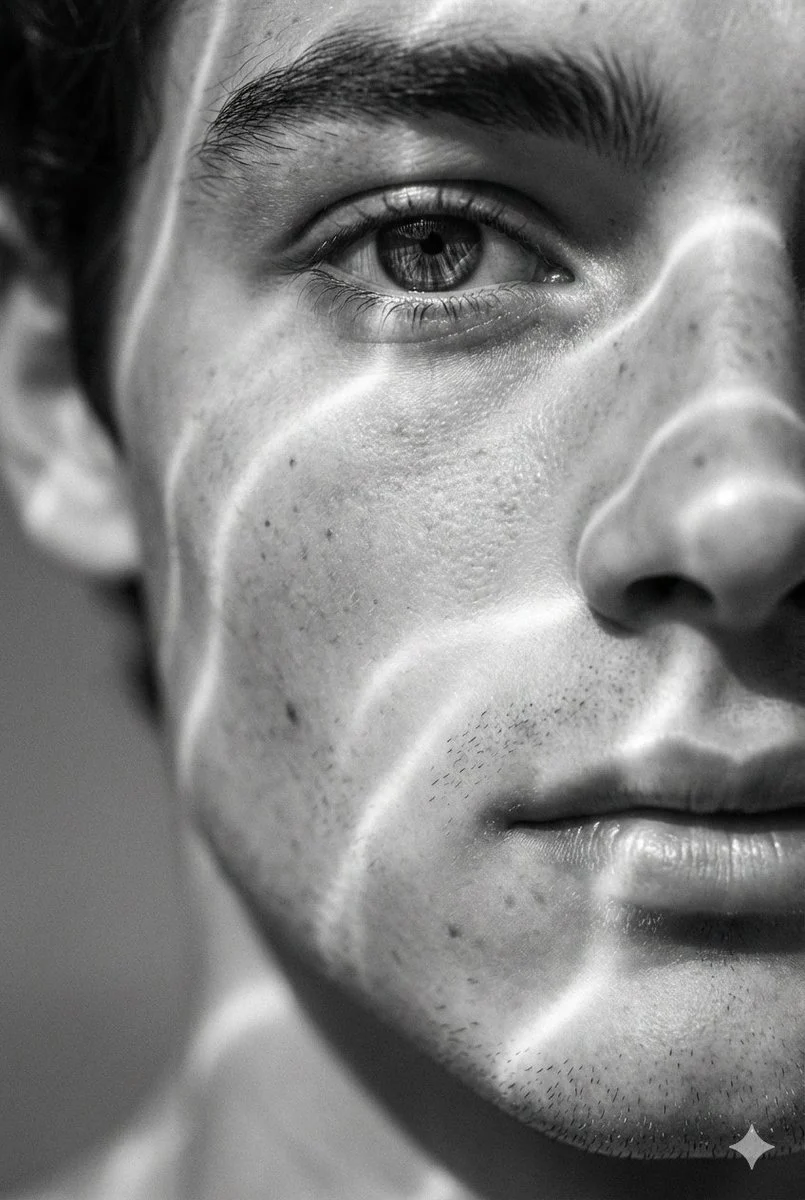
A hyperrealistic 8K black and white extreme close-up portrait of a young man's face, focusing tightly on his eye, cheekbone, and lips. Bright sunlight breaks into soft, wavy luminous lines that ripple...





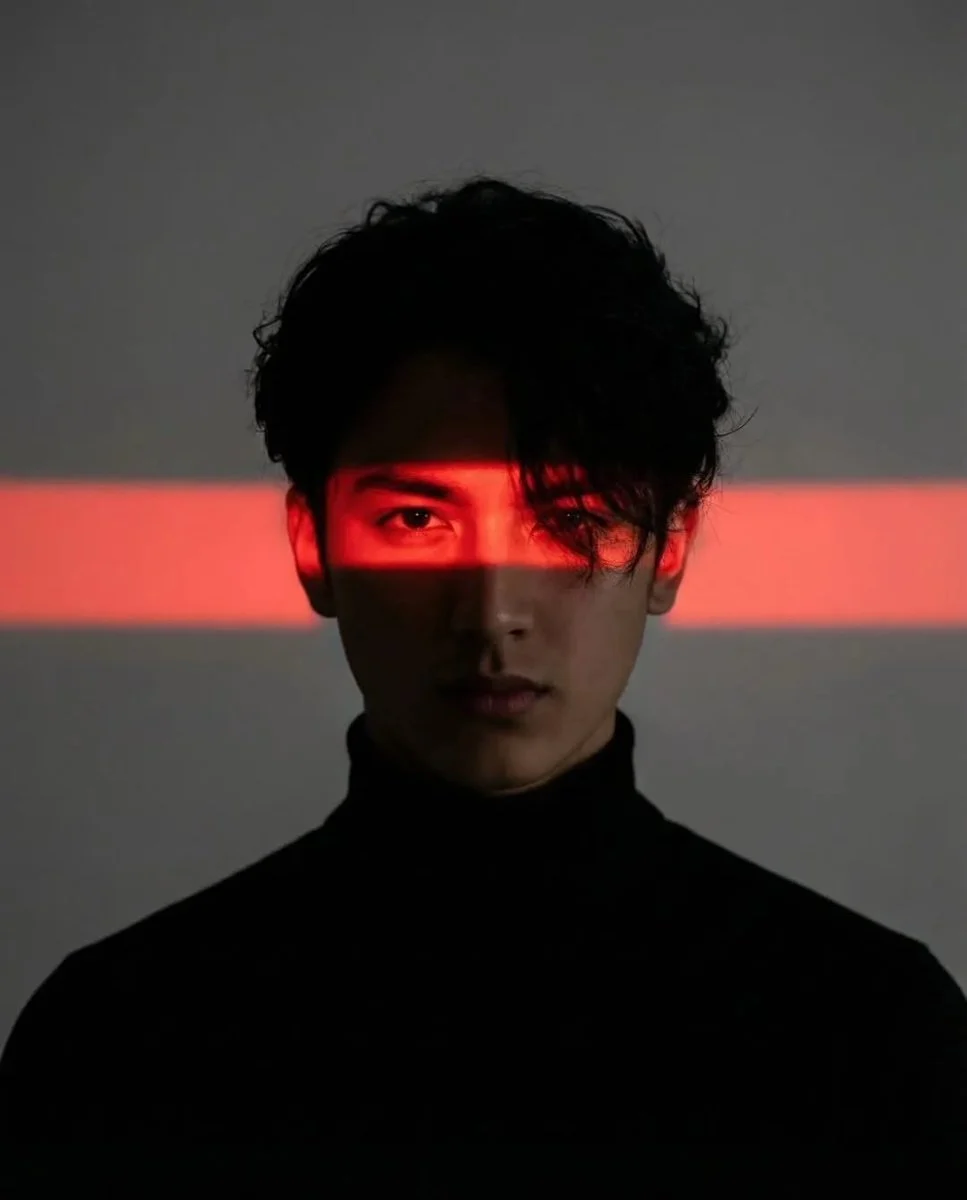


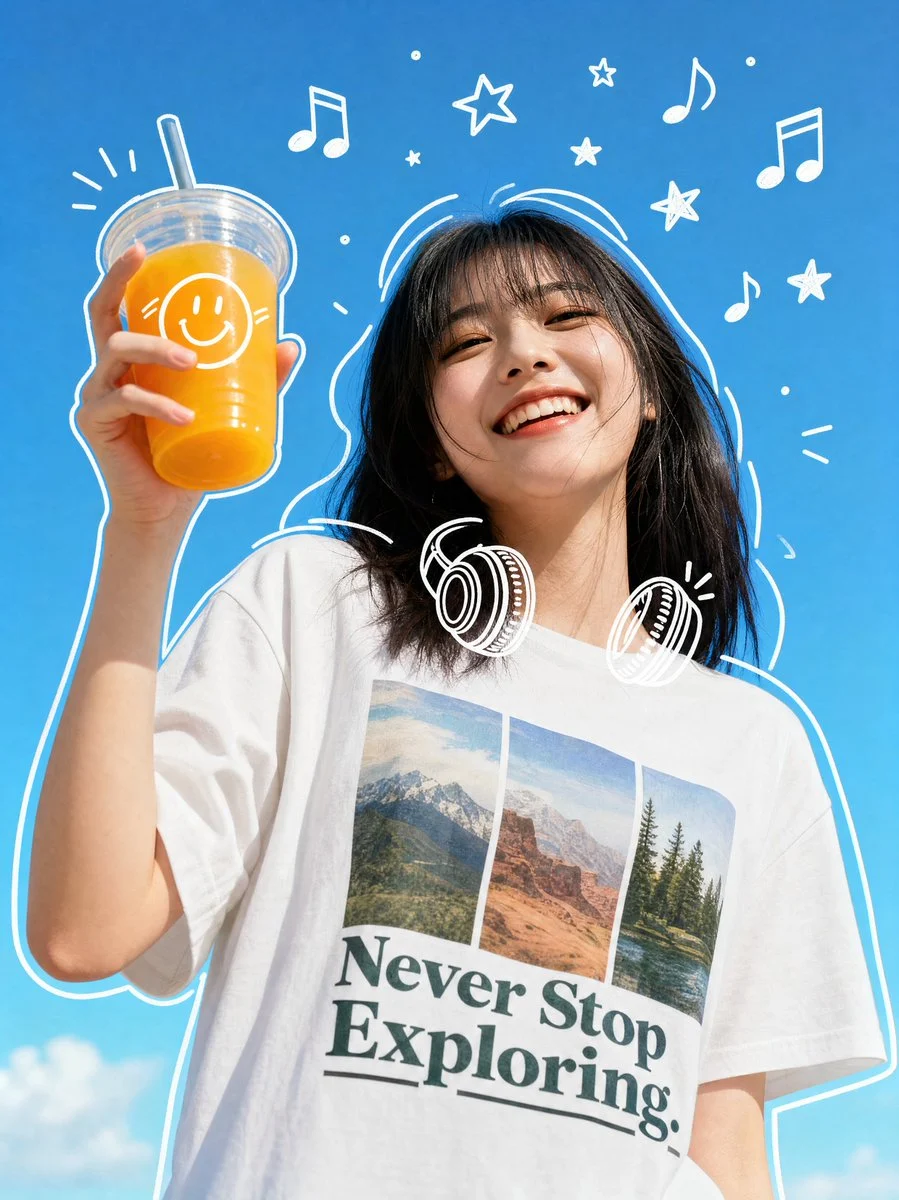

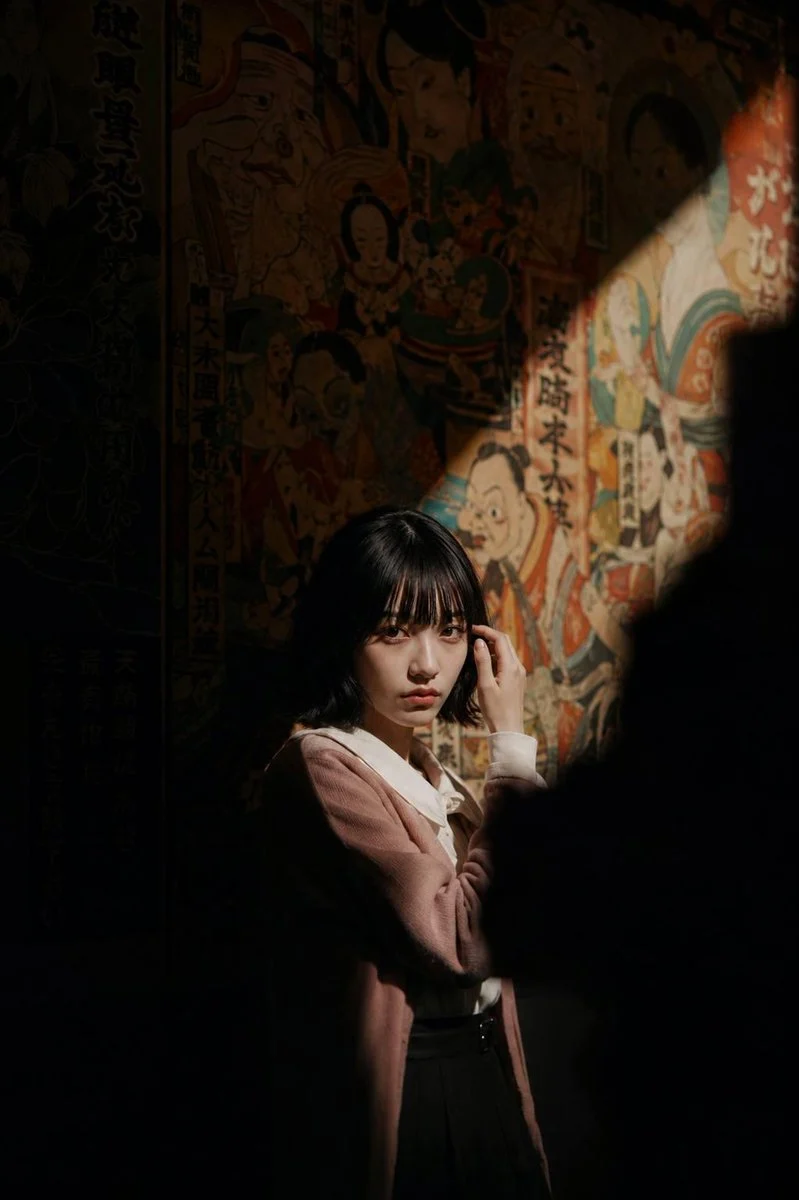

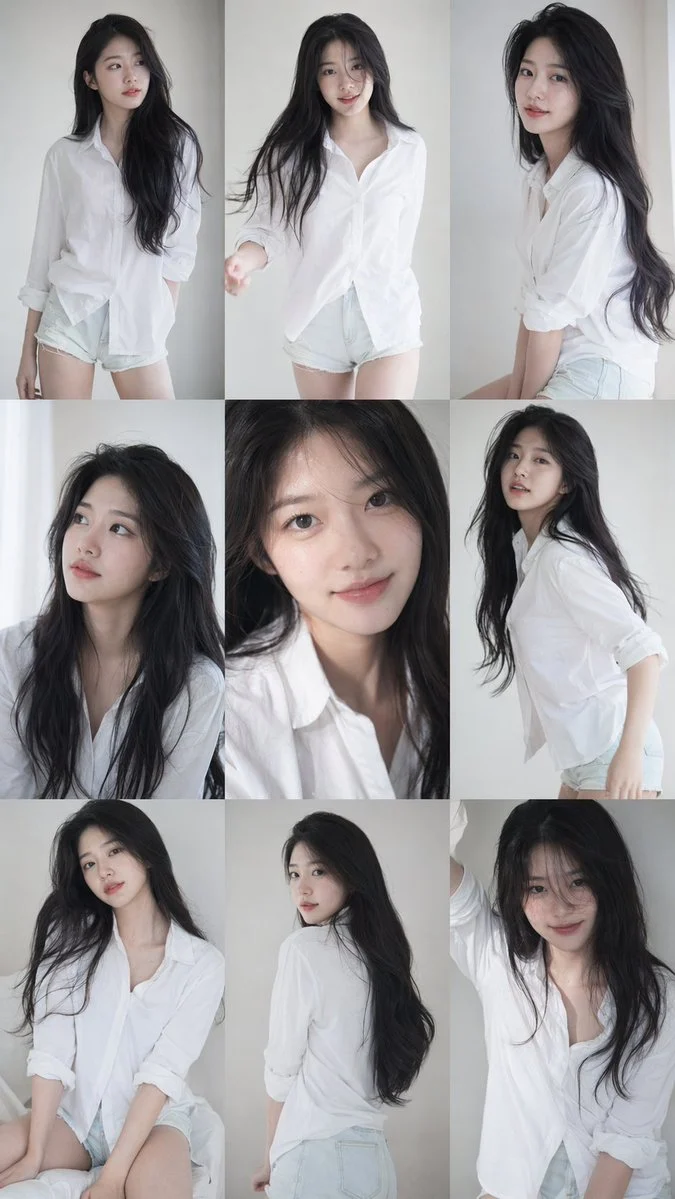
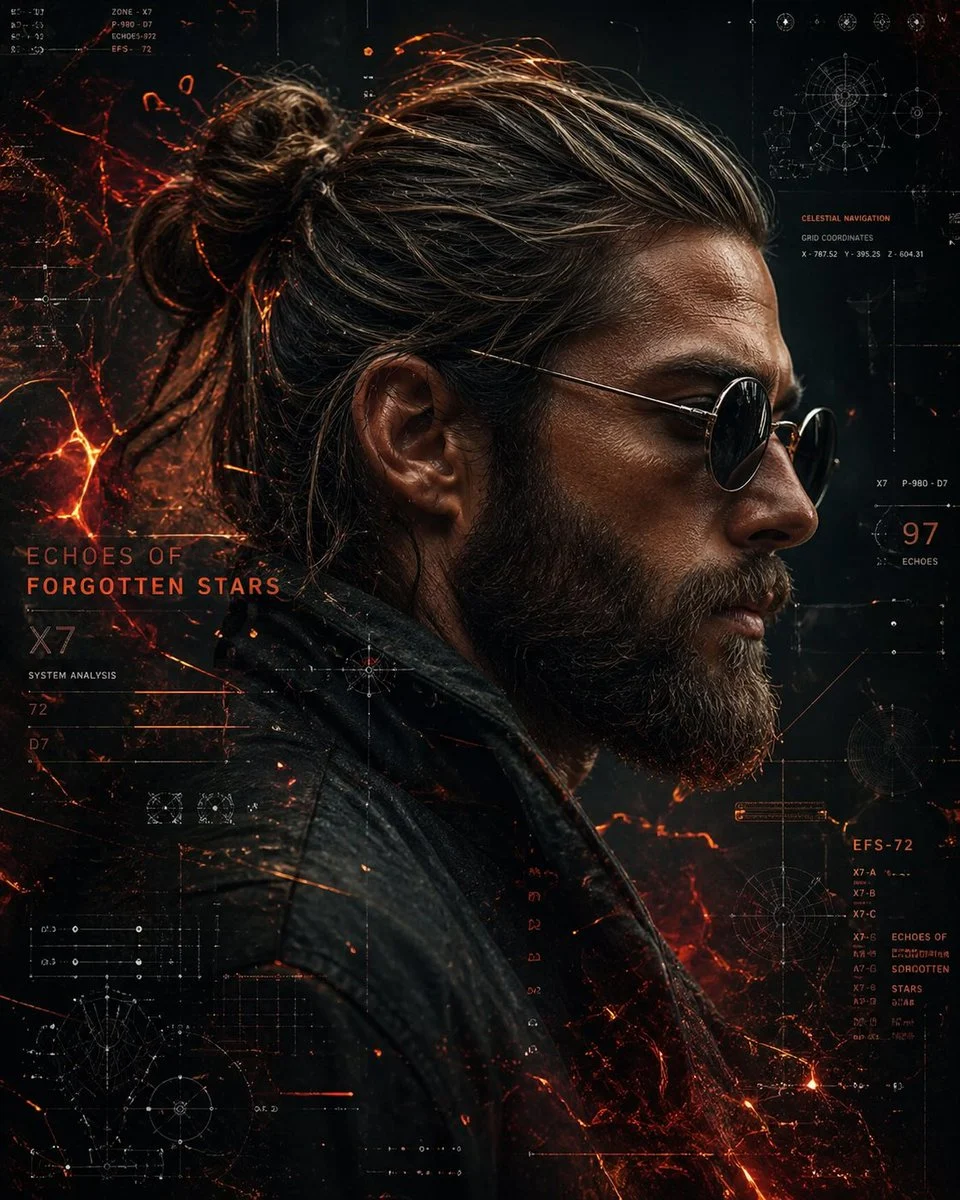


Mastering the Black White Wavy Light Man Closeup
Dive into the captivating world of AI-generated portraiture with our 'black white wavy light man closeup' prompt. This specialized prompt allows you to create hyperrealistic, emotionally resonant images that blend photographic detail with a surreal, dreamlike aesthetic. Imagine the intricate textures of skin, subtle stubble, and the nuanced contours of a face, all bathed in an ethereal, wavy light.
What makes this prompt truly stand out is its ability to render a monochrome portrait with incredible depth and a unique visual signature. The interplay of bright, wavy light and soft, dissolving shadows creates a dynamic yet intimate feel. If you're looking to generate a compelling black white wavy light man closeup that captures both realism and artistic flair, you've found the perfect starting point. The Nanobanana Pro model excels at bringing these intricate lighting effects and detailed textures to life, making every generation a piece of art.
When to Use This Prompt
Artistic Portfolio Enhancement
Generate unique, high-impact images for a digital art portfolio, showcasing a mastery of light and shadow in a black white wavy light man closeup.
Conceptual Photography Projects
Use the surreal lighting and intimate framing to illustrate themes of introspection, dreams, or abstract human experience in conceptual art series.
Social Media & Blog Content
Create eye-catching visuals for blogs, articles, or social media posts that require a sophisticated, monochrome aesthetic, focusing on the human form.
Inspiration for Traditional Artists
Provide a rich source of inspiration for painters, illustrators, or photographers exploring new ways to depict light and texture in portraiture.
How to Use This Prompt
Copy the Prompt
Simply click to copy the full 'black white wavy light man closeup' prompt from above. This ensures you get all the detailed instructions for Nanobanana Pro.
Paste into Your AI Generator
Paste the copied prompt into your preferred AI image generation tool, ideally one powered by Nanobanana Pro for optimal results.
Generate and Refine
Hit 'generate' and observe the stunning black white wavy light man closeup. Experiment with minor tweaks to parameters if your generator allows, to achieve your desired outcome.
Explore Variations
Consider adjusting elements like 'young man' to 'older man' or 'bright sunlight' to 'moonlight' to see how the wavy light effect changes.
Customization Tips
Adjust Light Source Intensity
Experiment with terms like 'faint wavy light' or 'intense wavy luminescence' to control the brightness and prominence of the light patterns.
Vary Facial Features
Modify the subject's description (e.g., 'chiseled cheekbones,' 'soft lips') to subtly alter the contours that the wavy light interacts with.
Change Emotional Tone
Add adjectives like 'pensive,' 'serene,' or 'intense' to influence the subject's expression and the overall mood of the black white wavy light man closeup.
Introduce Subtle Background Elements
While the prompt emphasizes blur, you could try adding 'faint urban reflections' or 'soft natural textures' to the background for nuanced context without distracting from the main subject.