 Enhance Image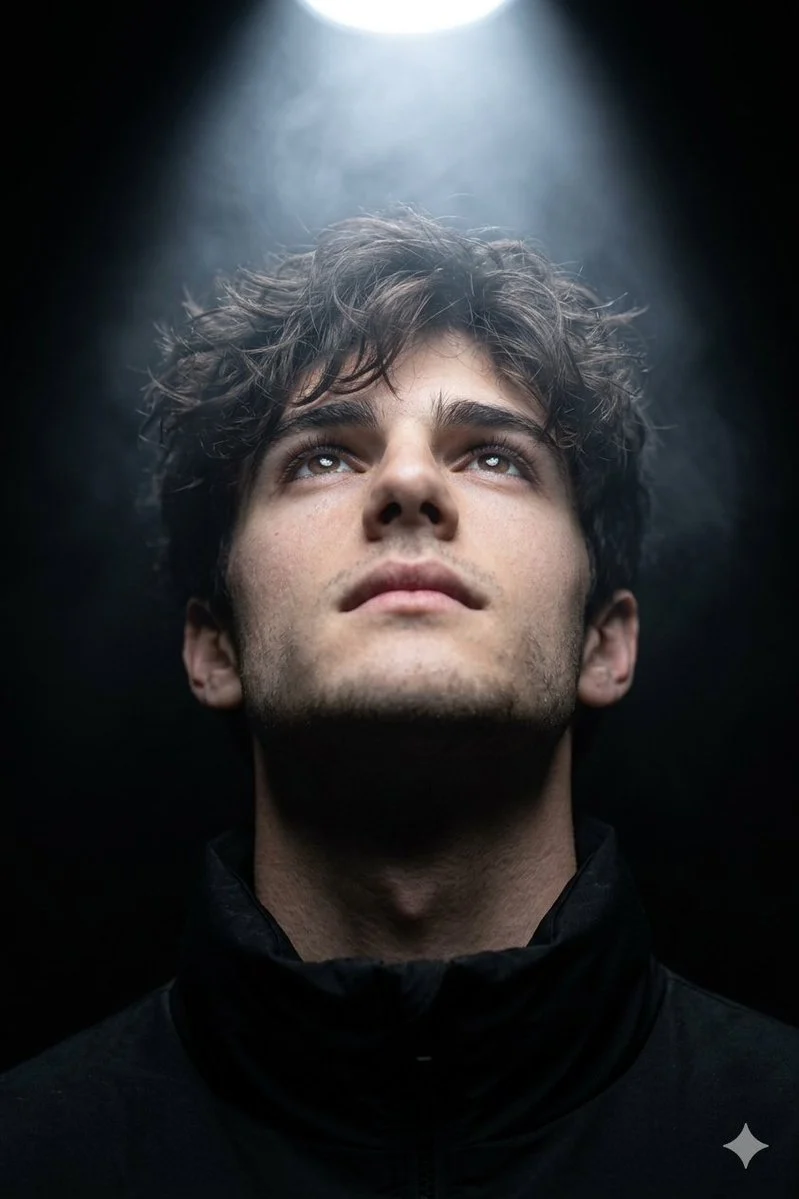

Harboriis
Dramatic Overhead Spotlight Closeup Portrait Guide
A hyper-realistic cinematic close-up portrait (use uploaded face as reference). The subject looks upward with chin slightly raised and eyes half-open, as if drawn to a light above. A cool white overhe...





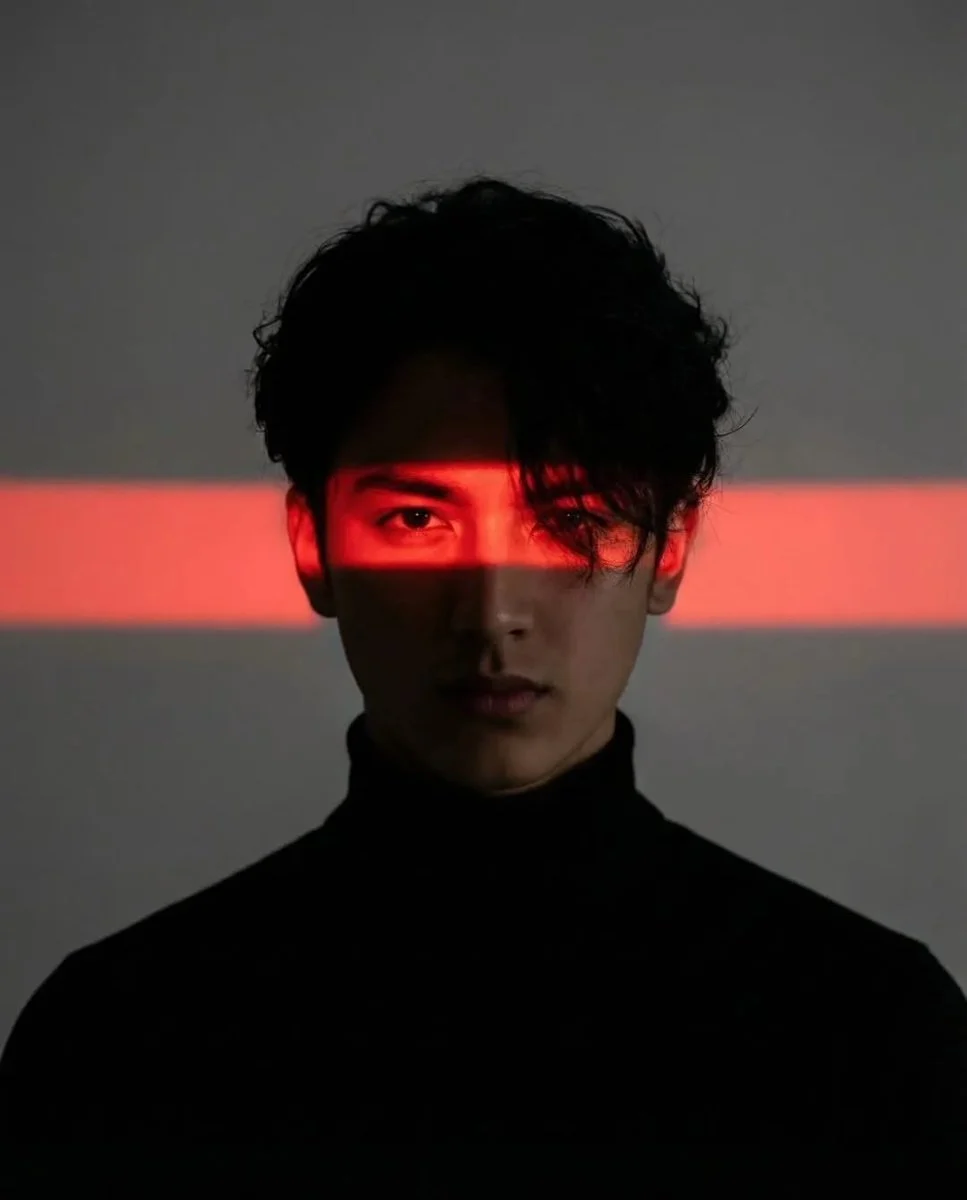




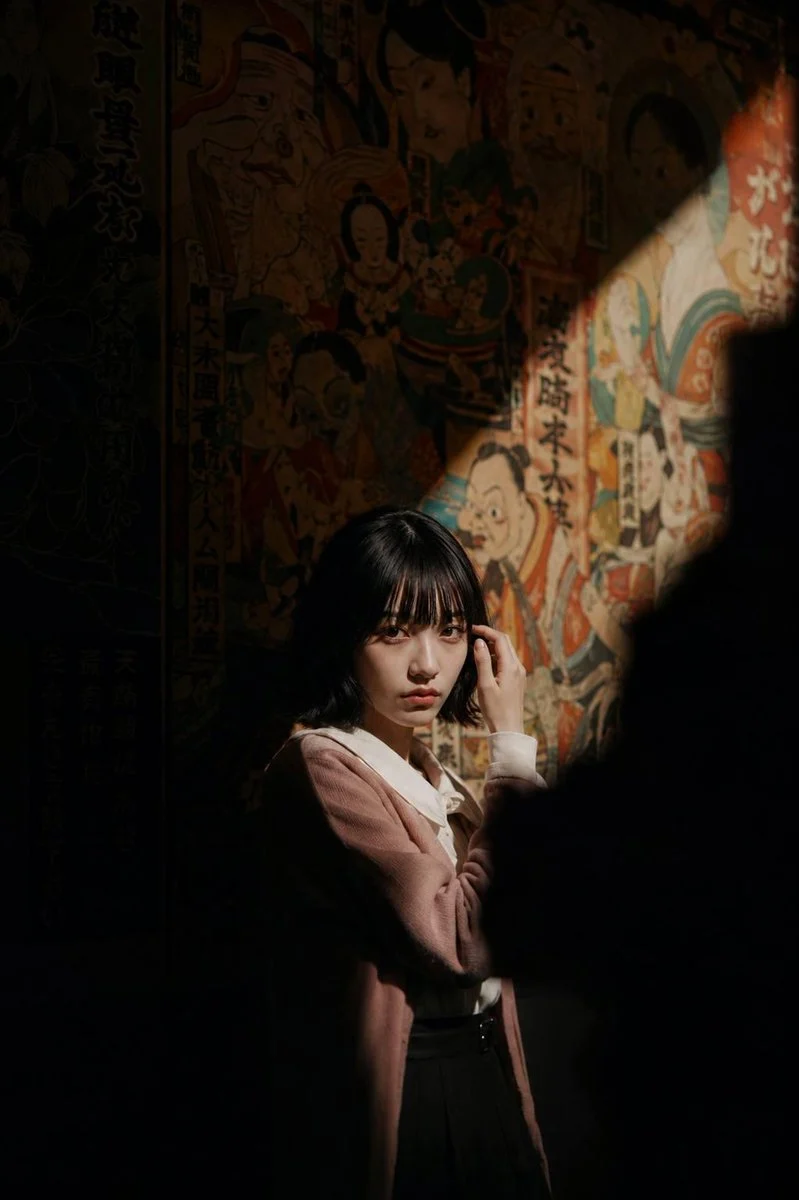

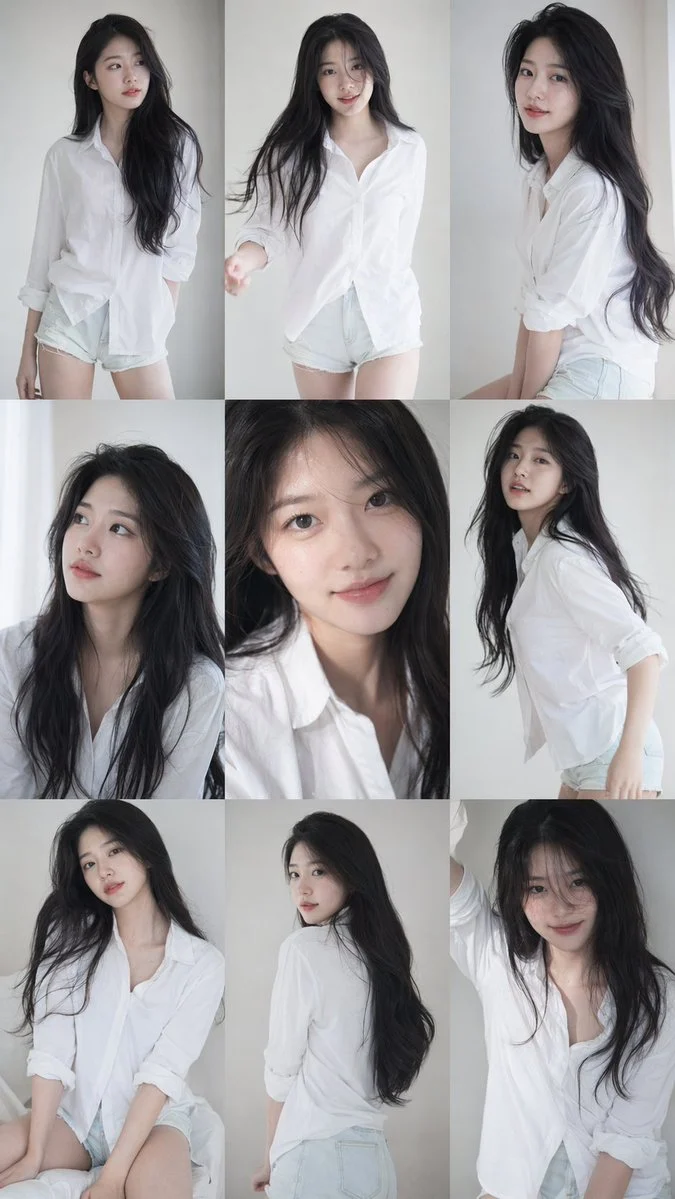
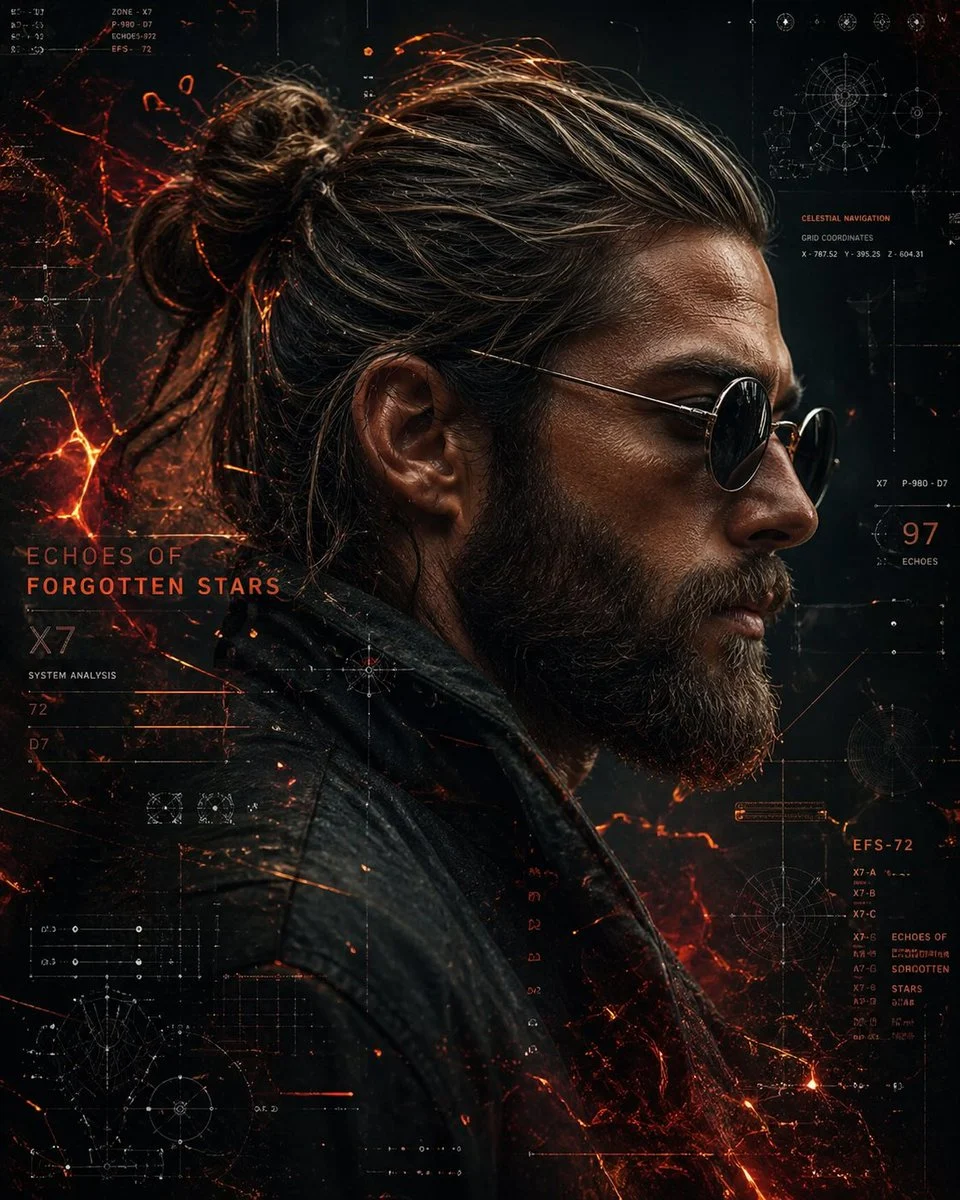

.The%20subject%20looks%20upward%20with%20chin%20slightly%20raised%20and%20eyes%20half-open%2C%20as%20if%20drawn%20to%20a%20light%20above.%20A%20cool%20white%20overhead%20spotlight%20creates%20dramatic%20top-down%20lighting%2C%20sculpting%20the%20face%20while%20the%20background%20stays%20black.%20Soft%20volumetric%20mist%20forms%20a%20subtile%20light%20beam.%20Wearing%20a%20matte%20black%20high-collar%20jacket.Shot%20on%20an%2085mm%20lens%20with%20shallow%20depth%20of%20field%2C%20high%20contrast%2C%20and%20a%20spiritual%2C%20transcendental%20mood.%20Portrait%20Mode.&image=https%3A%2F%2Fcdn.enhanceimage.org%2FEnhanceImage%2Fimgs%2Fprompts%2Ftweets%2F2031362125055369376%2F0.jpg)
Dramatic Overhead Spotlight Closeup Portrait Guide
Dive into the world of high-impact portraiture with this exceptional prompt designed to create a captivating overhead spotlight closeup portrait. This technique masterfully uses lighting to sculpt features, evoking a sense of drama and introspection that's truly unique. The precise control over light and shadow allows for a deeply emotional and artistic result, making it a favorite for those seeking to convey profound moods.
Crafted with the powerful Nanobanana Pro model, this prompt focuses on achieving hyper-realistic detail and cinematic quality. The specific setup of an overhead spotlight closeup portrait ensures that every nuance of the subject's expression is highlighted, drawing the viewer's eye directly to the focal point. It's perfect for generating images that feel both ethereal and intensely present, delivering a visual narrative that resonates deeply.
Whether you're aiming for a spiritual, transcendental, or simply a strikingly dramatic visual, mastering the overhead spotlight closeup portrait is key. This prompt provides the perfect foundation to explore the interplay of light, shadow, and emotion, yielding professional-grade images that stand out.
When to Use This Prompt
Dramatic Album Art
Generate striking and emotive overhead spotlight closeup portrait images perfect for album covers or single art that convey deep feeling.
Artistic Profile Pictures
Create unique and memorable profile photos that use the intense lighting of an overhead spotlight closeup portrait to make a powerful statement.
Storytelling Visuals
Produce compelling character studies for narratives, where the overhead spotlight closeup portrait enhances the mystery or internal struggle of a subject.
Conceptual Art Pieces
Experiment with abstract or conceptual themes, using the dramatic overhead spotlight closeup portrait effect to symbolize enlightenment, introspection, or revelation.
How to Use This Prompt
Start with the Core Prompt
Begin by inputting the provided prompt into the Nanobanana Pro model to establish the foundational overhead spotlight closeup portrait effect.
Upload Your Reference Face
Utilize the 'use uploaded face as reference' feature to personalize the portrait, ensuring the subject aligns with your vision for the overhead spotlight closeup portrait.
Adjust Facial Expression
Experiment with subtle changes to the subject's gaze or chin position to fine-tune the emotional impact of your overhead spotlight closeup portrait.
Refine Mood and Atmosphere
Tweak keywords related to 'spiritual,' 'transcendental,' or 'cinematic' to further enhance the overall feeling of your overhead spotlight closeup portrait.
Customization Tips
Vary Light Color Temperature
Instead of 'cool white,' try 'warm golden' or 'ethereal blue' for the overhead spotlight to shift the mood dramatically within your overhead spotlight closeup portrait.
Experiment with Garments
Change 'matte black high-collar jacket' to a different fabric or style, such as 'flowing silk robe' or 'rugged leather vest,' to alter character perception in your overhead spotlight closeup portrait.
Introduce Subtle Background Elements
While keeping the background dark, you might add a hint of 'distant smoke' or 'faint architectural lines' to add depth without distracting from the overhead spotlight closeup portrait.
Play with Lens Choices
Change '85mm lens' to '50mm' for a slightly wider, less compressed look, or '135mm' for even more extreme bokeh, impacting the feel of your overhead spotlight closeup portrait.