

Harboriis
Crafting the Perfect Urban Overpass Streetwear Portrait
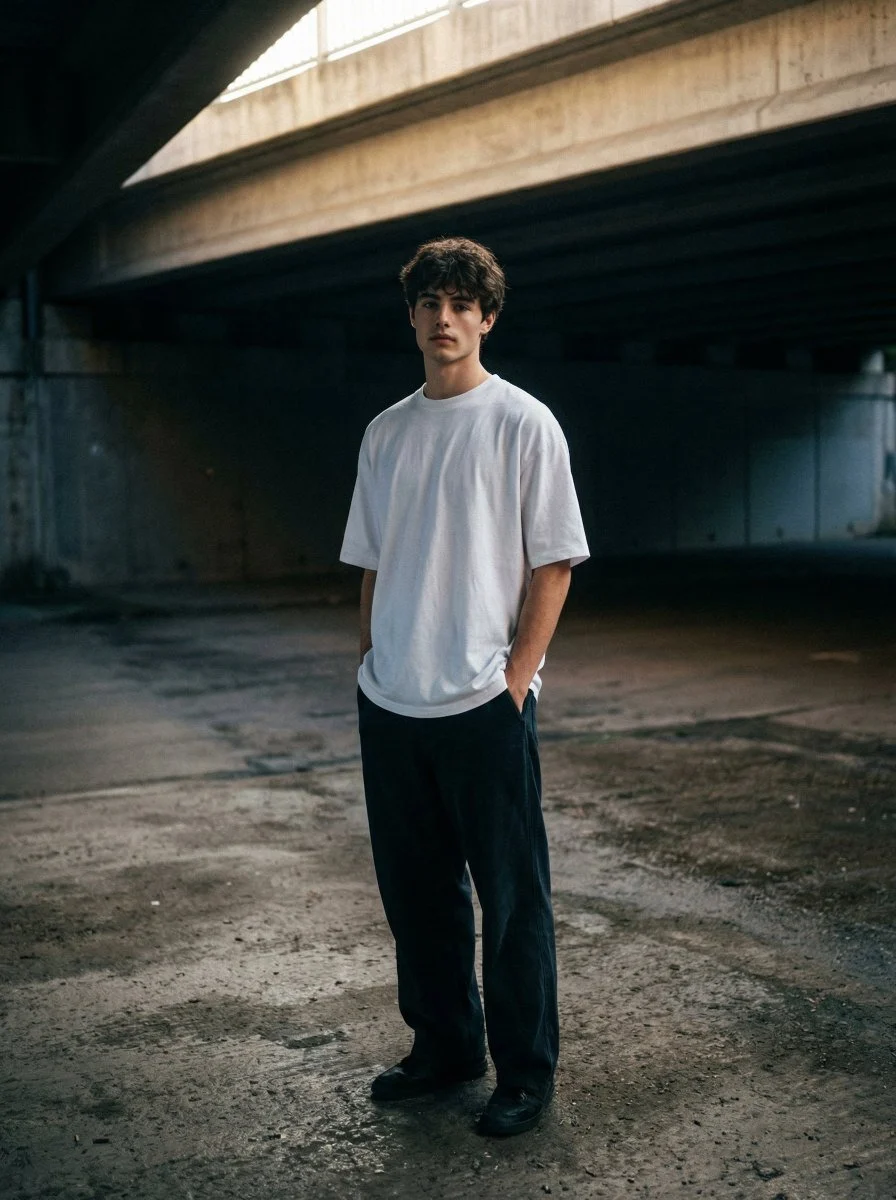
A moody, urban portrait of me standing under a desolate concrete overpass, the harsh architectural lines framing a lone figure. I'm wear ing an oversized white t-shirt and loose dark pants, hands in p...









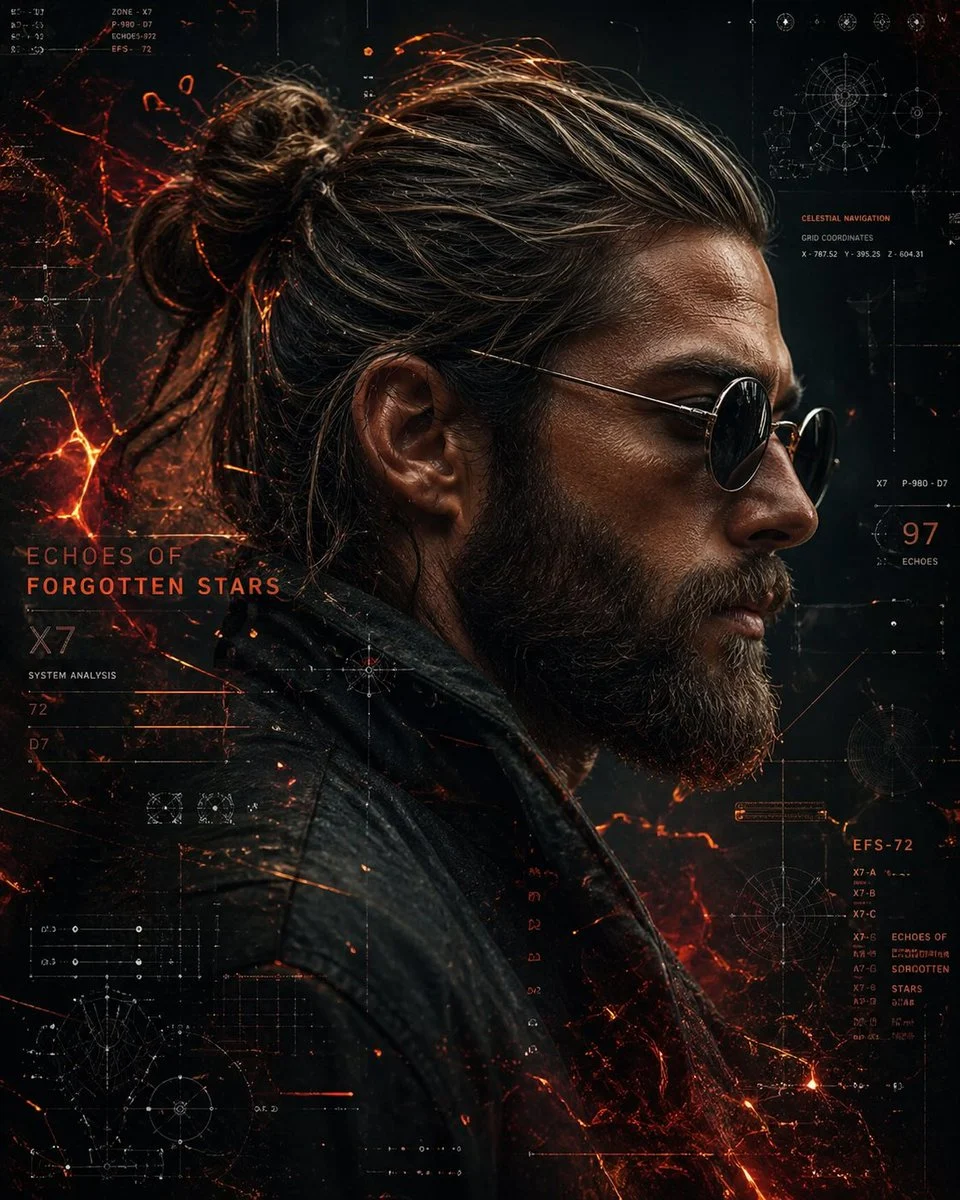


Crafting the Perfect Urban Overpass Streetwear Portrait
Dive into the world of atmospheric AI photography with our featured prompt, designed to create a captivating urban overpass streetwear portrait. This prompt excels at generating images that blend the raw energy of urban environments with the cool, effortless style of streetwear. It's perfect for anyone looking to produce high-impact visuals with a distinct, cinematic feel.
What makes this prompt truly special is its ability to evoke mood and texture. By specifying harsh architectural lines, deep shadows, and rich textures, it brings a tangible sense of place to your urban overpass streetwear portrait. The Nanobanana Pro model, known for its nuanced rendering, perfectly interprets these details to deliver stunning, professional-grade results.
Whether you're an aspiring digital artist or a fashion enthusiast, this prompt provides a fantastic foundation for exploring edgy, contemporary aesthetics. Get ready to transform simple concepts into a compelling urban overpass streetwear portrait with just a few clicks.
When to Use This Prompt
Fashion Lookbooks
Generate striking images for streetwear brands or personal style portfolios, showcasing outfits in a gritty, urban context.
Album Art & Music Visuals
Create moody and evocative cover art or promotional images for musicians, especially those in hip-hop, electronic, or alternative genres.
Concept Art & Storytelling
Develop character concepts or visual narratives set in a desolate, architectural landscape, perfect for an urban overpass streetwear portrait.
Social Media Content
Produce scroll-stopping content for Instagram, Pinterest, or other platforms, featuring unique and stylish urban portraits.
How to Use This Prompt
Start with the Base Prompt
Copy the provided prompt into your Nanobanana Pro image generator to get the initial urban overpass streetwear portrait.
Personalize the Subject
Adjust the description of the figure's clothing, posture, and even facial features to match your vision.
Experiment with Environment Details
Modify elements like the 'hints of dampness' or 'rough, textured concrete' to alter the overall atmosphere of your urban overpass streetwear portrait.
Refine Lighting and Color
Tweak lighting descriptions (e.g., 'cinematic top lighting') or color grading (e.g., 'Fuji Classic Chrome preset') for different moods.
Customization Tips
Change Clothing Style
Instead of an oversized white t-shirt, try a vintage band tee, a hoodie, or a stylish jacket to vary the streetwear aesthetic of your urban overpass streetwear portrait.
Adjust Time of Day
Specify 'late afternoon sun' or 'night with neon glow' instead of 'cinematic top lighting' to dramatically alter the mood and shadows.
Introduce Props
Add elements like a skateboard, headphones, or a backpack to enhance the subject's character and the narrative of the urban overpass streetwear portrait.
Vary Architectural Elements
Experiment with different types of 'harsh architectural lines' or 'concrete structures' to find the perfect urban backdrop.