 Enhance Image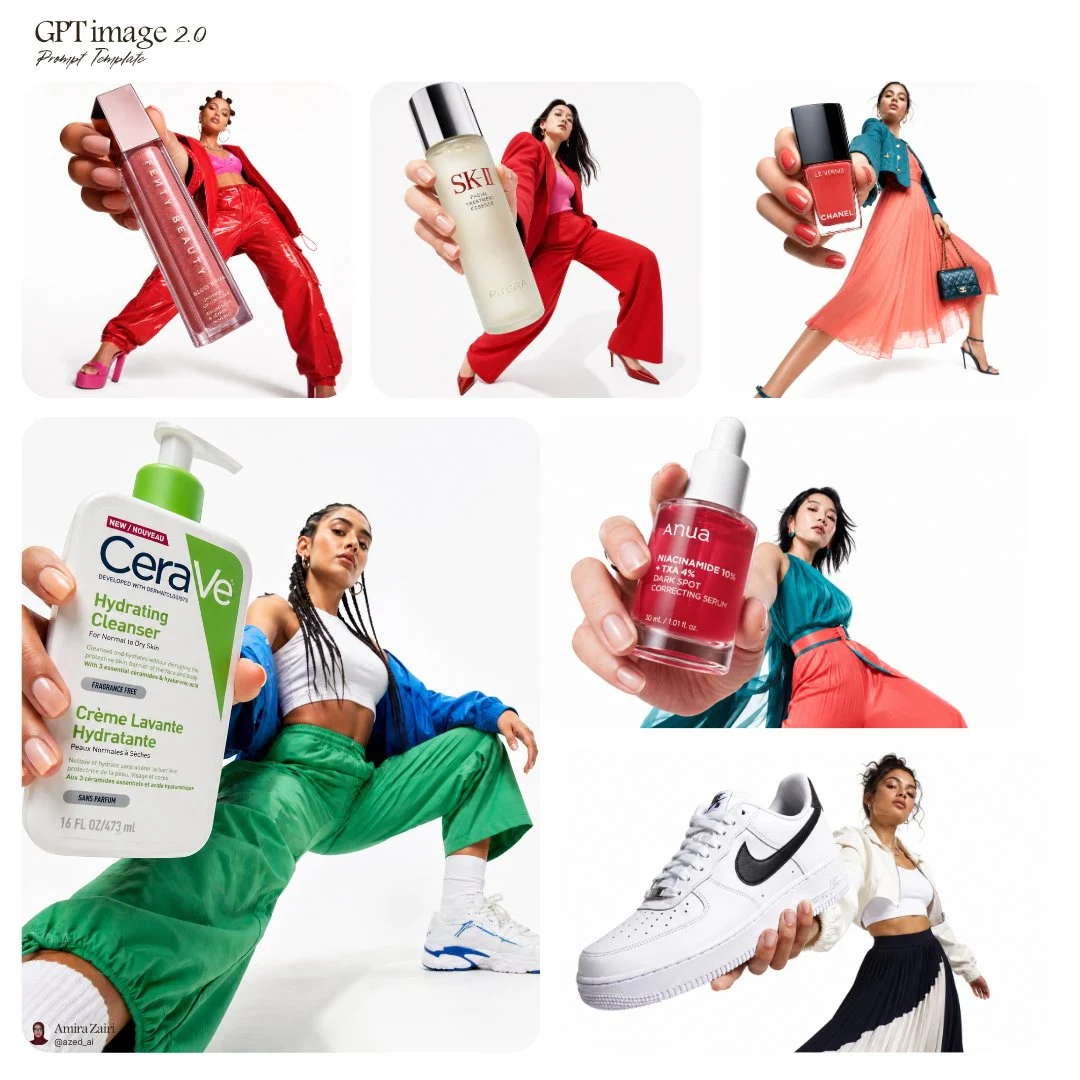

Amira Zairi
Mastering the Forced Perspective Product Fashion Ad
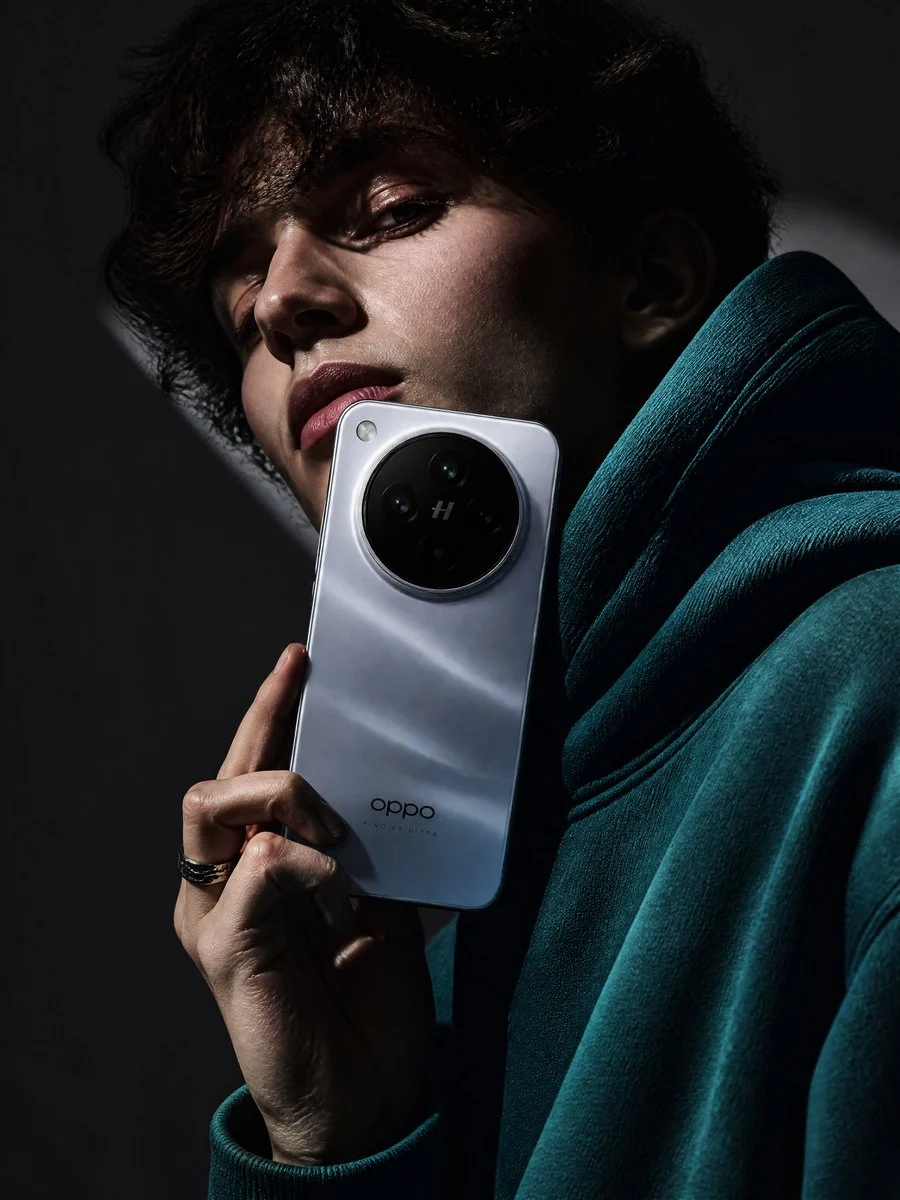
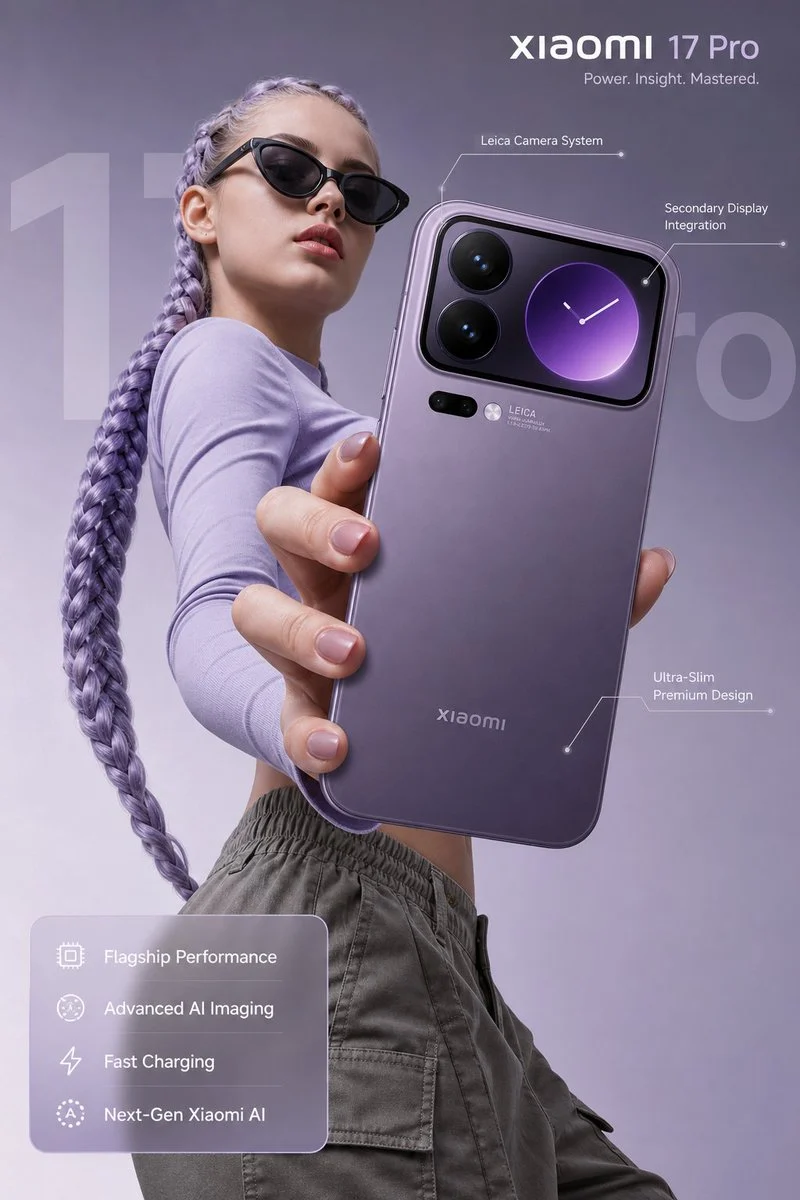
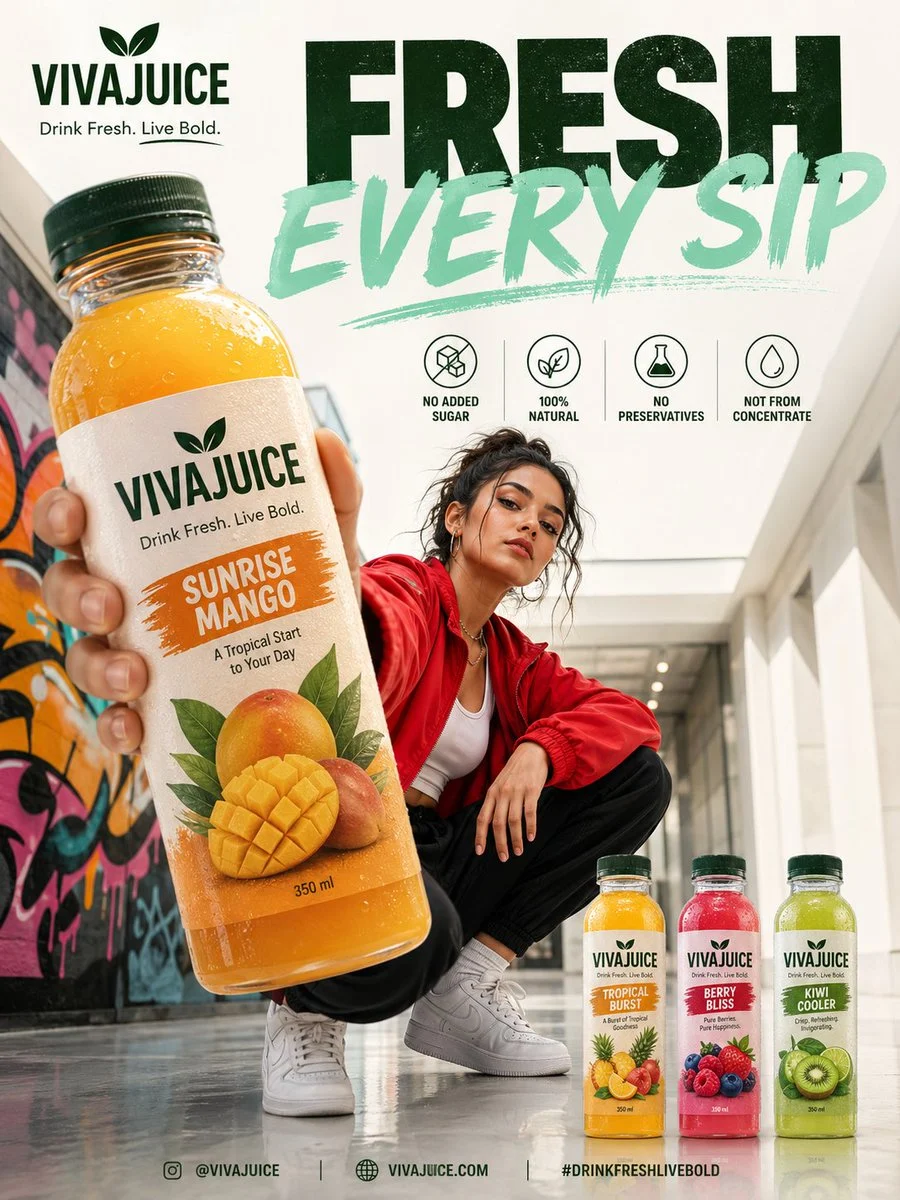
Low-angle fashion campaign photograph of a confident model holding a large [product name] very close to the camera, exaggerated perspective with the hand and product dominating the foreground, full-bo...
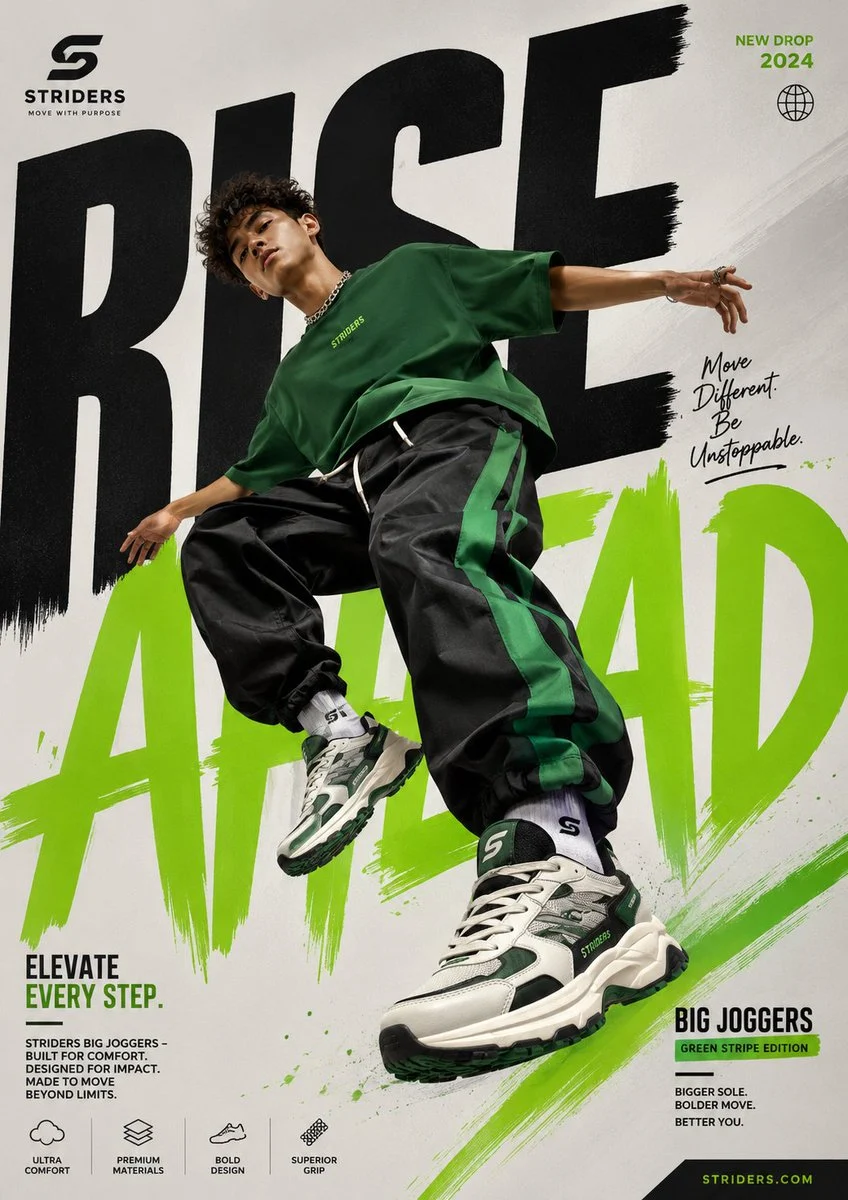

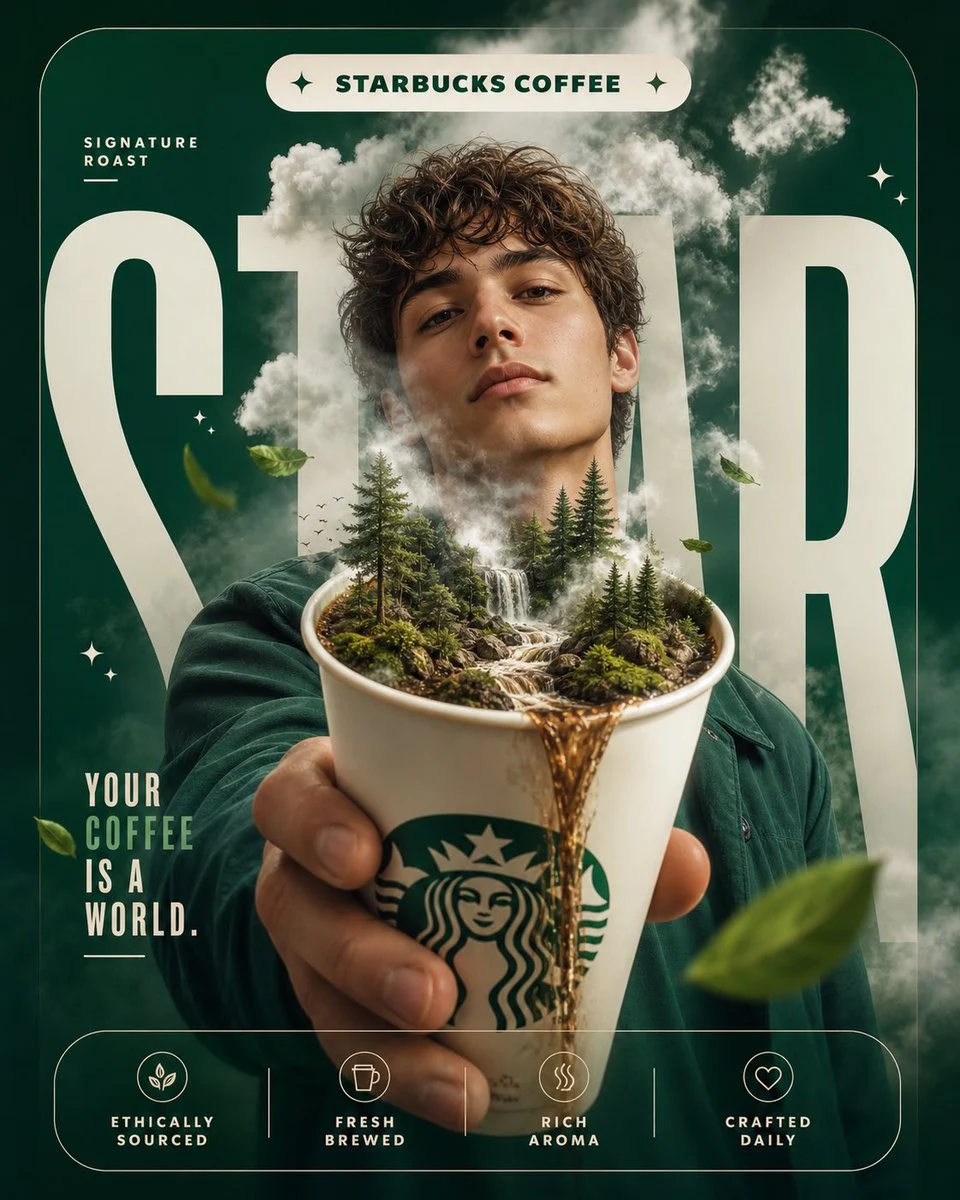

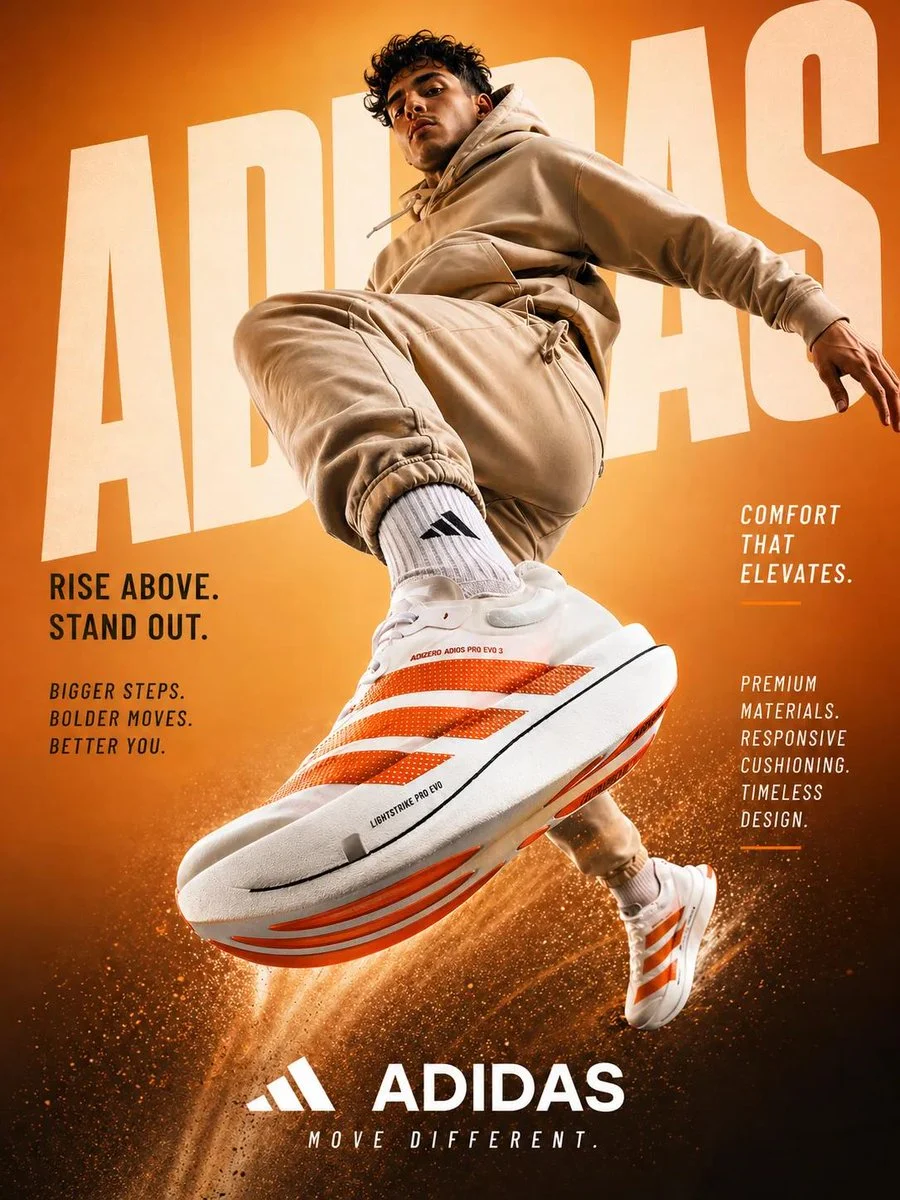



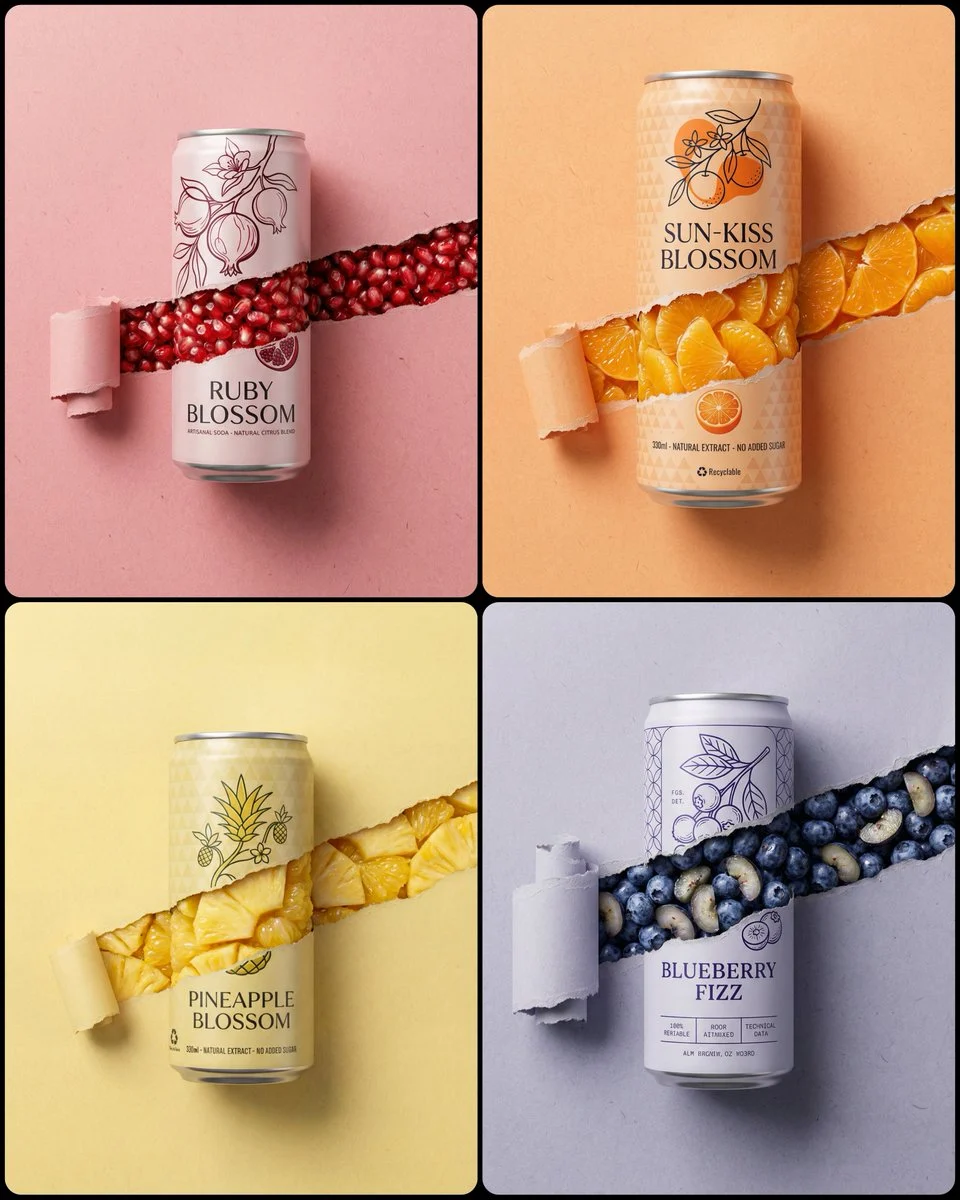


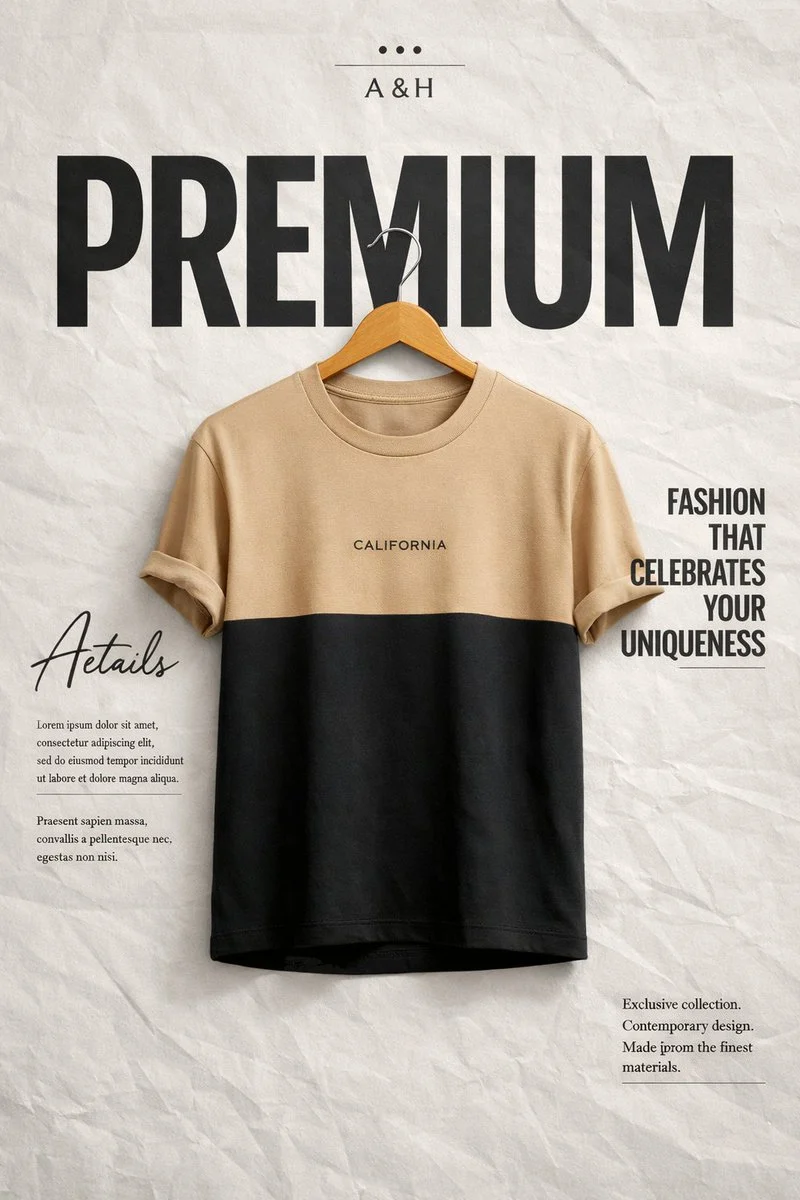

Mastering the Forced Perspective Product Fashion Ad
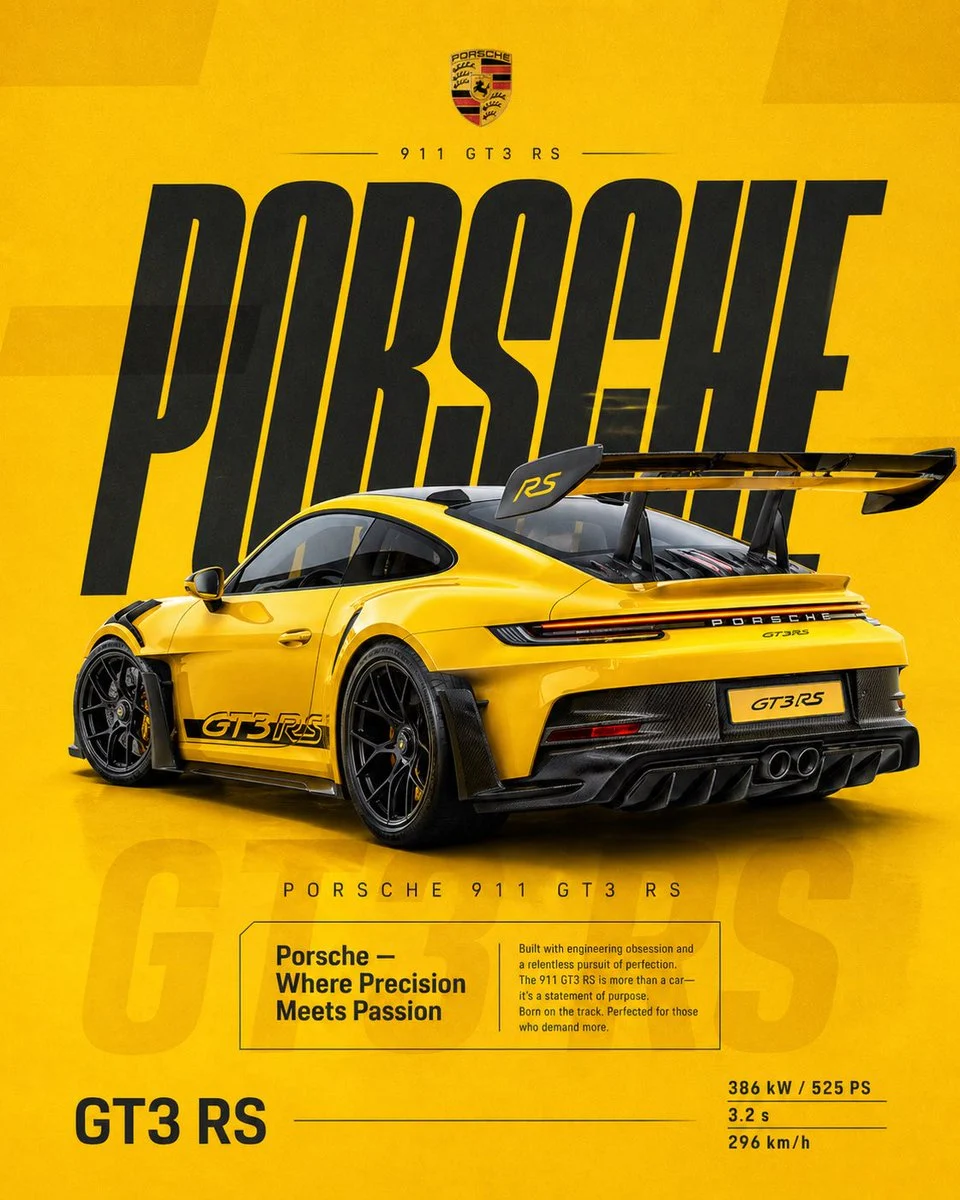
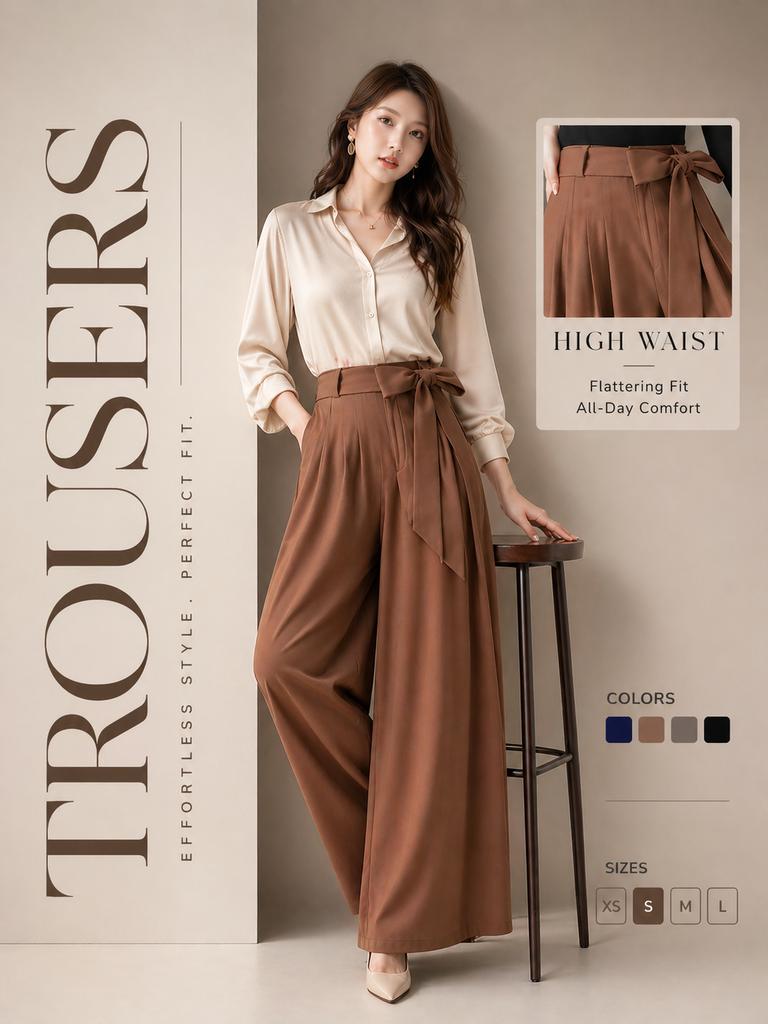
Dive into the world of captivating product advertising with this unique AI prompt, specifically engineered to generate a stunning forced perspective product fashion ad. This prompt excels at creating visually arresting images where your product takes center stage, dramatically enlarged and held close to the camera, while a stylish model is artfully composed in the background.
The visual style achieved is modern, high-key, and commercial, perfect for grabbing attention in today's crowded market. The exaggerated perspective makes the product pop, creating an immediate focal point that is both dynamic and memorable. If you're looking to create an impactful fashion ad that highlights a product in an innovative way, this prompt is your go-to solution.
When to Use This Prompt
Launch New Product Lines
Generate eye-catching imagery for the introduction of new fashion accessories, cosmetics, or tech gadgets that need to stand out.
Social Media Campaigns
Produce scroll-stopping content for Instagram, TikTok, and other platforms where a strong visual hook is essential for engagement.
Magazine Spreads & Editorials
Design bold, high-fashion layouts that utilize the forced perspective product fashion ad style to create a unique aesthetic.
E-commerce & Website Banners
Create compelling hero images or banner ads that immediately draw attention to a featured product with a dynamic visual.
How to Use This Prompt
Identify Your Product
Start by replacing `[product name]` with the specific item you want to feature, like 'luxury handbag' or 'new fragrance bottle'.
Define Model's Outfit
Refine the 'bold colorful outfit' detail to match your brand's aesthetic, e.g., 'neon green oversized blazer' or 'sleek minimalist black jumpsuit'.
Experiment with Poses
While the prompt suggests 'wide stance, dynamic posture', you can experiment with variations like 'leaning forward' or 'one hand on hip' for different vibes.
Generate and Refine
Run the prompt and evaluate the output. If needed, make minor adjustments to product details or model descriptions to achieve your desired forced perspective product fashion ad.
Customization Tips
Vary Product Material & Detail
Instead of just 'glossy packaging', try 'matte finish, embossed logo' or 'transparent glass bottle with iridescent liquid' to add specificity.
Adjust Lighting Mood
While 'high-key lighting' is default, try 'dramatic spotlight' or 'soft, diffused window light' for a different atmosphere in your forced perspective product fashion ad.
Change Background Elements
Experiment with alternatives to 'pure white studio background', such as 'minimalist concrete wall' or 'subtly textured backdrop' to match brand aesthetics.
Refine Model Expression & Action
Specify the model's expression (e.g., 'sultry gaze', 'playful smirk') or action (e.g., 'peeking from behind product') to add character.