 Enhance Image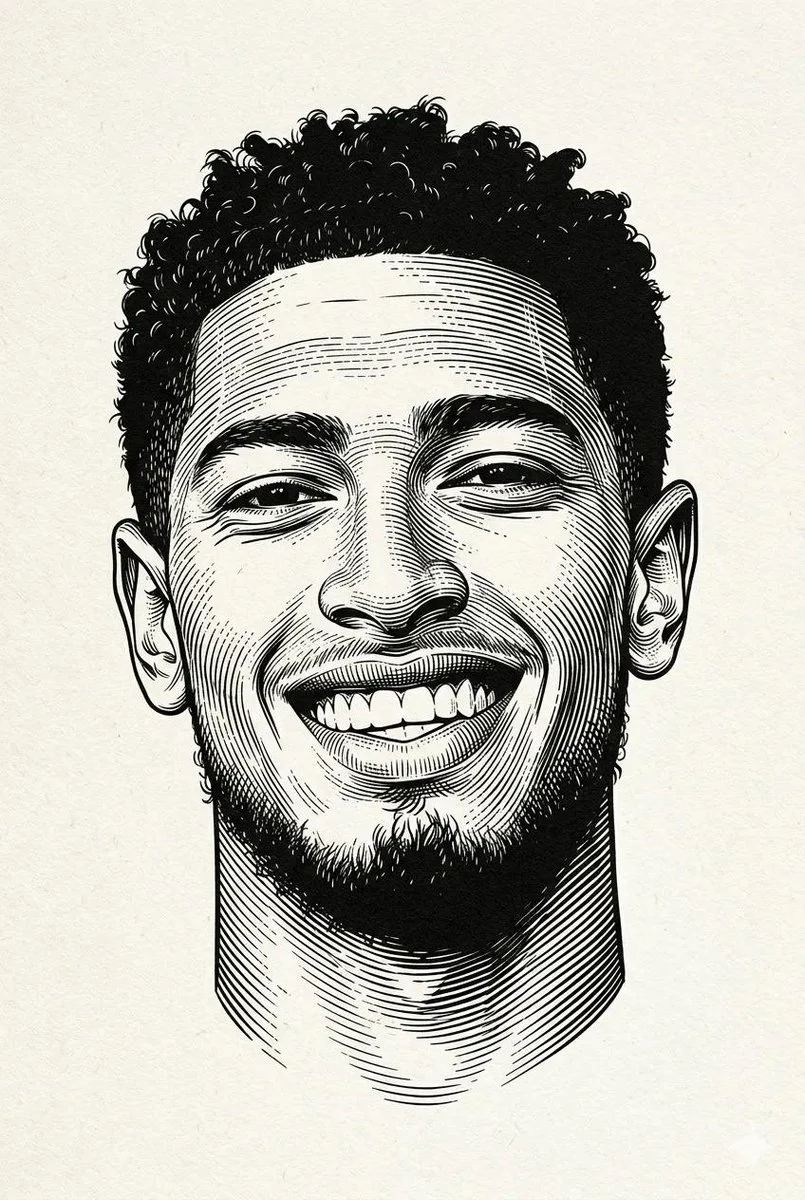

simeon-sanai
Master the Black White Woodcut Portrait Style
Black and white engraved portrait illustration of a person. Drawn in classic woodcut / linocut engraving style, high contrast black ink on textured off-white paper background. Fine cross-hatching and ...
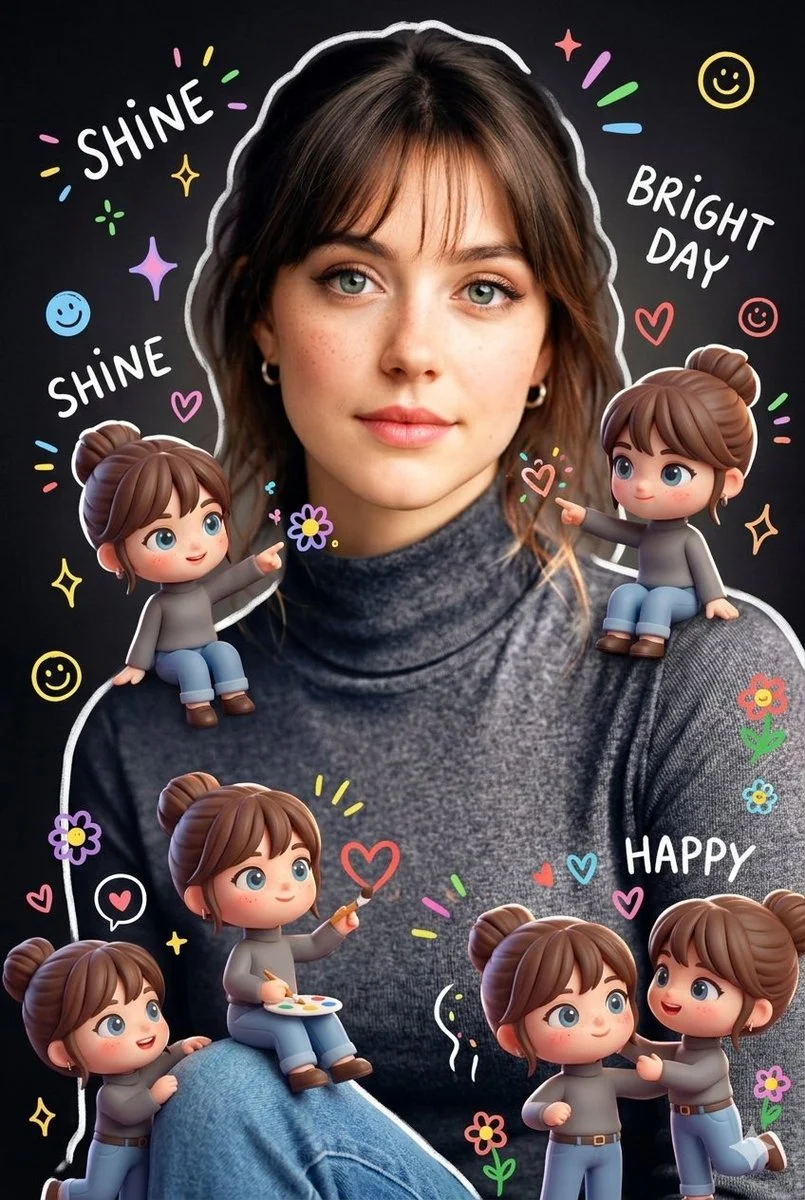
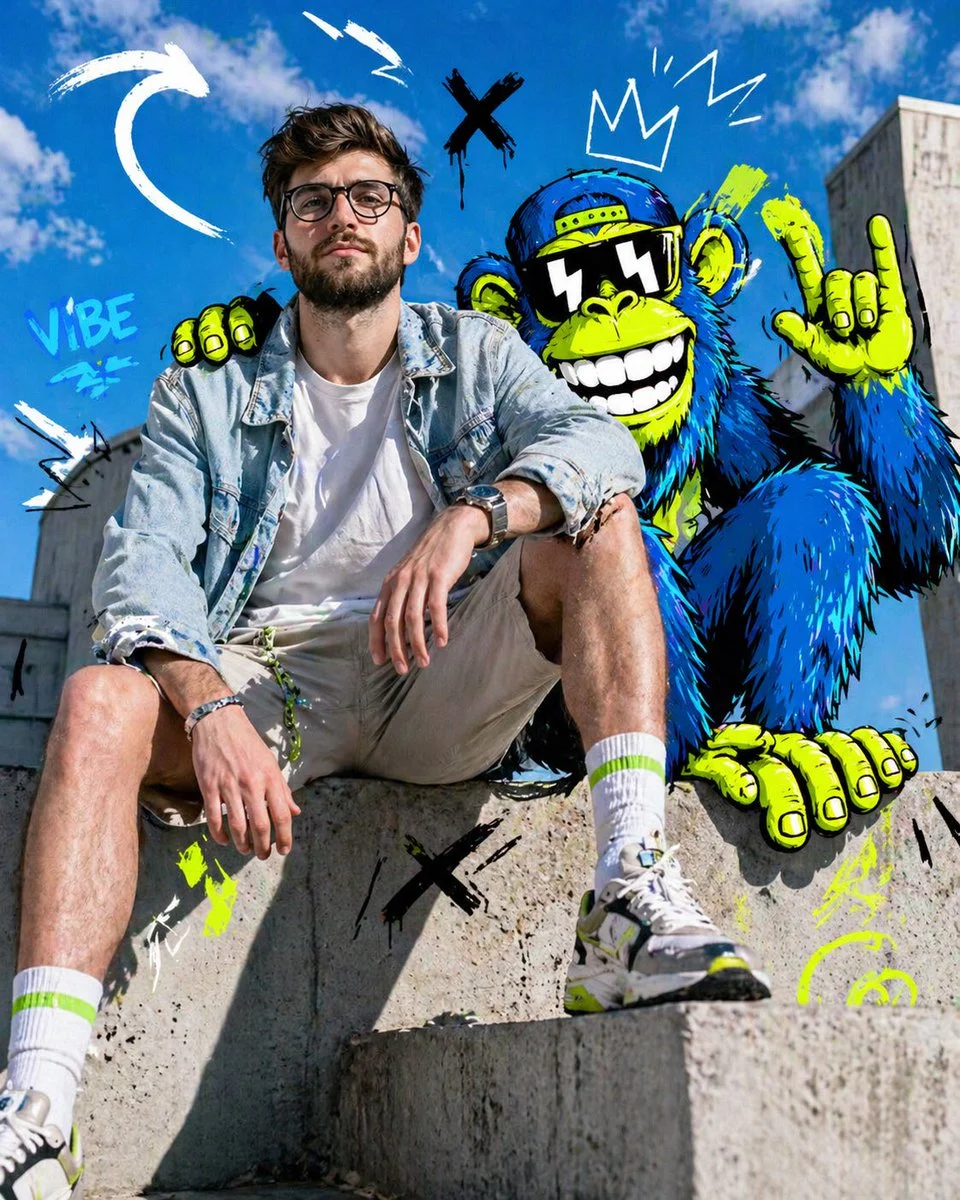

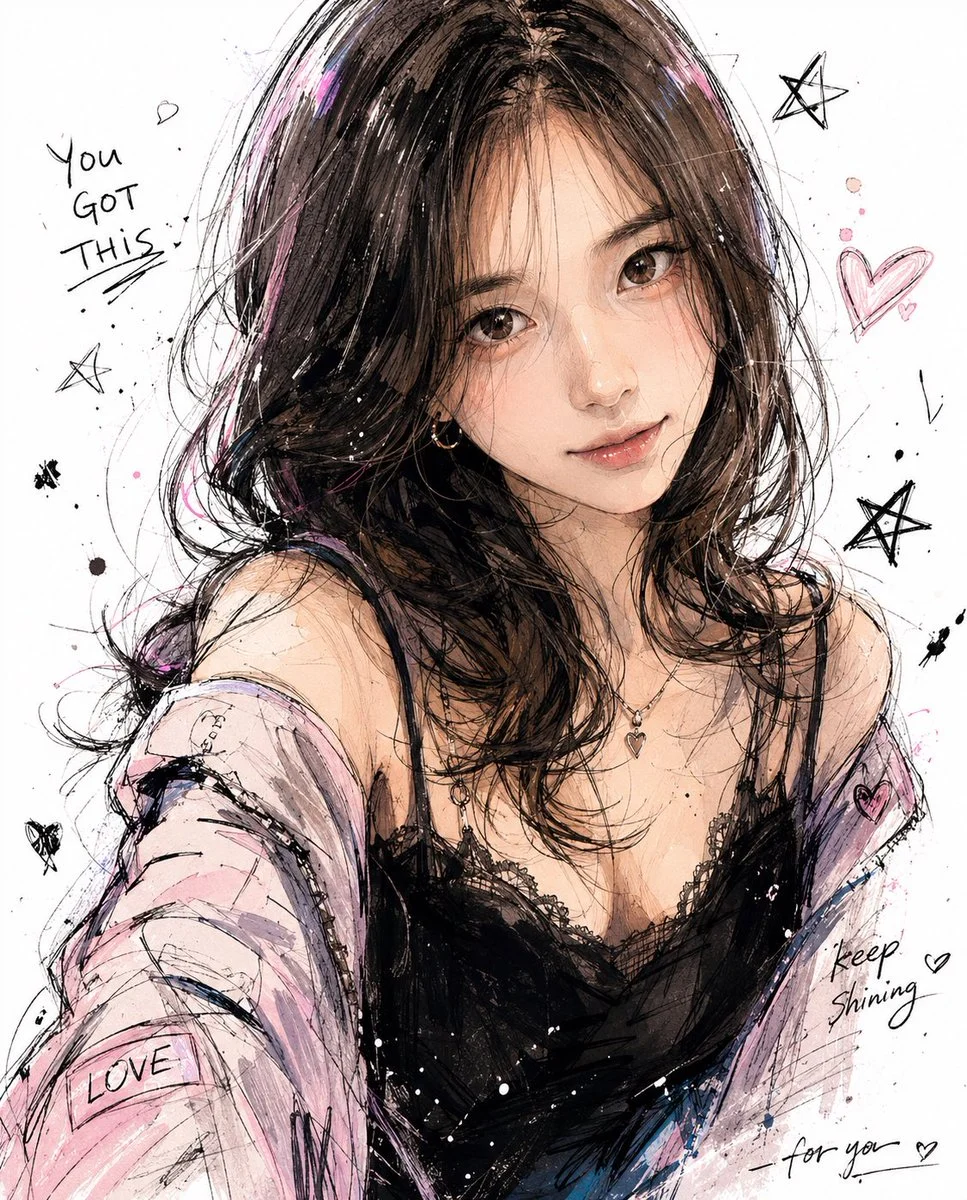








Master the Black White Woodcut Portrait Style
Step into the timeless world of traditional printmaking with this exceptional AI prompt, designed to generate stunning black white woodcut portrait illustrations. This prompt leverages the powerful Nanobanana Pro model to perfectly capture the intricate details, high contrast, and distinctive line work characteristic of classic woodcut and linocut engraving styles. The resulting images evoke a sense of heritage and artistry, making them ideal for projects that demand a sophisticated, vintage aesthetic.
What makes this prompt truly special is its ability to replicate the nuanced textures and dramatic shading found in authentic woodcut art. You'll achieve a professional, vector-ready engraving look with sharp, crisp ink strokes and a monochrome palette that emphasizes strong contour lines. Whether you're aiming for a historical feel or a modern take on a classic, this black white woodcut portrait generator delivers unparalleled quality.
Embrace the minimalist composition and dramatic contrast to produce impactful portraits that stand out. This prompt is your gateway to creating captivating black white woodcut portrait artwork without the need for traditional tools, offering a seamless blend of old-world charm and cutting-edge AI technology.
When to Use This Prompt
Editorial & Publishing
Create compelling illustrations for articles, book covers, or historical publications, perfectly suited for a black white woodcut portrait.
Brand Identity & Logos
Develop unique and memorable brand assets with a sophisticated, hand-crafted feel, utilizing the distinctive black white woodcut portrait style.
Art Prints & Merchandise
Produce high-quality art prints, posters, or merchandise with a classic, artistic touch, focusing on the intricate black white woodcut portrait.
Historical Recreations
Generate images that fit perfectly into historical contexts or documentaries, capturing the essence of period illustrations with a black white woodcut portrait.
How to Use This Prompt
Access the Prompt
Locate the 'black-white-woodcut-portrait' prompt on EnhanceImage. The prompt is designed for the Illustration & 3D category.
Select Nanobanana Pro
Ensure you select the 'Nanobanana Pro' model for optimal results, as this prompt is specifically tuned for its capabilities.
Generate Your Image
Simply click 'Generate' to create your first black white woodcut portrait. Experiment with minor variations to see different outcomes.
Iterate & Refine
Use the generated image as a starting point. Adjust positive or negative prompt elements to fine-tune your desired black white woodcut portrait.
Customization Tips
Vary the Subject
Describe different individuals (e.g., 'elderly man,' 'young woman with braids') to see how the black white woodcut portrait style adapts.
Adjust Contrast Levels
Experiment with terms like 'ultra high contrast' or 'subtle contrast' in the positive prompt to modify the dramatic effect of your black white woodcut portrait.
Refine Texture
Add phrases like 'rough paper texture' or 'smooth vellum background' to influence the underlying surface feel of the black white woodcut portrait.
Emphasize Details
Specify 'intricate hair details' or 'pronounced facial lines' to guide the AI on areas you want to highlight in your black white woodcut portrait.