

simeon-sanai
Mastering the Blue Background Passport Photo Pair
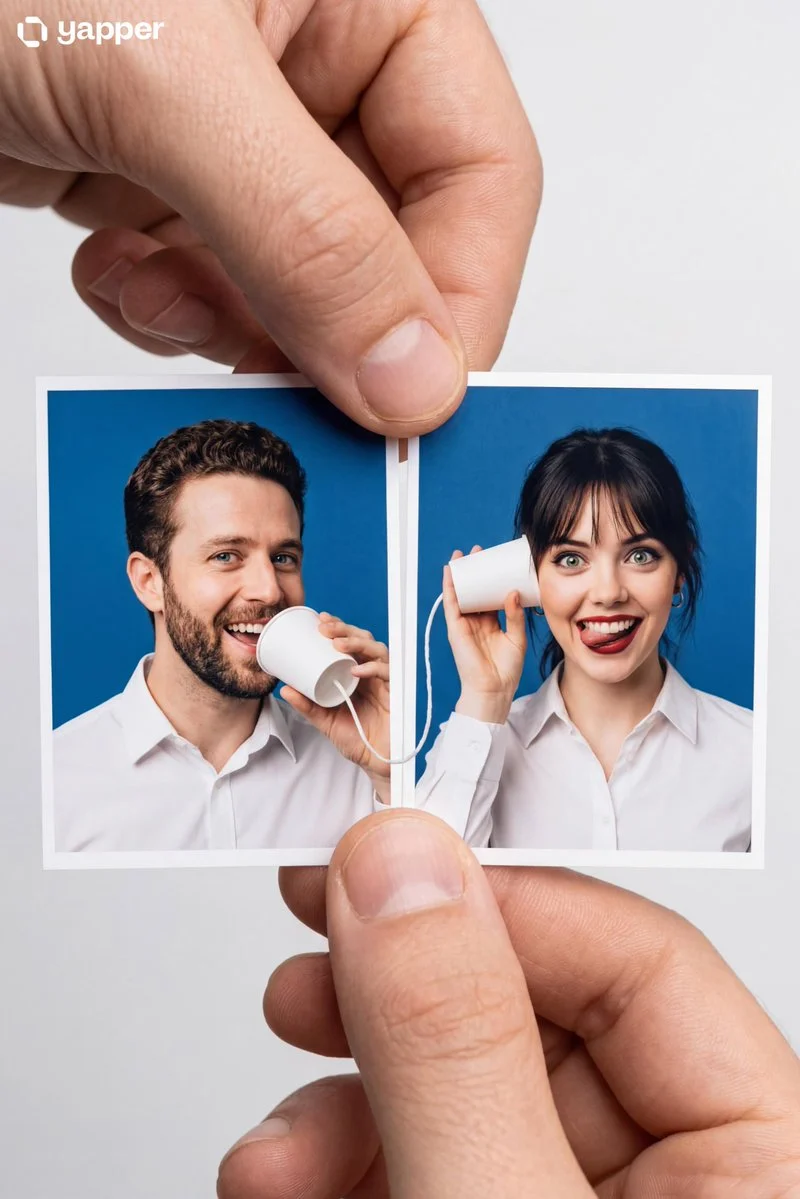
Create a Portrait Master Object: Two passport-sized photo prints held side-by-side by a person's thumb and index finger. **Passport Photo Background:** Use a solid blue background (the standard offici...


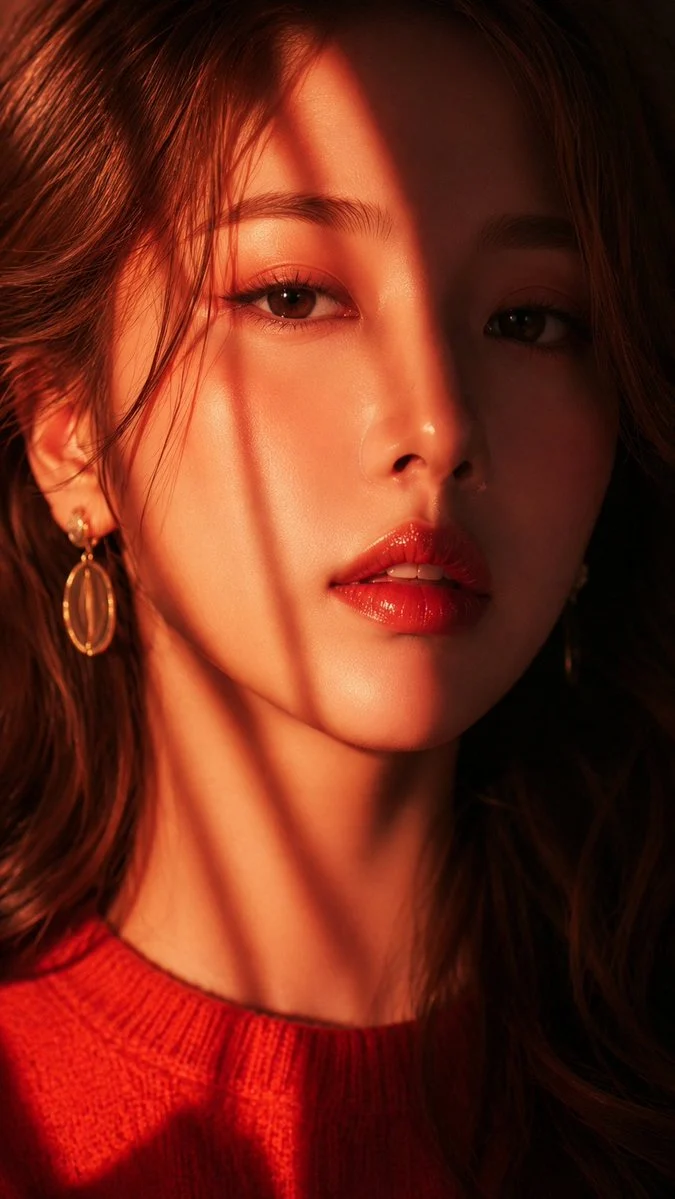

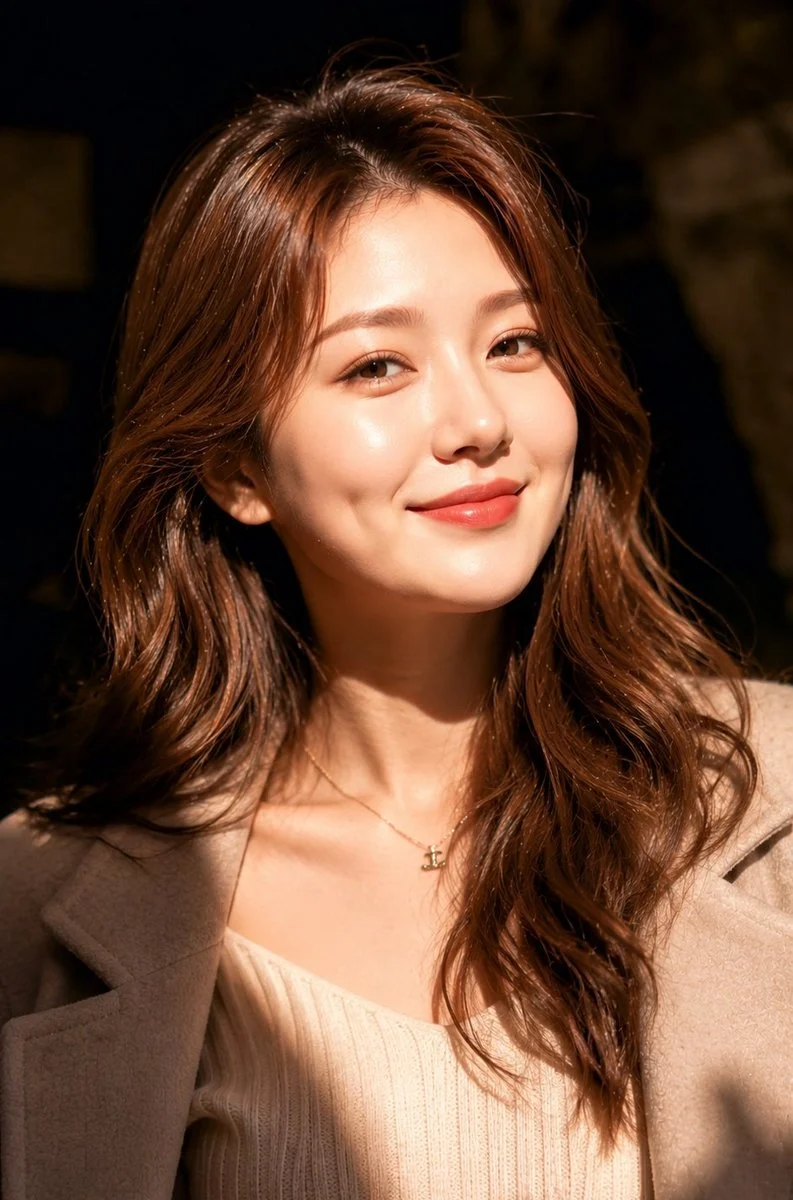

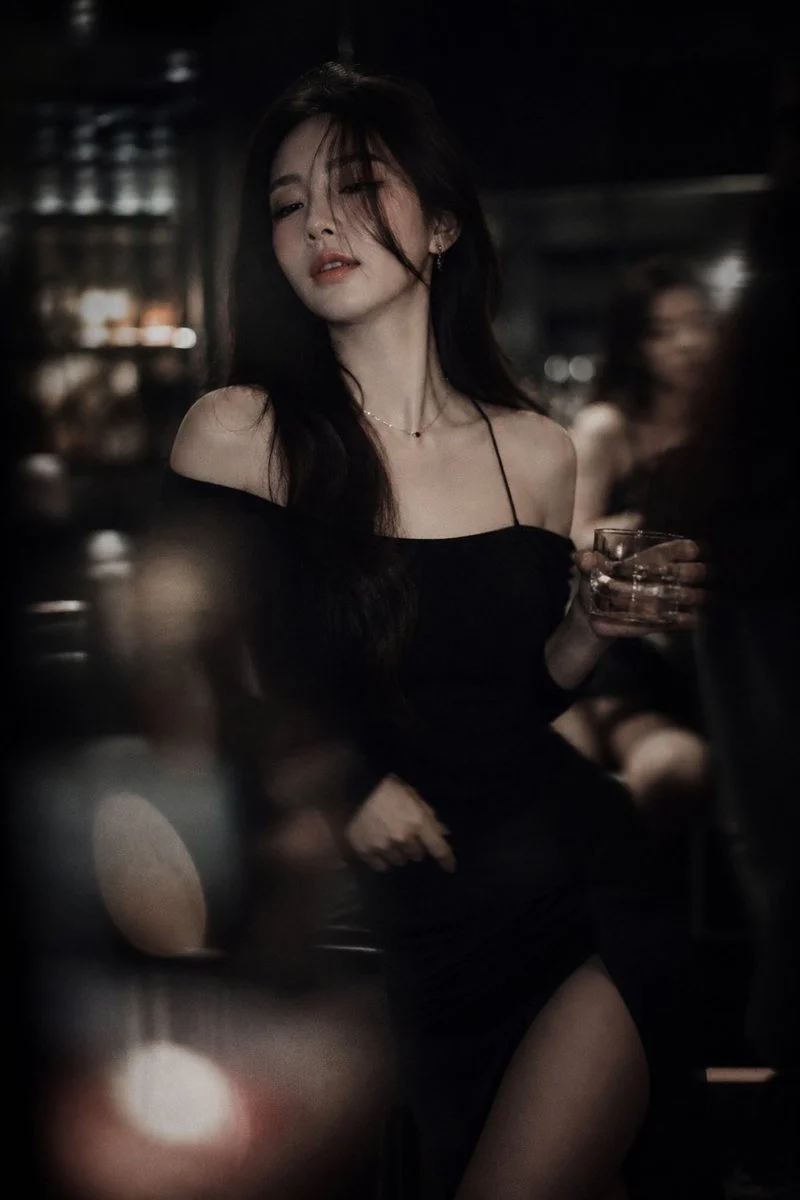

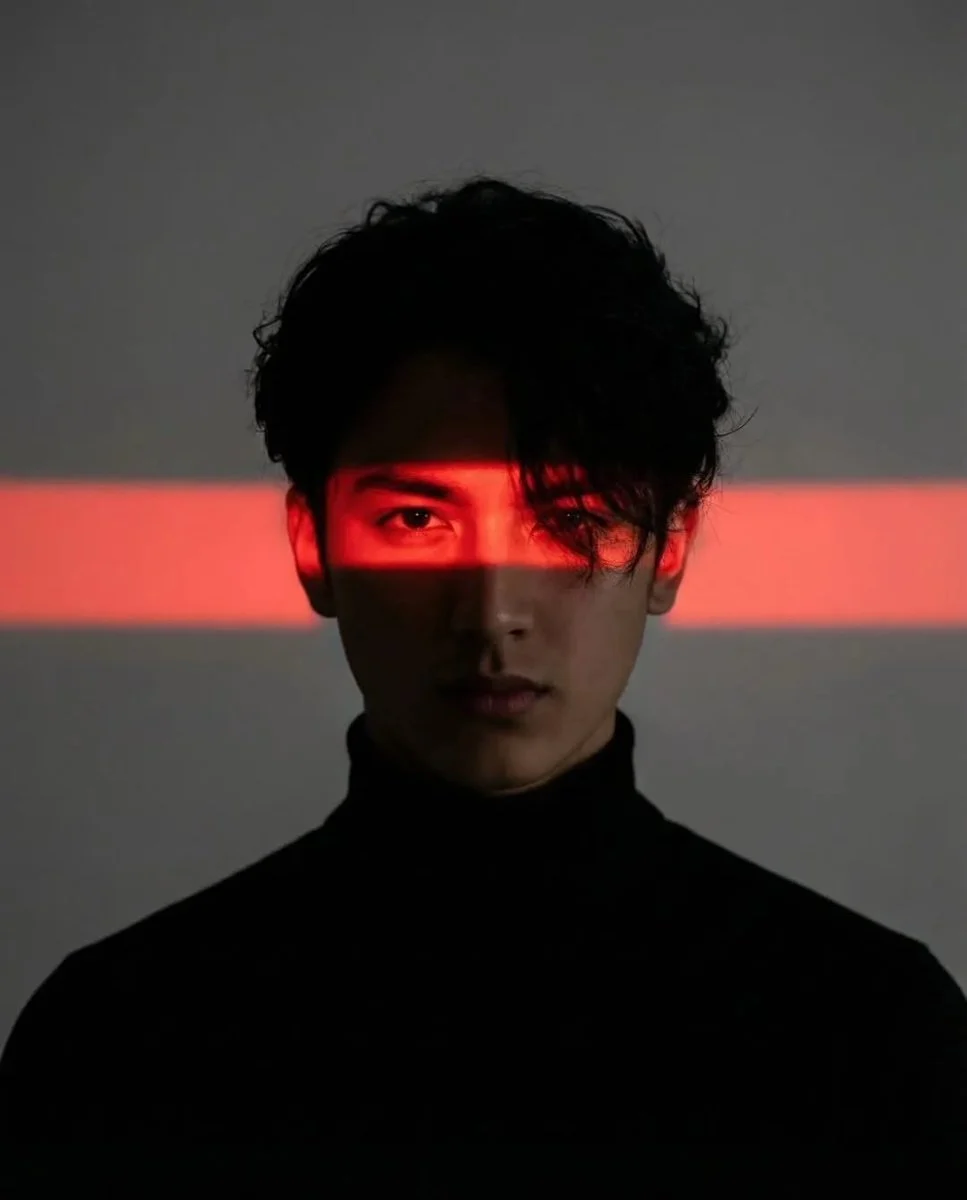


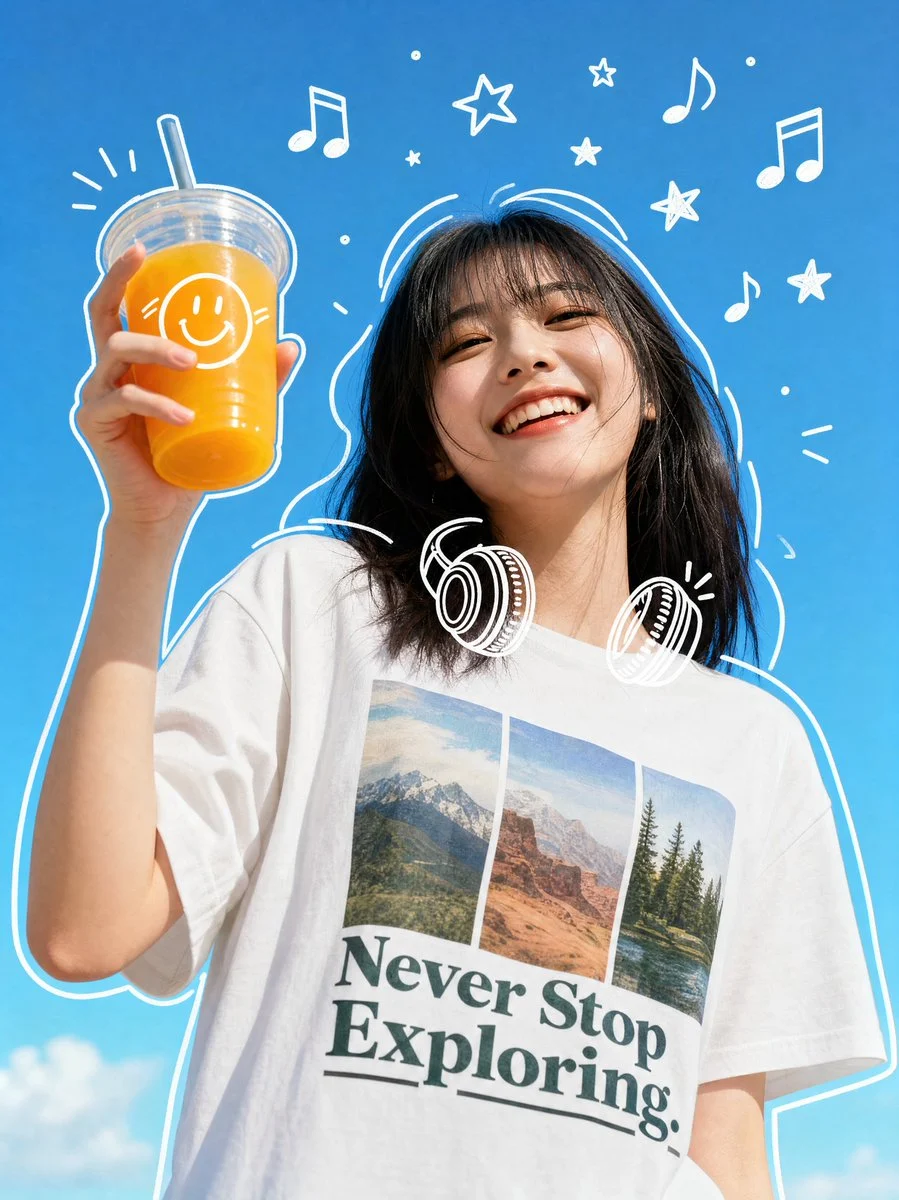

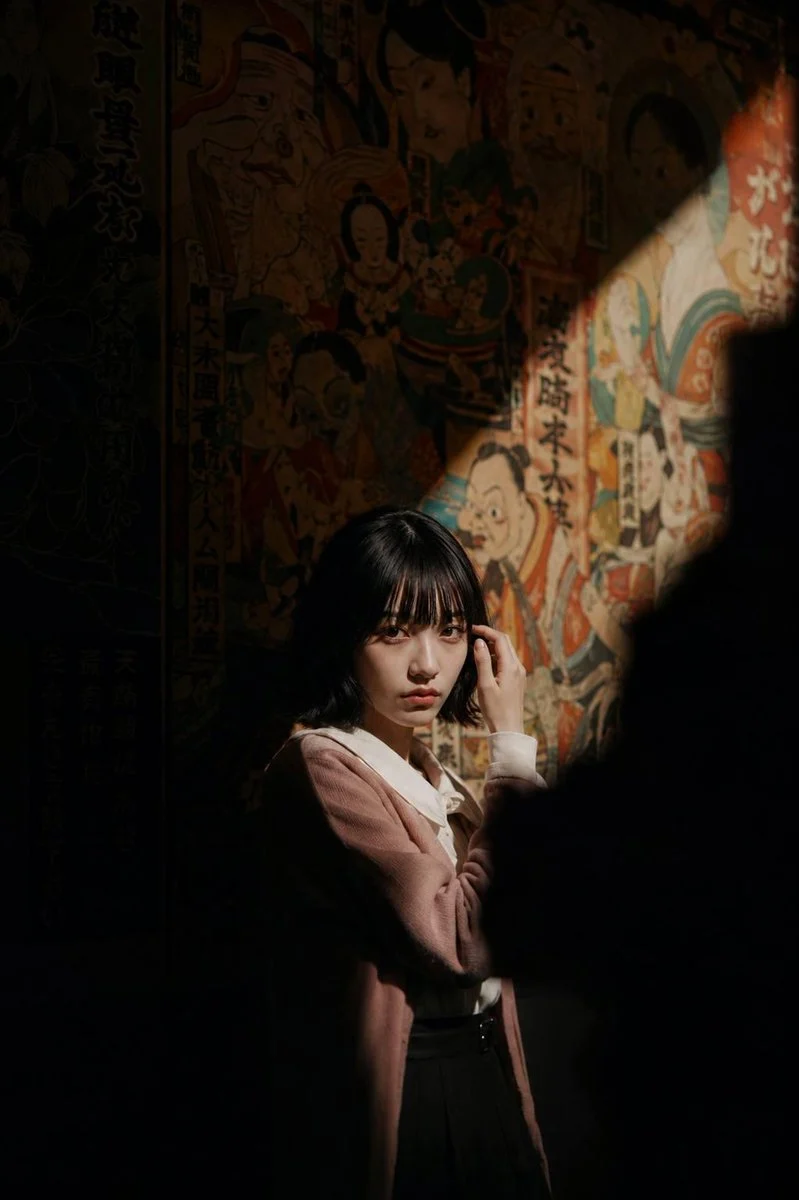

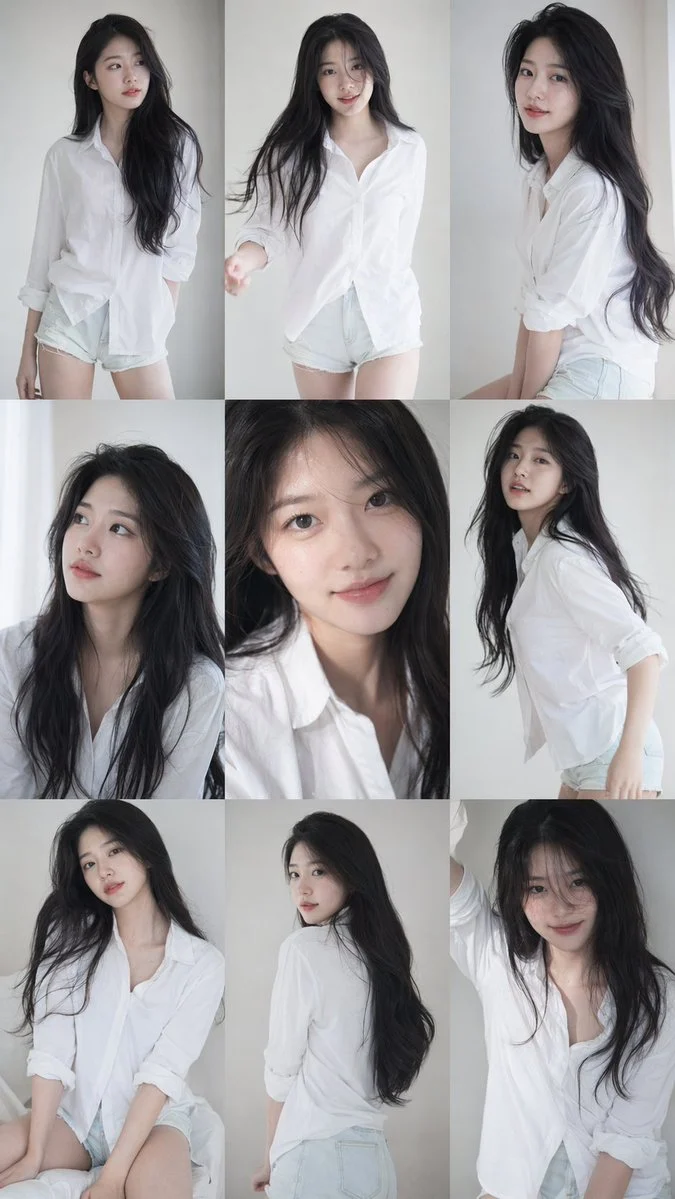

.**Clothing%3A**%20Both%20subjects%20in%20the%20photo%20wear%20formal%20and%20neat%20white%20collared%20shirts.**Male%20Subject%20(Left%20Photo)%3A**%20Make%20his%20face%20and%20hair%20100%25%20similar%20to%20the%20given%20reference.He%20poses%20as%20if%20talking%20into%20a%20white%20paper%20cup%2C%20with%20a%20cheerful%20laughing%20expression.**Female%20Subject%20(Right%20Photo)%3A**%20Make%20her%20face%20and%20hair%20100%25%20similar%20to%20the%20given%20reference.She%20poses%20as%20if%20holding%20a%20white%20paper%20cup%20to%20her%20ear%2C%20listening.%20Her%20expression%20is%20funny%20with%20a%20wide%20smile%20and%20a%20slightly%20stuck-out%20tongue.**Interactive%20Prop%3A**%20There%20is%20a%20white%20string%20coming%20out%20from%20under%20the%20male%27s%20paper%20cup%20and%20connecting%20to%20the%20female%27s%20paper%20cup.%20Because%20the%20two%20photos%20are%20placed%20next%20to%20each%20other%2C%20this%20prop%20creates%20the%20illusion%20of%20a%20%22string%20phone%22%20connecting%20the%20two%20photos.&image=https%3A%2F%2Fcdn.enhanceimage.org%2FEnhanceImage%2Fimgs%2Fprompts%2Ftweets%2F2041695940797690203%2F0.jpg)
Mastering the Blue Background Passport Photo Pair
Unleash your creativity with this unique prompt designed to generate a compelling blue background passport photo pair. This isn't just any passport photo; it’s a delightful narrative captured within official-style portraits, perfect for adding a touch of personality to your digital art.
Our prompt leverages the advanced capabilities of the Nanobanana Pro model to produce stunningly detailed and expressive portraits, all set against the crisp, standard blue background. The playful interaction between the subjects, connected by a 'string phone,' adds a whimsical layer to the otherwise formal blue background passport photo pair concept. It’s an excellent way to explore character dynamics and storytelling within a structured portrait format.
Whether you're looking to create engaging social media content, unique digital illustrations, or simply explore the boundaries of AI-generated portraiture, this prompt for a blue background passport photo pair offers a fantastic starting point. Dive in and see how you can transform a simple concept into something truly memorable.
When to Use This Prompt
Creative Storytelling
Develop imaginative narratives by depicting characters in a series of blue background passport photo pair images, showing different interactions or stages of a story.
Unique Profile Pictures
Stand out with a distinctive profile picture that combines formal aesthetics with a touch of humor or personal flair, using a blue background passport photo pair.
Digital Art & Illustration
Incorporate these stylized blue background passport photo pair images into larger digital collages, posters, or conceptual art pieces.
Marketing & Social Media
Create engaging and shareable content for campaigns that require a blend of professionalism and lightheartedness, centered around a blue background passport photo pair.
How to Use This Prompt
Understand the Core Concept
Familiarize yourself with the prompt's structure, focusing on the blue background, formal attire, and the 'string phone' interaction that defines this blue background passport photo pair.
Utilize Reference Images (Optional)
If available, use specific reference images for the male and female subjects to achieve 100% similarity in faces and hair, as intended for this blue background passport photo pair.
Experiment with Expressions
While the prompt suggests specific expressions, don't hesitate to modify them slightly to explore different emotional tones within your blue background passport photo pair.
Adjust Prop Details
Consider variations for the 'string phone' prop – different colors, materials, or even other interactive elements to connect the two photos of the blue background passport photo pair.
Customization Tips
Alter Background Hue
While the prompt specifies a standard blue, try experimenting with slightly darker or lighter shades of blue to see how it affects the overall mood of the blue background passport photo pair.
Change Clothing Style
Instead of white collared shirts, explore other formal or semi-formal attire options while maintaining neatness for your blue background passport photo pair.
Vary Subject Interaction
Beyond the 'string phone,' imagine other creative ways the two subjects in the blue background passport photo pair could interact or connect, such as holding hands or sharing an object.
Introduce Subtle Props
Add small, personal props to each subject (e.g., glasses, a specific piece of jewelry) to further define their characters within the blue background passport photo pair.