 Enhance Image
AI Image Extender
Professional AI image extender and image expander to outpaint photos in any direction. Transform your images with our advanced AI expand image technology. Free online AI photo expander with instant results.
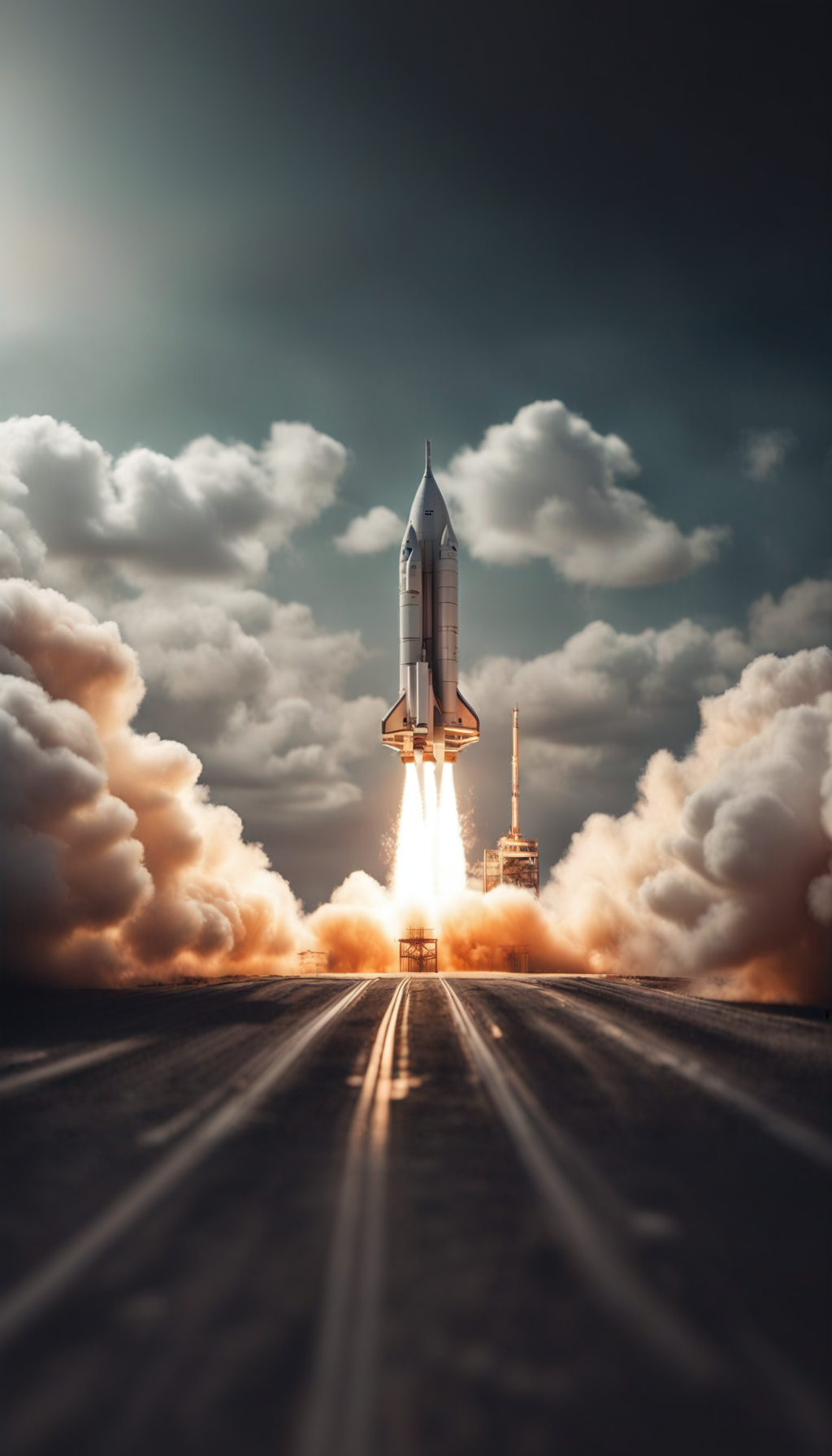
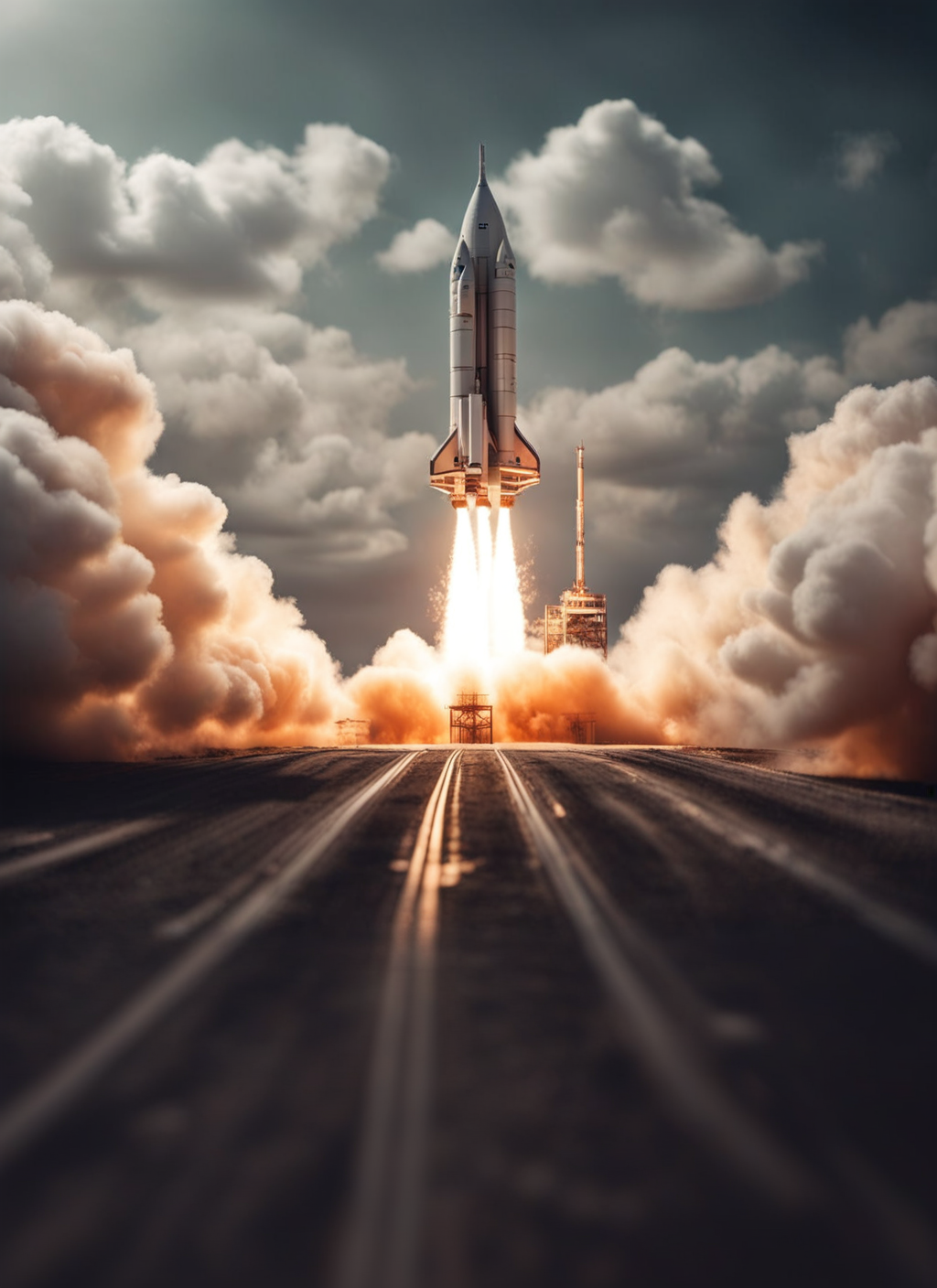
Expand Any Photo Instantly with AI Outpainting
Transform tightly cropped images into stunning wide-angle shots. Our AI image extender generates contextually perfect backgrounds in any direction—giving you the extra canvas space you need for social media, banners, and professional designs.
What Is an AI Image Extender?
An AI image extender (often referred to as an "outpainting" tool) is a revolutionary automated design utility that allows you to expand the borders of any photograph or artwork. Unlike simply scaling or stretching an image, our online photo expander uses generative AI to literally "imagine" and draw what exists outside the frame of your original picture.
Have you ever taken a beautiful portrait, only to realize later that you cropped off the top of someone's head? Or perhaps you have a stunning square photo that you desperately need to use as a wide 16:9 banner for your website? Historically, fixing these framing issues required hours of painstaking work in Photoshop, manually cloning textures and trying to paint in missing details. Today, our AI image extender does this instantly. By analyzing the pixels, lighting, and semantic context of your image, it generates brand new, hyper-realistic pixels that seamlessly continue your scene in any direction you choose.
Smart Image Extension
Automatically extend photos using advanced AI algorithms that analyze your original composition and generate seamless new content beyond the edges.
Multi-Direction Expansion
Expand horizontally for YouTube thumbnails, vertically for Instagram Stories, or in all directions at once to create a completely new framing.
Seamless Background Generation
Our outpainting technology matches lighting, textures, and depth of field perfectly, making the AI-generated extensions virtually undetectable.
How Generative Outpainting Actually Works
Understanding the technological leap from traditional editing to AI.
To truly appreciate the power of an AI image expander, it helps to understand the limitations of the tools that came before it. For years, the industry standard for extending backgrounds was "Content-Aware Fill." While revolutionary at the time, Content-Aware Fill is essentially a sophisticated cloning tool. It looks at the existing pixels inside your image and copies them over to the blank spaces.
Traditional Content-Aware Fill
- Relies entirely on cloning existing pixels from the original image.
- Creates obvious repeating patterns when expanding large areas.
- Cannot generate new objects, structures, or anatomical details.
Generative AI Outpainting
- Uses diffusion models to "hallucinate" entirely new, contextually accurate content.
- Flawlessly matches complex lighting, shadows, and camera depth-of-field.
- Capable of completing cut-off objects, like half a car or a partial building.
Our AI outpainting technology utilizes state-of-the-art Latent Diffusion Models (LDMs). When you ask the tool to extend an image to the left, the AI doesn't just copy the pixels from the left edge. Instead, it looks at the entire scene. If your photo is of a person standing on a beach at sunset, the AI understands the concepts of "sand," "ocean waves," "setting sun," and "ambient orange lighting." It then generates a brand new continuation of that beach, drawing new waves and sand textures that perfectly match the original photography's style, grain, and focal blur. This semantic understanding is what makes the extension look like a genuine, wider photograph rather than a digital manipulation.
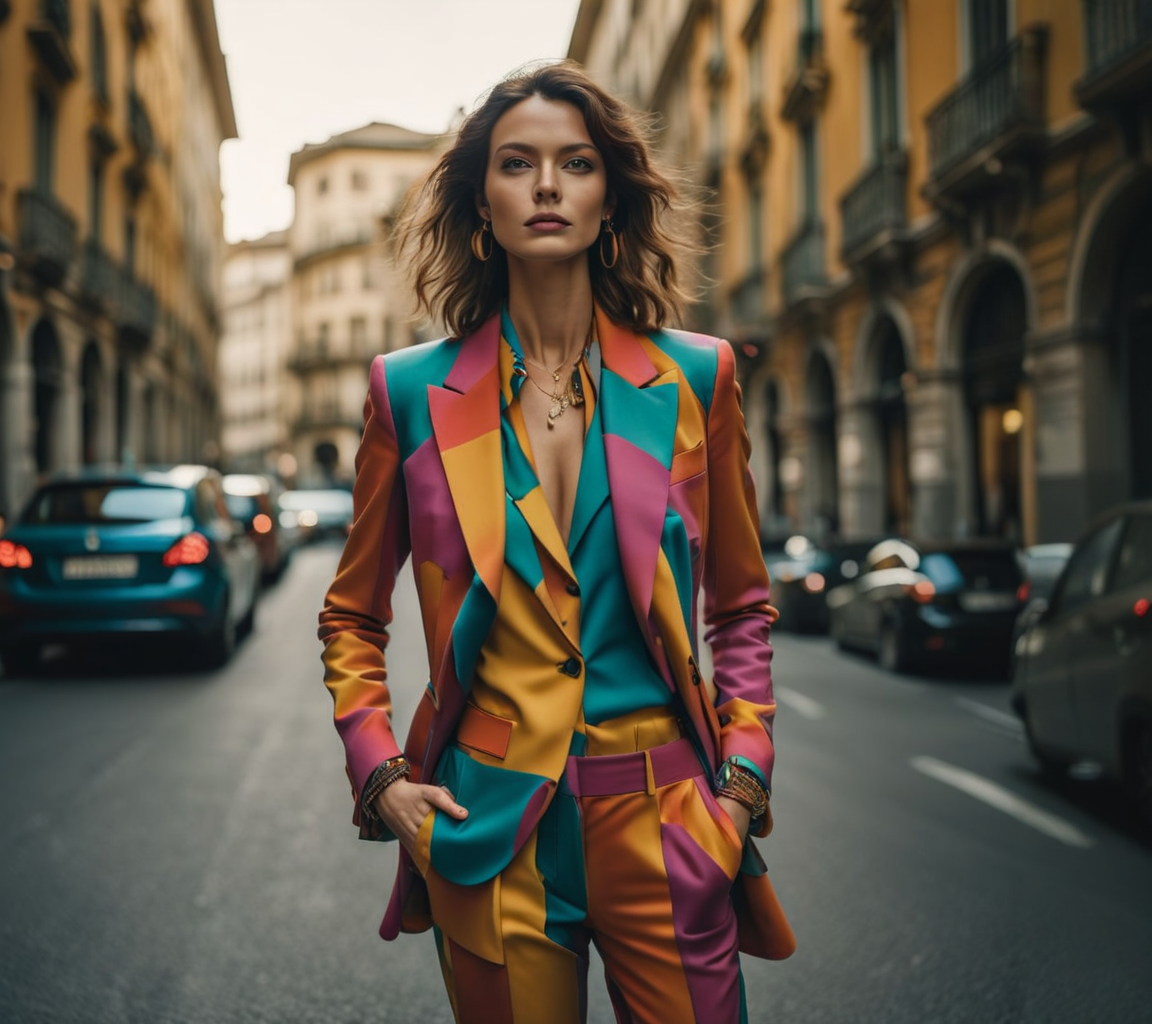
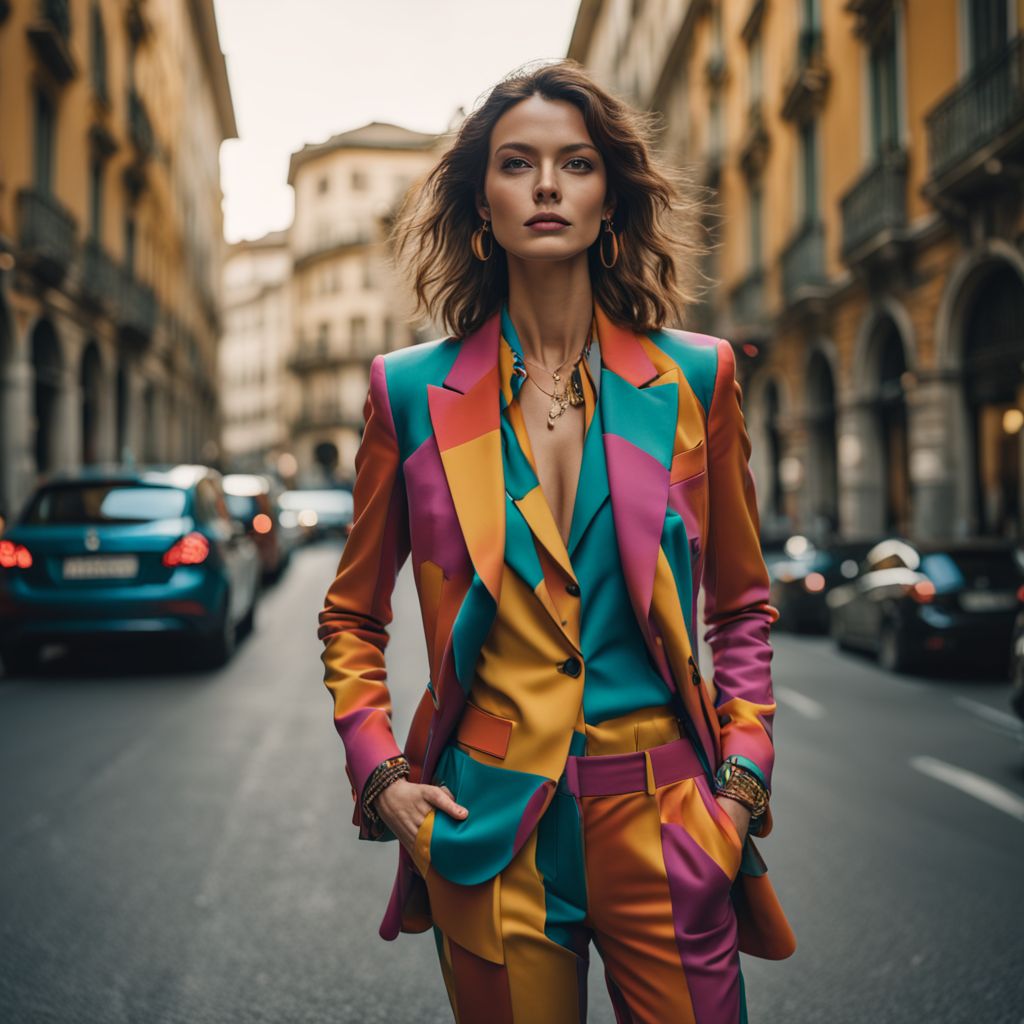
See the Outpainting Magic
Slide to see how our AI image extender intelligently generates new background details, creating a wider composition without stretching or distorting the original subject.
How to Extend Images in 4 Steps
Transform your tight crops into expansive scenes directly in your browser:
Upload Your Photo
Upload the image you want to extend. We support high-resolution JPG, PNG, and WEBP formats.
Set the Expansion Ratio
Choose your target aspect ratio (like 16:9 for YouTube or 9:16 for TikTok), or manually drag the borders to specify exactly which directions to expand.
AI Generation
Our diffusion models analyze your image and generate the missing context. The AI seamlessly blends the new pixels with your original photo's edges.
Download the Result
Review your perfectly expanded image. Download the high-quality file instantly, ready for use in your professional projects or social media feeds.
Comprehensive Use Cases
Our AI photo expander solves critical framing and composition challenges across all creative disciplines.
Social Media Adaptation
Social media platforms have strict aspect ratio requirements. A beautiful horizontal landscape shot won't fit nicely on an Instagram Story or TikTok (which require 9:16 vertical formats), and cropping it often ruins the composition. Our AI image extender allows you to vertically expand your horizontal photos, generating the sky above and the ground below so your image fills the screen perfectly without losing any of the original subject matter.
Website Banners & Hero Images
Web designers frequently struggle to find images that fit ultra-wide hero banner sections. When you have a perfect stock photo but it's too square, stretching it looks unprofessional and cropping it cuts off the subject. By using outpainting, you can horizontally expand the left and right sides of the image, creating natural-looking negative space where you can safely place your website's headline text and call-to-action buttons.
Rescuing Ruined Photos
We've all taken photos where the framing was just slightly off—the top of a majestic building is cut off, or a group photo misses the person on the far left's shoulder. Instead of discarding these near-perfect shots, our AI expander acts as a time machine. It can intelligently reconstruct the missing top of the building, or regenerate the missing shoulder and background, rescuing photos you thought were unusable.
Product Photography
E-commerce sellers often need their product photos perfectly centered with ample white space or environmental context around them for marketplace listings like Amazon or Shopify. If an item was shot too closely, our AI photo extender can effortlessly generate the missing tabletop or studio backdrop, ensuring your product catalog maintains a consistent, professional, and properly padded appearance.
Pro Tips: Getting the Best Outpainting Results
While our AI models are incredibly advanced, outpainting is a collaborative process between the user and the machine. Here are three expert tips to ensure seamless extensions:
- Give the AI Enough Context: The AI needs a solid foundation to build upon. If you crop an image so tightly that it's just a solid color at the edge, the AI won't know what to generate. Ensure your starting image has enough visible details, textures, and lighting cues near the borders for the AI to "read" the scene accurately.
- Extend Incrementally for Large Expansions: If you need to turn a small square into a massive panoramic image, don't try to generate a 400% expansion all at once. Extend the image by 50% horizontally, save the result, and then upload that new image to extend it again. Incremental outpainting allows the AI to maintain structural logic over larger areas.
- Mind the Prompts (If Applicable): If you have the option to provide a text prompt alongside your outpainting request, use it to guide the AI. If you are extending a forest scene, a simple prompt like "dense pine forest, foggy background, soft sunlight" helps steer the diffusion model to generate exactly what you envision in the expanded space.
AI Image Extender FAQs
Common questions about our outpainting technology answered.
Break the Boundaries of Your Photos
Don't let tight cropping ruin a perfect shot. Use our AI image extender to magically generate missing backgrounds and achieve the perfect framing in seconds.