
Old Photo Restoration — Restore Old & Damaged Photos with AI
Restore old photos online free with AI. Repair faded, scratched, blurry, and damaged pictures, improve old family photo scans, and create cleaner restored images for saving, sharing, colorizing, and printing.
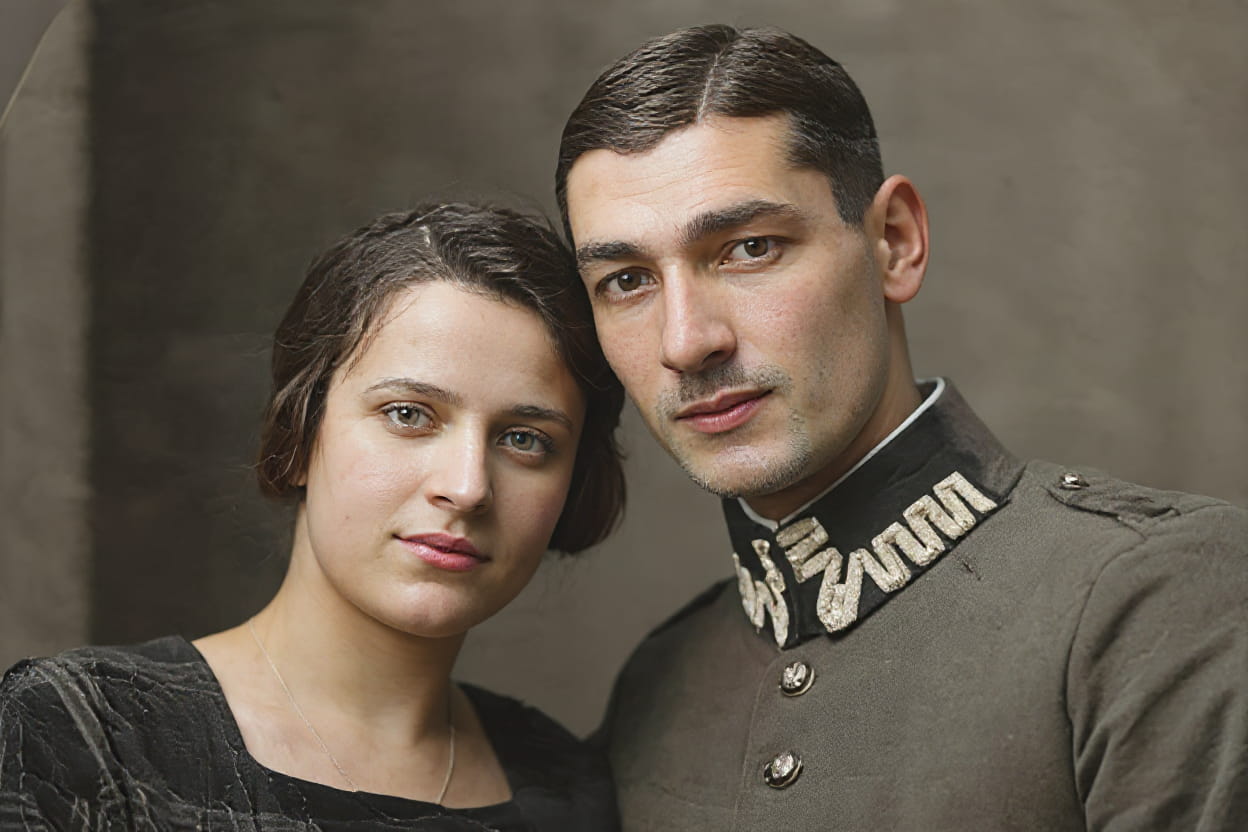
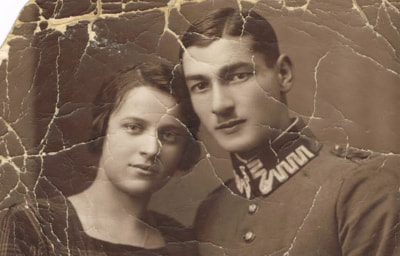
Enhance Image
Restore Old Photos Online with AI
Repair faded, scratched, blurry, and damaged old photos with AI. Restore old family pictures, improve scanned memories, and create cleaner restored images for sharing, archiving, colorizing, and print.
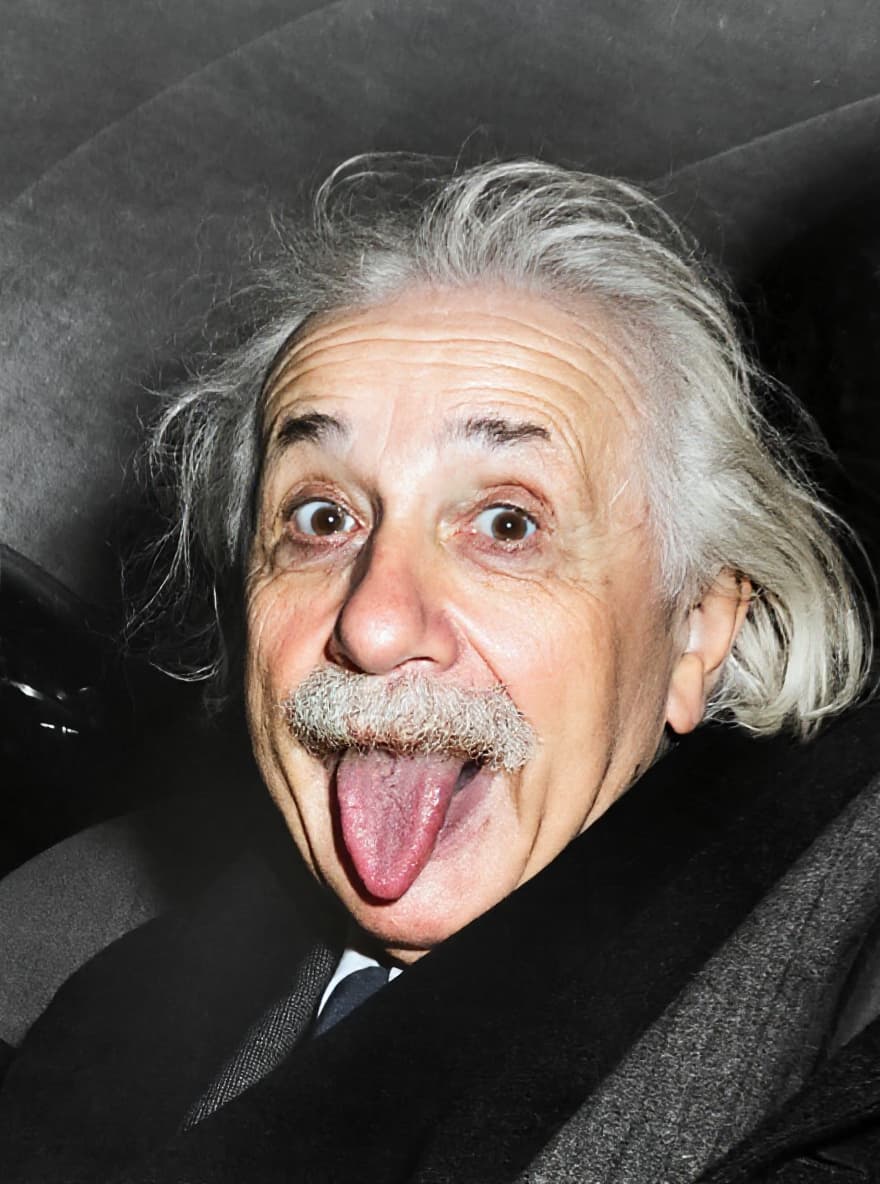
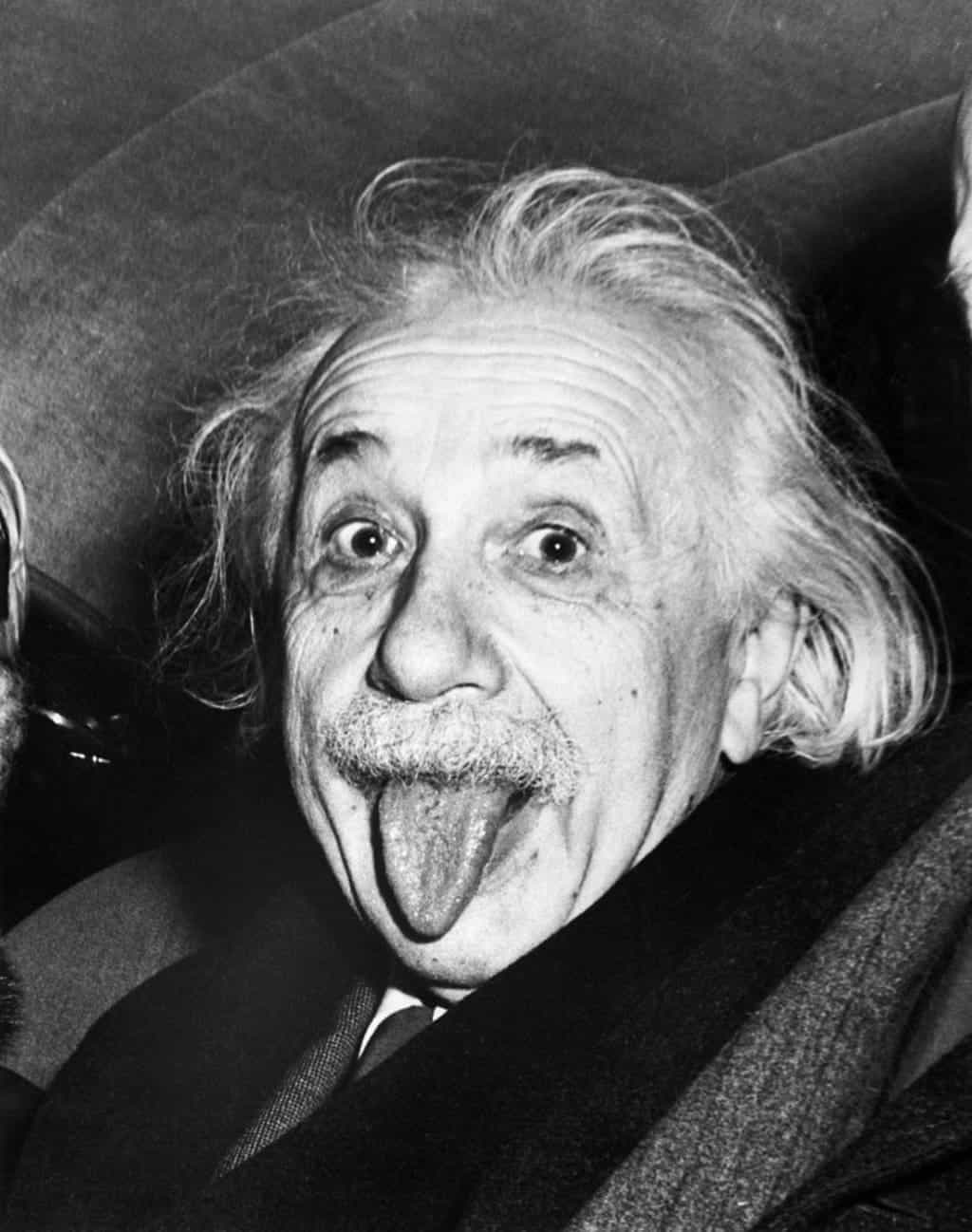
What Is AI Old Photo Restoration?
AI old photo restoration helps repair faded, scratched, damaged, or low-quality old photos by improving clarity, recovering visible detail, and enhancing the final image for digital saving or print. It is especially useful for family archives, scanned pictures, and sentimental photos you want to preserve.
- Detect Damage AutomaticallyIdentify fading, scratches, stains, rough scans, and weak image quality before applying restoration improvements.
- Recover Faces and Important DetailsImprove facial clarity and important visual details to make old family photos look cleaner and easier to preserve.
- Create Cleaner Photos for Saving and PrintingPrepare restored photos for digital archiving, family sharing, optional colorization workflows, and print-friendly use.
Why Use Our AI Old Photo Restoration Tool?
This workflow is built for people who want to preserve memories, not just apply a generic image effect.
Restore Meaningful Images Faster
Repair faded and damaged old photos in minutes instead of spending hours on manual editing.
Improve Old Scans and Vintage Photos
Clean up scanned family pictures, soft vintage portraits, and low-quality archive photos for more usable results.
Make Photos Ready for Sharing or Printing
Create cleaner restored files for family sharing, keepsakes, digital archives, and print-oriented memory preservation.
How to Restore Old Photos with AI
Use our old photo restoration workflow in four simple steps:
Upload Your Old Photo
Upload the old image you want to restore. Supports JPG, PNG, TIFF, and other common formats from scans or digital files.
Choose the Restoration Workflow
Use this page when the image is faded, scratched, damaged, or generally needs restoration rather than only enhancement or upscaling.
Let AI Restore the Photo
Our AI improves clarity, repairs visible damage, and creates a cleaner restored result automatically.
Preview and Download
Preview the restored result first, then download a cleaner image for archiving, family sharing, colorizing, or printing.
What This Old Photo Restoration Tool Can Improve
Focused restoration tools for old, faded, scratched, and damaged photos.
Fade and Damage Cleanup
Improve old photos affected by visible wear, fading, scratches, rough scans, and weak visual quality.
Face and Detail Recovery
Help recover facial clarity and important visual details in family portraits and vintage photos.
Color and Contrast Improvement
Make faded photos feel cleaner and more usable with better contrast and more balanced visual definition.
Noise and Scan Cleanup
Reduce rough grain, scan noise, and low-quality digital artifacts from old image files.
Better Files for Print and Archiving
Prepare restored photos for digital saving, memory preservation, and higher-quality print use.
Use Colorize or Upscale After Restoration
Restore first, then continue to colorization or upscaling if you want a richer or larger final result.
Old Photo Restoration Success Stories
See how users preserve family memories with our AI restoration workflow.
"This restoration workflow helped me bring old family photos back into usable condition for archiving and sharing."
"It is a fast way to clean up damaged old photo scans before more detailed editing or print prep."
"We use it as a practical first-pass restoration workflow for historical images that need cleaner digital preservation."
"It helps us recover old portraits and family archive images that would otherwise remain too faded or damaged to use."
Old Photo Restoration Questions Answered
Learn what this restoration workflow can fix and when to use it instead of a general enhancer.
Start Restoring Old Photos Today
Try old photo restoration free, then upgrade when you need higher-resolution restored files, print-ready output, or more credits.