 Enhance Image
AI Image Upscaler — Increase Image Resolution Online Free
Upscale image online free with our AI image upscaler. Increase image resolution, reduce pixelation, sharpen low-resolution photos, and create cleaner high-resolution results for product images, screenshots, social media, print, and digital content.
Enhance Image
AI Image Upscaler to Increase Resolution Online
Upscale image files, increase resolution, and reduce pixelation in seconds. Best for low-resolution photos, small images, screenshots, product pictures, and digital visuals that need a cleaner HD result.
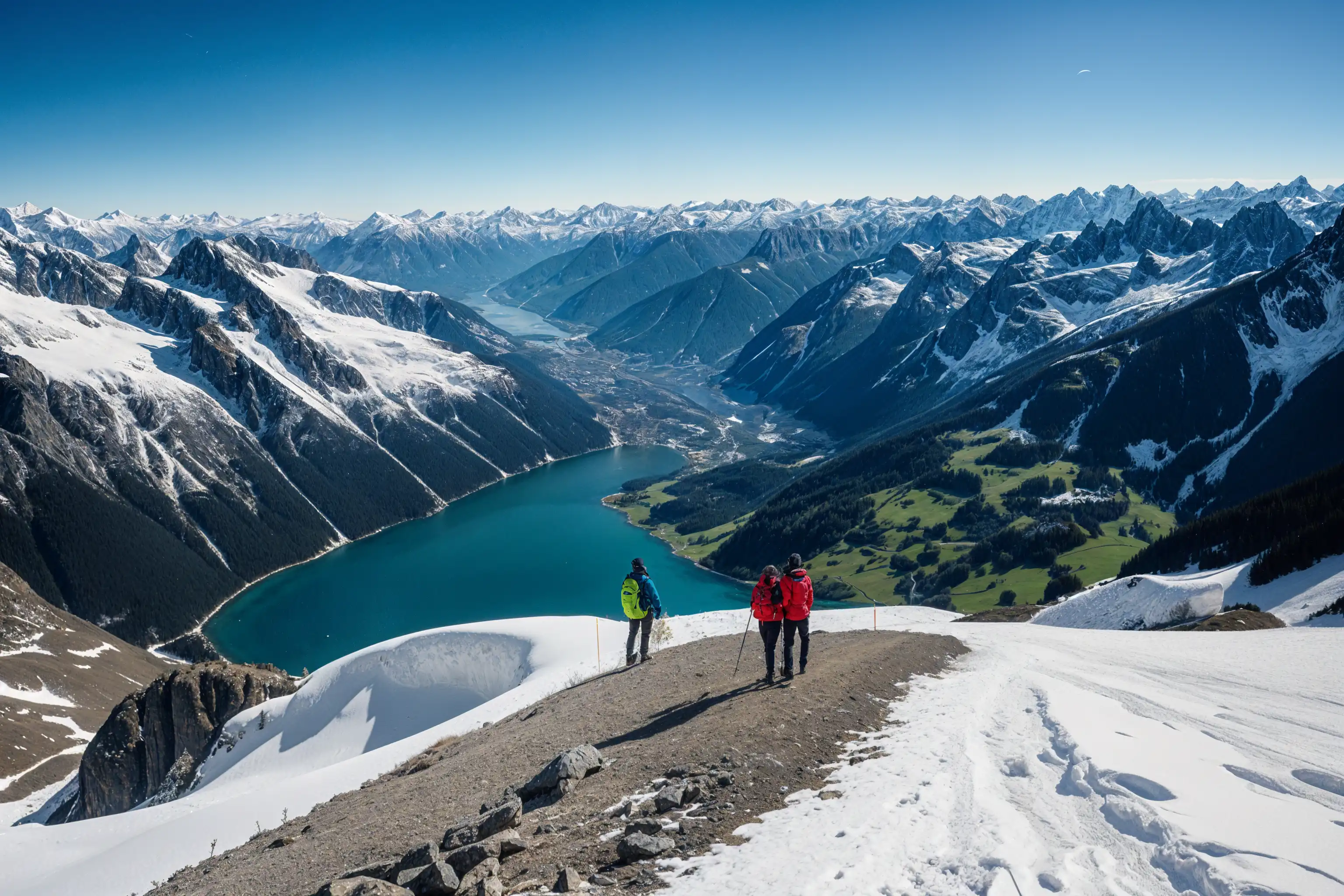
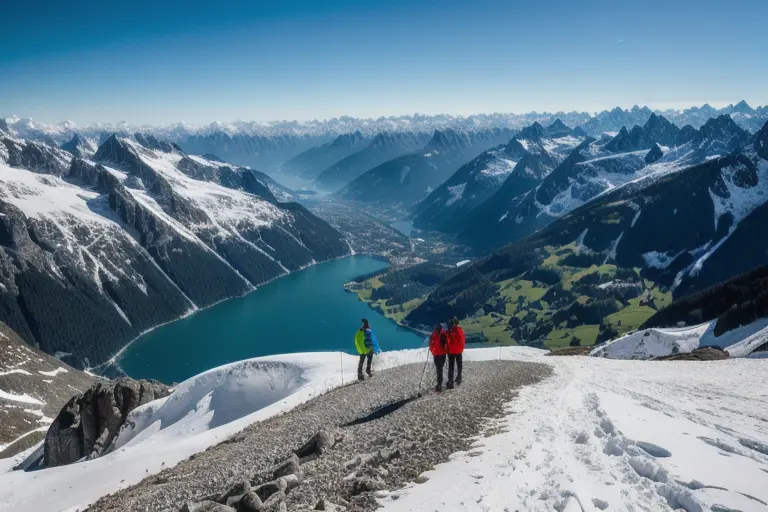
What Is an AI Image Upscaler?
An AI image upscaler increases image resolution while preserving cleaner details than ordinary resizing tools. It is best for images that are too small, low-resolution, or visibly pixelated and need a larger, sharper final output.
- Increase Resolution with AIUpscale image files and turn small or low-resolution images into cleaner, sharper outputs for real-world use.
- Reduce Pixelation and Rough EdgesImprove soft, pixelated, or compressed-looking images with stronger edge definition and better visual clarity.
- Create Larger Usable OutputsPrepare images for ecommerce, design, marketing, social sharing, and print workflows that need more size and cleaner detail.
Why Use Our AI Image Upscaler?
This workflow is built for users who need bigger, cleaner image output — not just a small visual touch-up.
Cleaner High-Resolution Results
Increase image resolution and create sharper files with fewer visible artifacts than ordinary resize tools.
Fast Online Upscaling
Upload, process, preview, and download in minutes with no complicated desktop workflow or manual editing.
Built for Low-Resolution Image Problems
Ideal for small product images, screenshots, AI-generated pictures, old web graphics, and other files that need a larger cleaner output.
How to Upscale Image Online in 4 Steps
Use our AI image upscaler in four simple steps:
Upload Your Image
Upload the image you want to upscale. Supports JPG, PNG, WEBP, and other common formats.
Choose the Output Goal
Use this page when your image is too small, low-resolution, or needs a cleaner larger result.
Let AI Upscale the Image
Our AI reconstructs detail, improves edges, reduces visible pixelation, and increases usable resolution automatically.
Preview and Download
Preview the improved result first, then download a larger cleaner image for ecommerce, print, social media, or digital use.
What This AI Image Upscaler Improves
Focused tools for low-resolution, pixelated, or undersized images.
Higher Resolution Output
Increase image size and prepare files for cleaner display on larger screens, marketplaces, and print surfaces.
Pixelation Cleanup
Reduce blockiness and rough low-resolution artifacts for a smoother, more usable image.
Detail Preservation
Keep subject edges and small details as natural as possible while increasing usable resolution.
Balanced Contrast and Color
Maintain strong visual clarity and cleaner contrast while preparing images for larger output.
Better Results After Unblur
If the source image is noticeably blurry, use our unblur tool first for a cleaner source before upscaling.
Up to 4x Upscaling
Increase usable image resolution up to 4x depending on the source image and selected workflow.
AI Image Upscaler Success Stories
See how users turn low-resolution images into cleaner, sharper outputs.
"This upscaler helps me create cleaner large-format results from smaller source files, especially for quick client revisions and digital previews."
"We use it to increase image resolution for product listings and campaigns. Cleaner product visuals make a real difference."
"It is a fast way to create sharper, larger images for presentations, mockups, and visual assets that would otherwise feel too soft or too small."
"We use it when customers need bigger cleaner files for print-oriented jobs and display materials."
AI Image Upscaler Questions Answered
Learn when to use the image upscaler and what kind of results to expect.
Start Upscaling Images with AI Today
Try the AI image upscaler free, then upgrade when you need higher-resolution downloads, more credits, or repeated professional use.