 Enhance Image
Background Remover — Remove Image Background Online Free
Remove image backgrounds instantly with our free AI-powered background remover. Create transparent PNGs for e-commerce, portraits & design. No signup needed - try it now!
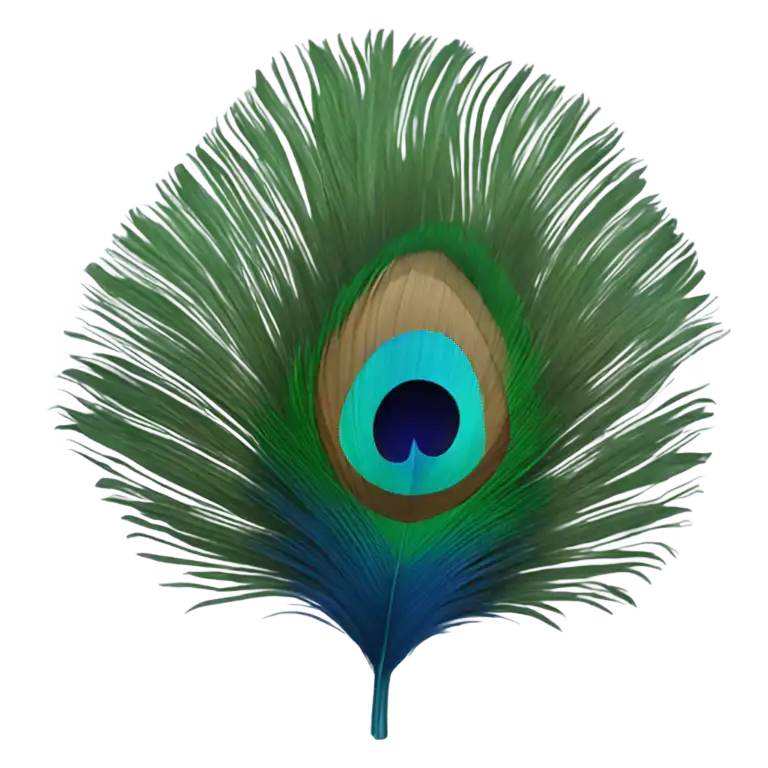
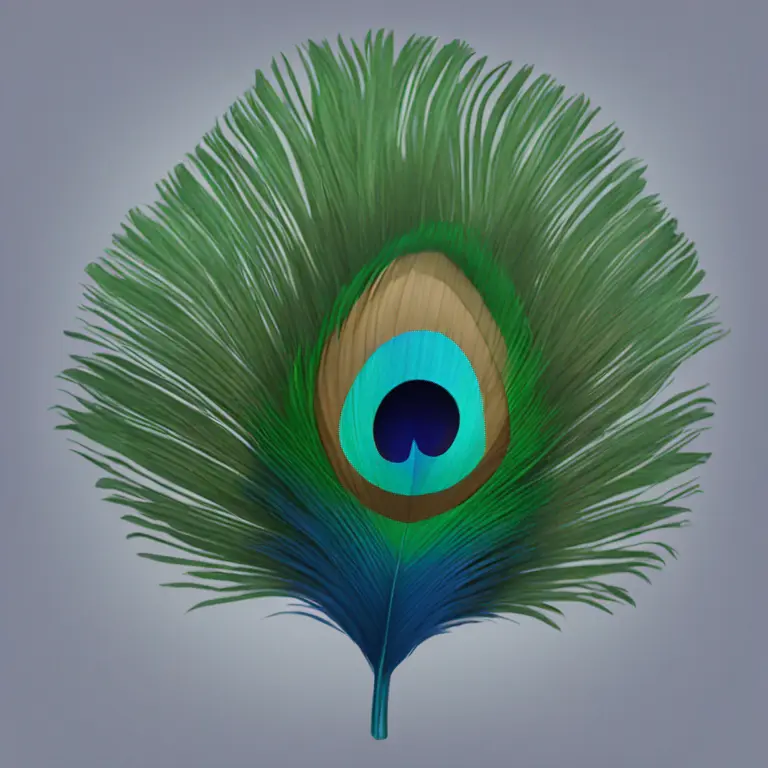
Remove Background from Images Instantly with AI
Remove backgrounds from photos in one click with our free AI tool. Perfect for product shots, portraits, and creative projects. Get professional-quality transparent PNGs instantly — no design skills needed.
How Does Our AI Background Remover Work?
Our free background removal tool online uses advanced AI algorithms to detect and separate the subject from any image background. The AI analyzes edges, hair, and complex details with precision, then creates a perfect transparent background. Whether you're working with product photos, portraits, or graphics, our transparent background remover delivers professional results automatically.
- Intelligent Subject DetectionOur AI automatically identifies the main subject in your photo, from people to products, ensuring accurate background removal every time.
- Precise Edge & Hair DetectionAdvanced algorithms handle complex edges like hair, fur, and intricate details that traditional tools miss, creating clean transparent backgrounds.
- Instant Transparent OutputGet a PNG with transparent background ready for use in designs, e-commerce listings, presentations, or social media in seconds.
Why Choose Our Free AI Background Remover?
Our background removal tool combines speed, precision, and ease of use to deliver professional results for everyone.
100% Free to Use
Remove backgrounds from your images completely free. No hidden fees, no watermarks on basic exports, and no credit card required to start.
Lightning-Fast Processing
Our optimized AI removes backgrounds in seconds, not minutes. Process single images or batch uploads quickly and efficiently.
Professional Quality Results
Get studio-quality transparent backgrounds that rival professional photo editing. Perfect edges, preserved details, and clean outputs.
How to Remove Background from Image in 3 Easy Steps
Follow this simple process to get a transparent background using our free online background remover:
1. Upload Your Image
Click the upload button and select the image you want to remove the background from. Our free background removal tool supports JPG, PNG, and WebP formats.
2. AI Removes Background Automatically
Our AI technology instantly detects your subject and removes the background, creating a clean transparent background with precise edges.
3. Download Your Transparent Image
Preview the result and download your image with transparent background as a PNG file, ready for any use case.
Powerful Features of Our Background Remover
Comprehensive tools to remove backgrounds from any type of image with professional precision.
Hair & Fur Edge Detection
Our AI excels at handling complex edges like hair, fur, and fine details that other background erasers struggle with.
Product Photo Background Removal
Perfect for e-commerce sellers who need clean product images. Remove backgrounds and get marketplace-ready photos instantly.
Portrait & Headshot Backgrounds
Create professional headshots with transparent or custom backgrounds. Ideal for LinkedIn profiles, ID photos, and business portraits.
Batch Background Removal
Need to remove backgrounds from multiple images? Process entire batches efficiently with consistent quality.
Replace with New Background
Don't just remove—replace! Add solid colors, gradients, or custom images as your new background.
High-Resolution Output
Maintain your original image quality. Download high-resolution transparent PNGs suitable for print and professional use.
What Our Users Say About Background Remover
See how our users create perfect transparent backgrounds for their projects.
"This background remover has transformed my product listings! I can now create professional-looking photos in seconds instead of hours with Photoshop."
"We use this tool daily for our social media content. The edge detection on hair and complex shapes is incredibly accurate."
"Best free background removal tool I've found. The quality rivals expensive software, and it handles tricky edges perfectly."
"Processing hundreds of product images used to take days. Now I batch remove backgrounds and have marketplace-ready photos in minutes."
Frequently Asked Questions About Background Removal
Learn more about how to remove backgrounds from images and get the best results.
Ready to Remove Backgrounds from Your Images?
Don't waste time with complicated editing software. Use our free AI background remover now and get transparent backgrounds in seconds.