

Nikhil
Crafting the Perfect Rainy Streetlight Cinematic Portrait
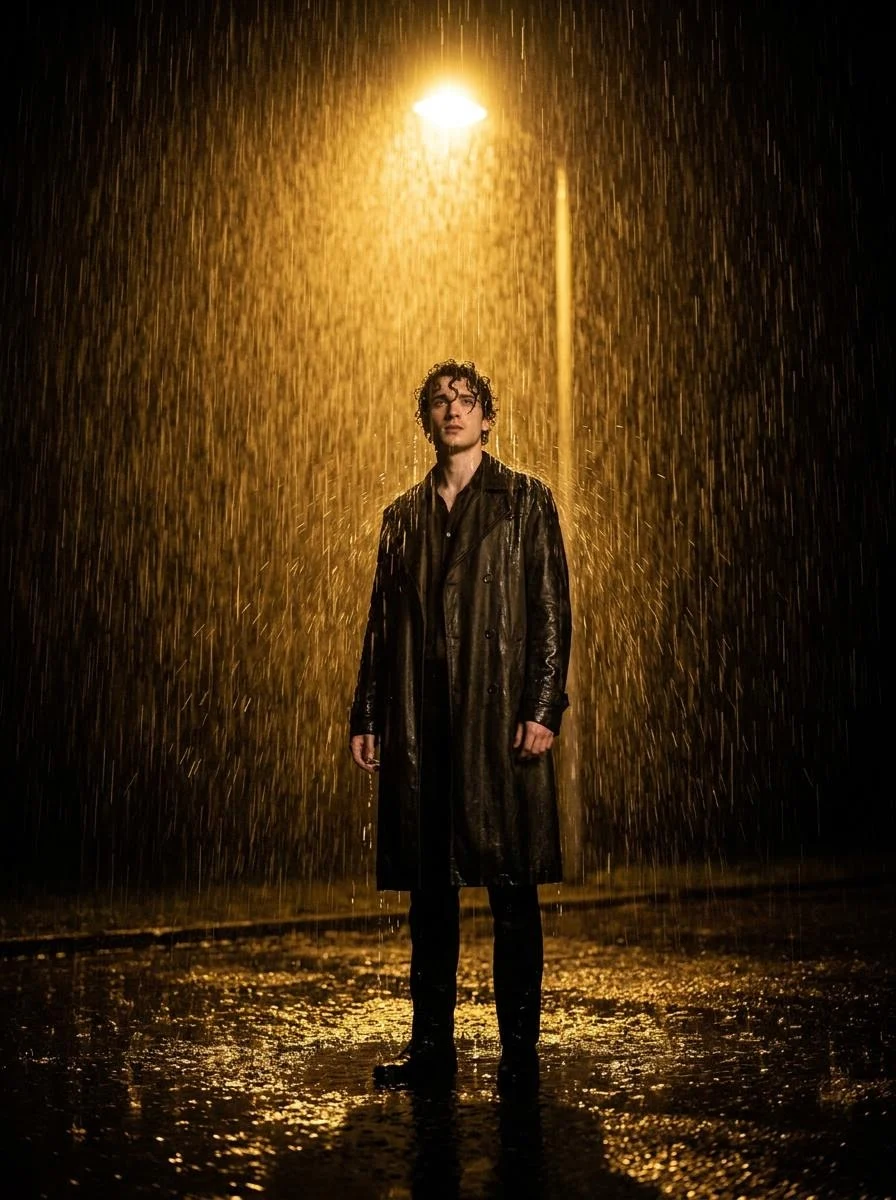
Create a highly cinematic, realistic photo of a person using the face from the uploaded image. The person is standing alone under a single streetlight at night in heavy rain. The rain is pouring down ...





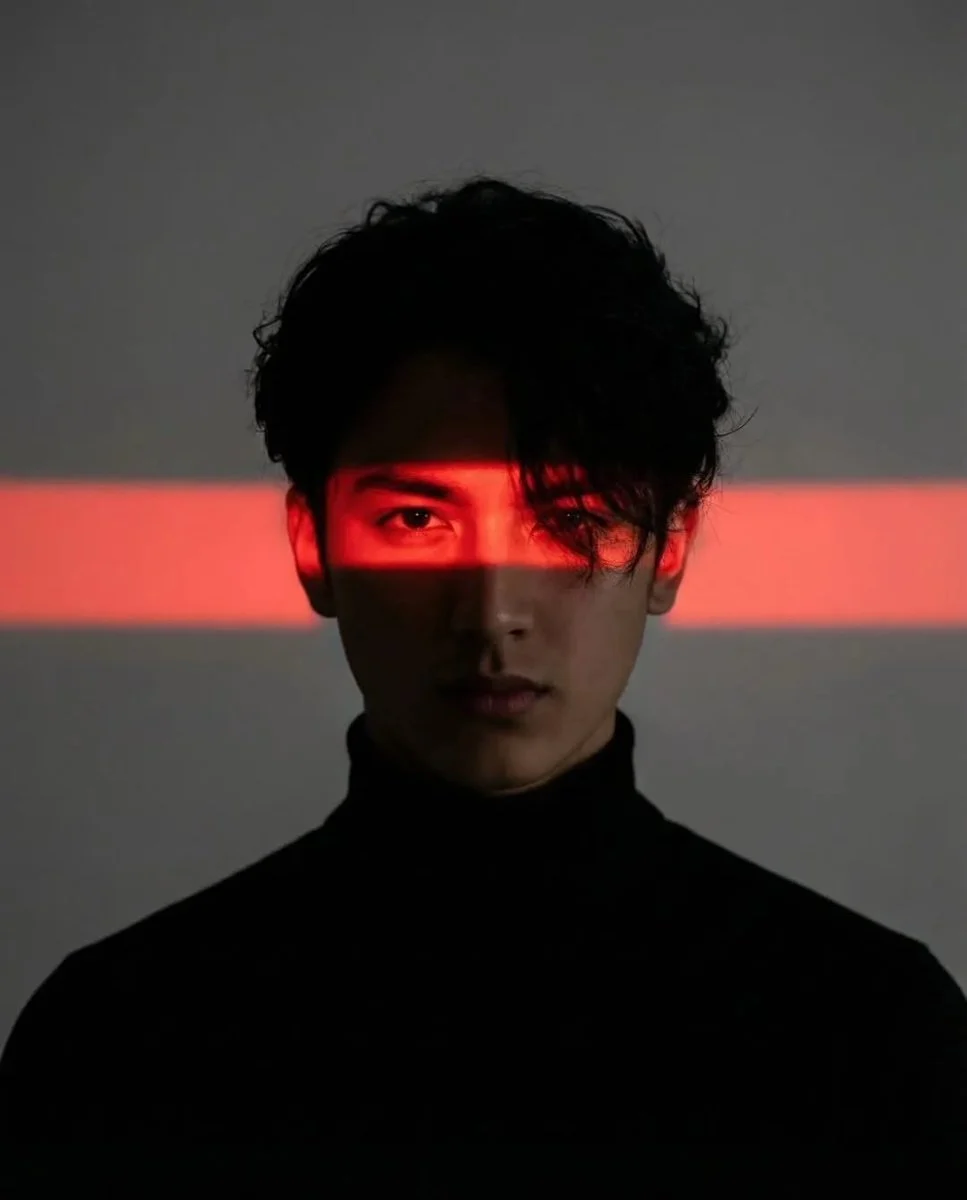


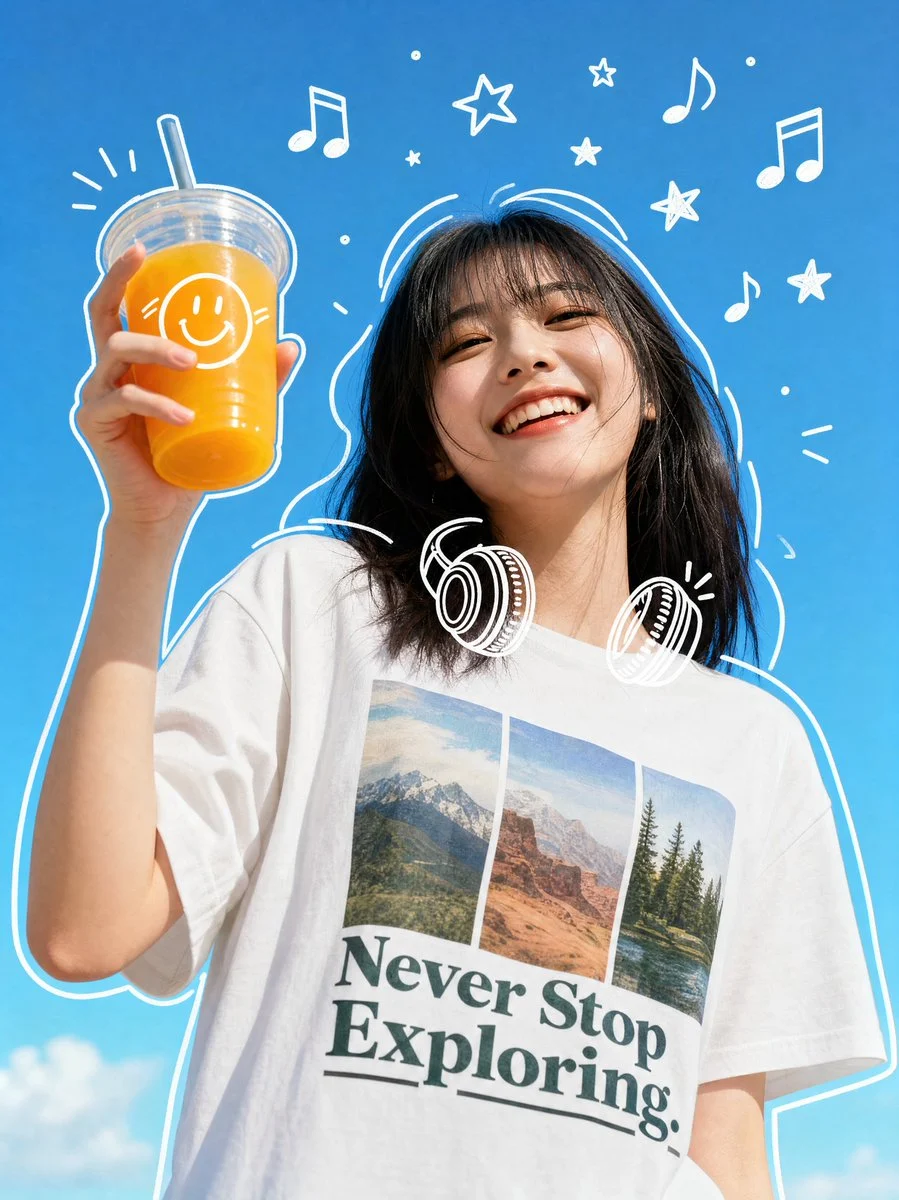

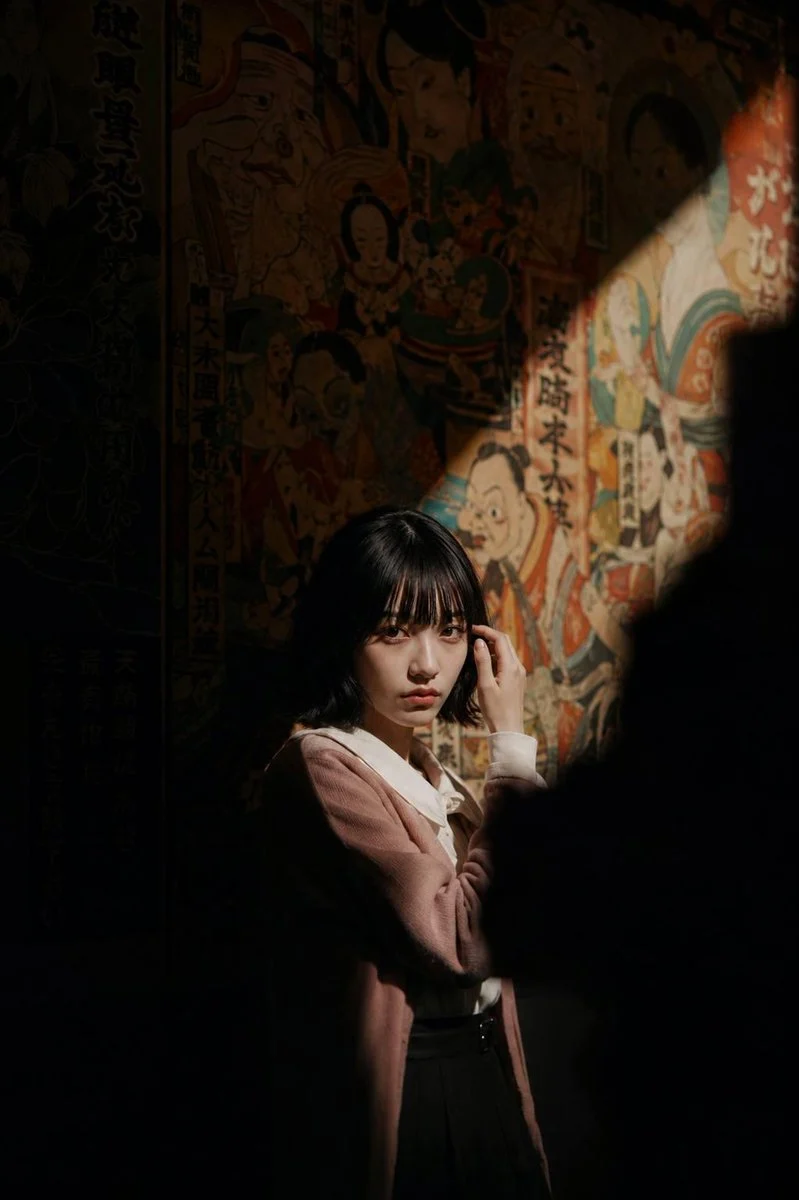

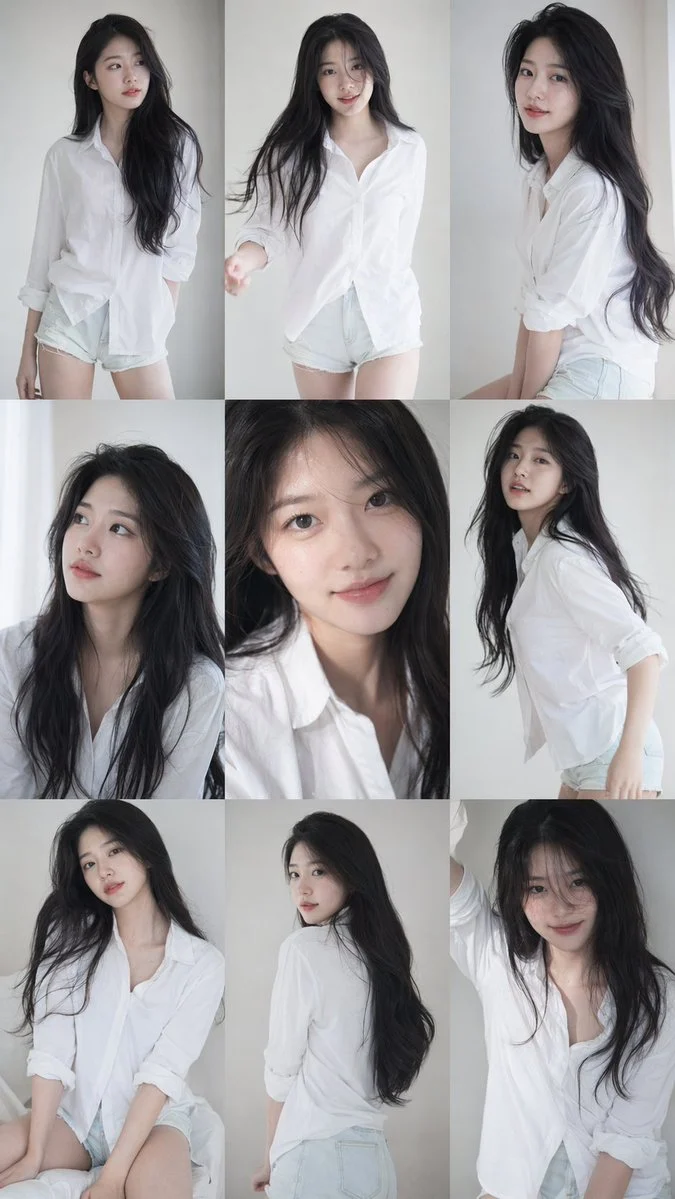
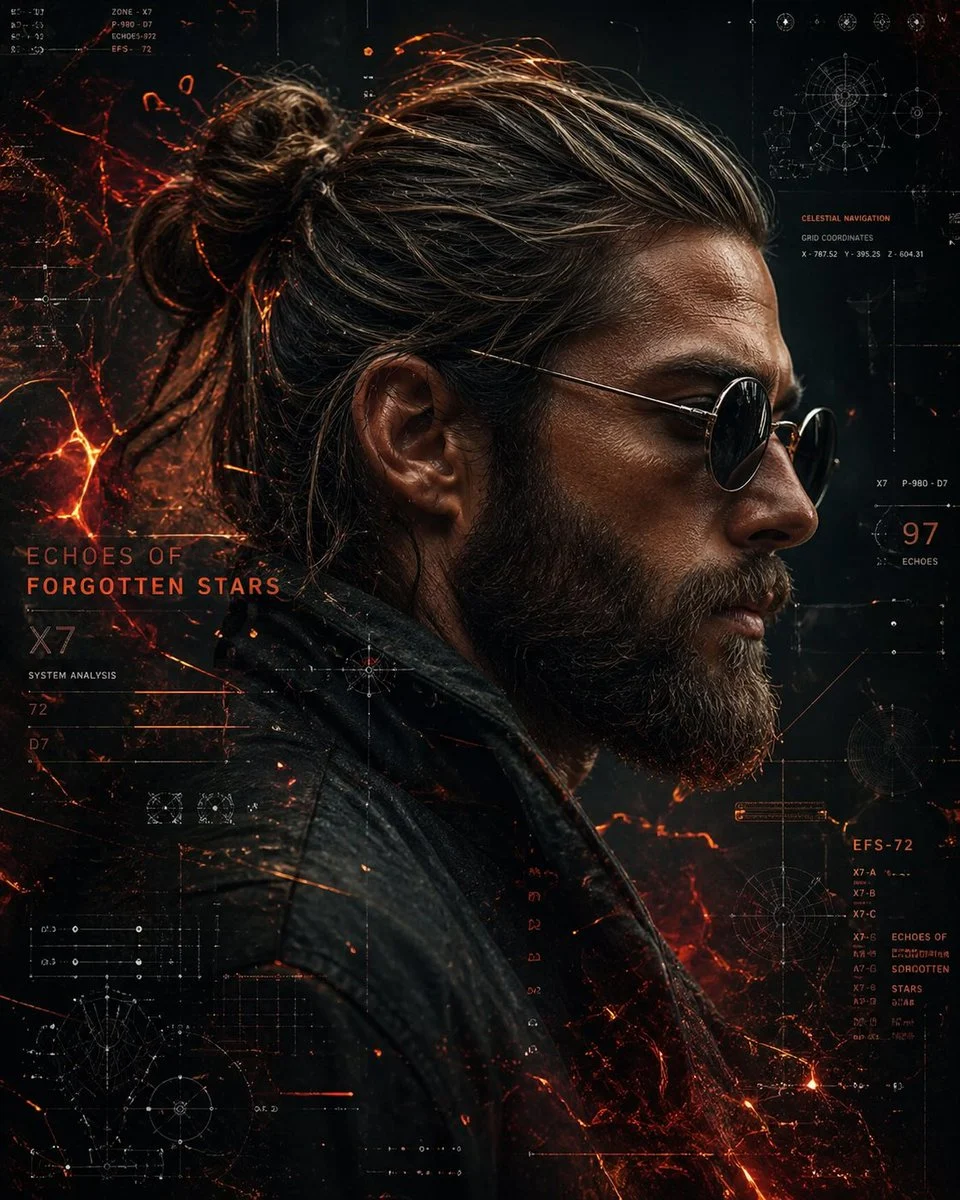


Crafting the Perfect Rainy Streetlight Cinematic Portrait
Dive into the evocative world of dramatic AI portrait photography with our featured prompt, designed to bring your cinematic visions to life. This prompt excels at generating a captivating rainy streetlight cinematic portrait, imbuing your subjects with an unparalleled sense of mood and narrative.
What makes this prompt truly special is its meticulous attention to atmospheric detail. From the visible rain droplets and reflective wet ground to the powerful golden glow of a single streetlight, every element contributes to a deeply immersive and movie-like scene. If you're looking to create portraits that tell a story, full of intensity and cinematic flair, mastering the rainy streetlight cinematic portrait style is your next step. Generated with the advanced Nanobanana Pro model, expect nothing less than stunning realism and dramatic impact.
When to Use This Prompt
Storytelling & Narrative Art
Create compelling single-frame narratives for book covers, short film concepts, or visual stories that evoke mystery and emotion.
Album Art & Music Visuals
Generate unique and atmospheric imagery perfect for album covers, promotional materials, or visualizers that match a moody musical tone.
Personalized Avatar & Profile Pictures
Craft a distinctive and artistic profile picture that stands out, showcasing a dramatic and sophisticated aesthetic with a rainy streetlight cinematic portrait.
Creative Writing & Roleplaying Prompts
Use the generated images as visual starting points for creative writing exercises, character development, or roleplaying game scenarios.
How to Use This Prompt
Understand the Core Concept
Familiarize yourself with the elements that define a rainy streetlight cinematic portrait: a single light source, heavy rain, reflective surfaces, and dramatic mood.
Utilize Face Reference (Optional)
If you have a specific person in mind, upload their face image to ensure the AI uses their features for the portrait.
Experiment with Poses and Expressions
While the prompt suggests 'calm and intense,' try variations like thoughtful, determined, or melancholic to alter the narrative.
Iterate and Refine
Generate multiple images. Small adjustments to the prompt or seed can lead to subtle but impactful changes in your rainy streetlight cinematic portrait.
Customization Tips
Change the Outfit Style
Instead of a 'dark stylish outfit,' try 'vintage detective trench coat,' 'futuristic techwear,' or 'elegant evening gown' to alter the character's persona.
Vary Lighting Color
Modify 'golden glow' to 'cool blue light' or 'eerie green light' for a completely different emotional tone and visual impact.
Adjust Rain Intensity
Experiment with 'light drizzle,' 'misty rain,' or 'torrential downpour' to control the drama and visibility of the rain elements in your rainy streetlight cinematic portrait.
Alter Camera Angle
Instead of 'slightly low and centered,' try 'high angle looking down' or 'eye-level close-up' to shift perspective and intimacy.